IF1200A Pilot Operating Handbook 20. Planning a Mission
Example Mission, Continued
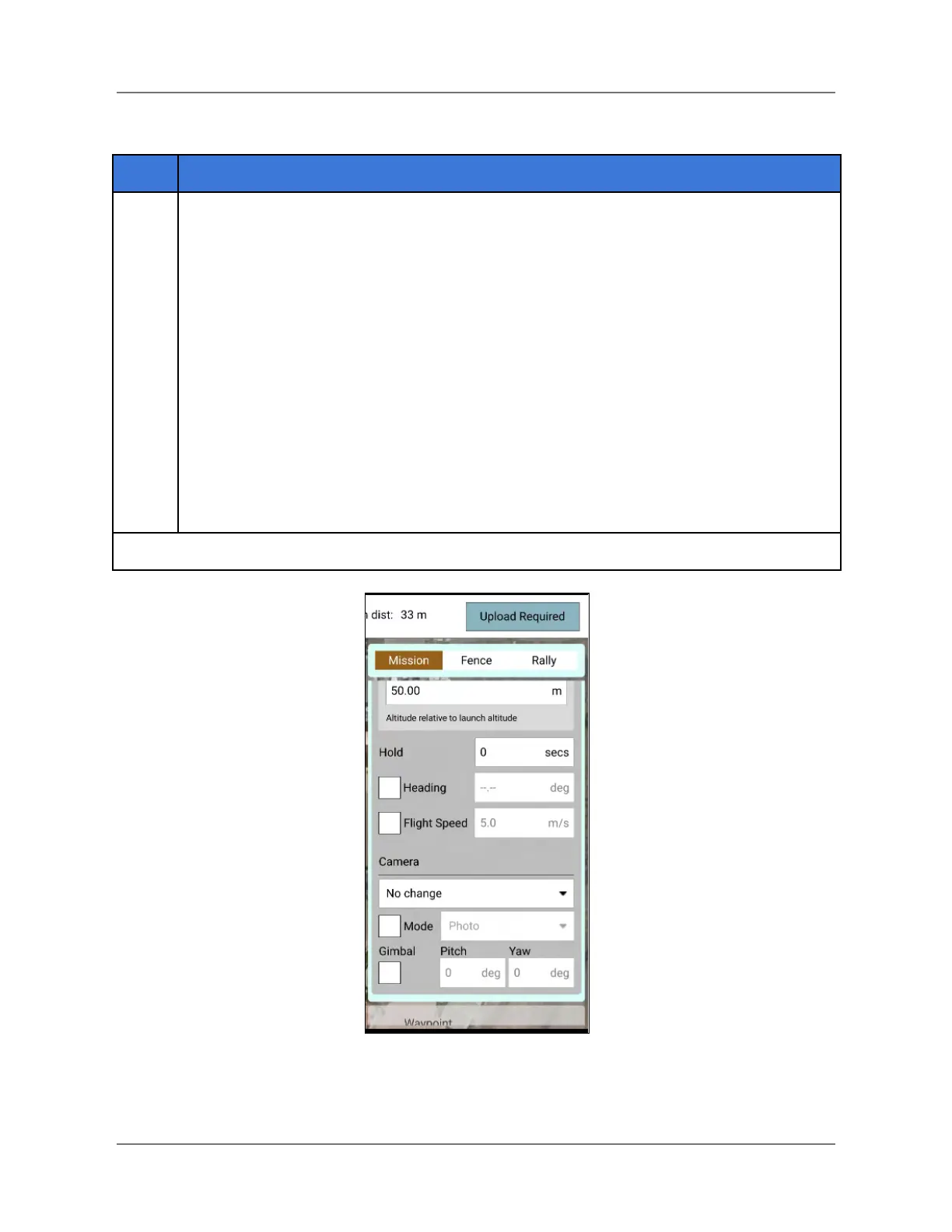
Set up the camera, if necessary.
The camera section (see screenshot below) allows you to specify a camera action to
take, control the gimbal (if applicable), and put your camera into photo or video
mode.
The available camera actions are:
● No change (continue current action)
● Take photos (time)
● Take photos (distance)
● Stop taking photos
● Start recording video
● Stop recording video
Figure 28. Camera Settings
IFT Doc Num 102094, Rev 1.02 Page 53



 To Next Page