IF1200A Pilot Operating Handbook Appendix
Accelerometer Calibration: Mission Planner
For a full discussion of this topic, please follow this link:
https://ardupilot.org/plane/docs/common-accelerometer-calibration.html
Accelerometer Calibration: Mission Planner
Connect the aircraft to the ground station.
Power on the ground station that has Mission Planner installed.
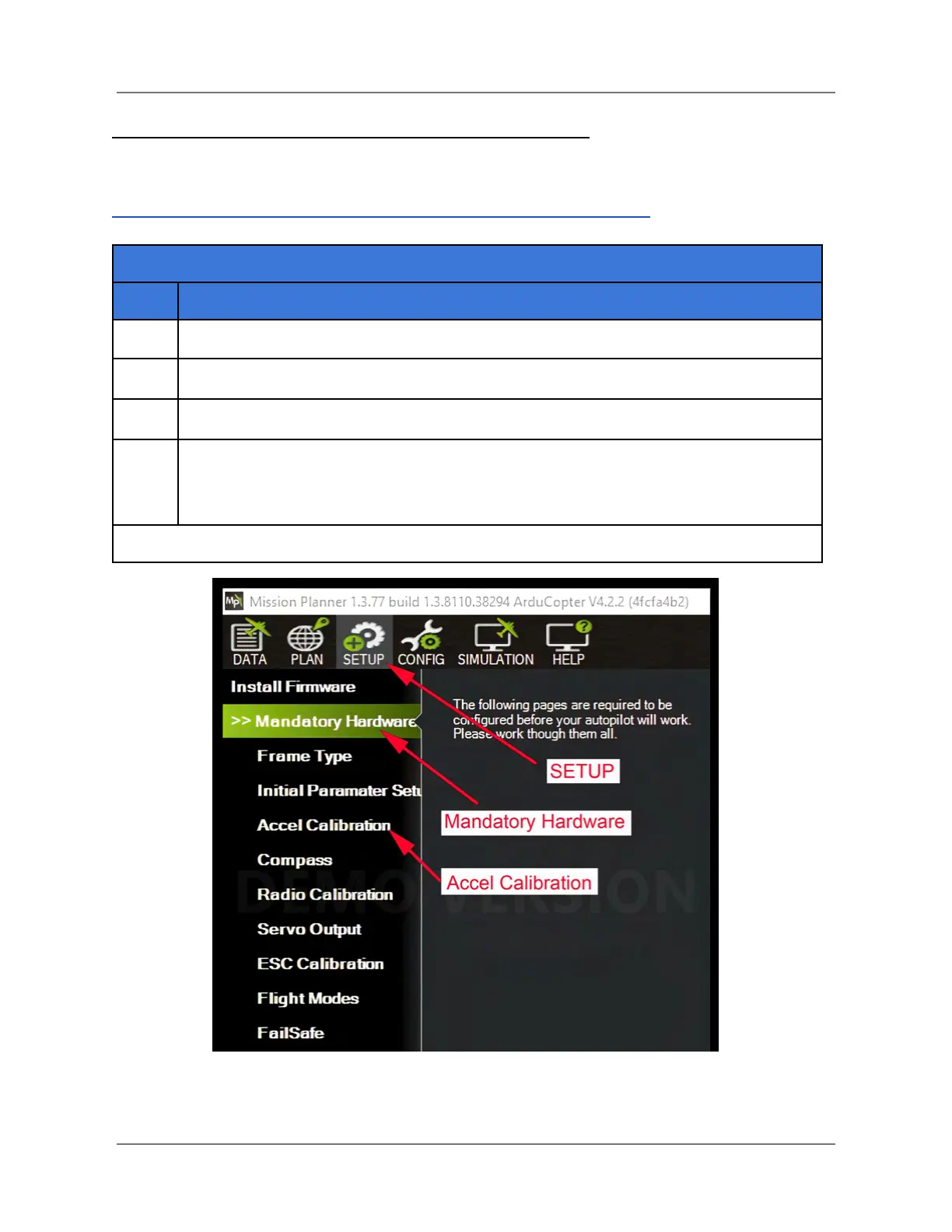
Open Mission Planner, and click on SETUP > Mandatory Hardware > Accel
Calibration (see the figure below). This opens the Accelerometer Calibration pane
(see Figure 36 next page).
Figure 35. Open Mission Planner Accelerometer Calibration
IFT Doc Num 102094, Rev 1.02 Page 76



 To Next Page