IF1200A Pilot Operating Handbook Appendix
Connect HereLink to Mission Planner Through a WiFi Network
This section describes how to connect a HereLink Blue or Black hand control to Mission Planner
through a WiFi network..
Connect HereLink to Mission Planner Through a WiFi Network
Connect the GCS to an available WiFi network.
On the HereLink, go to Settings -> About Phone -> Status Information -> IP
Address. Record the HereLink’s IP address for later use.
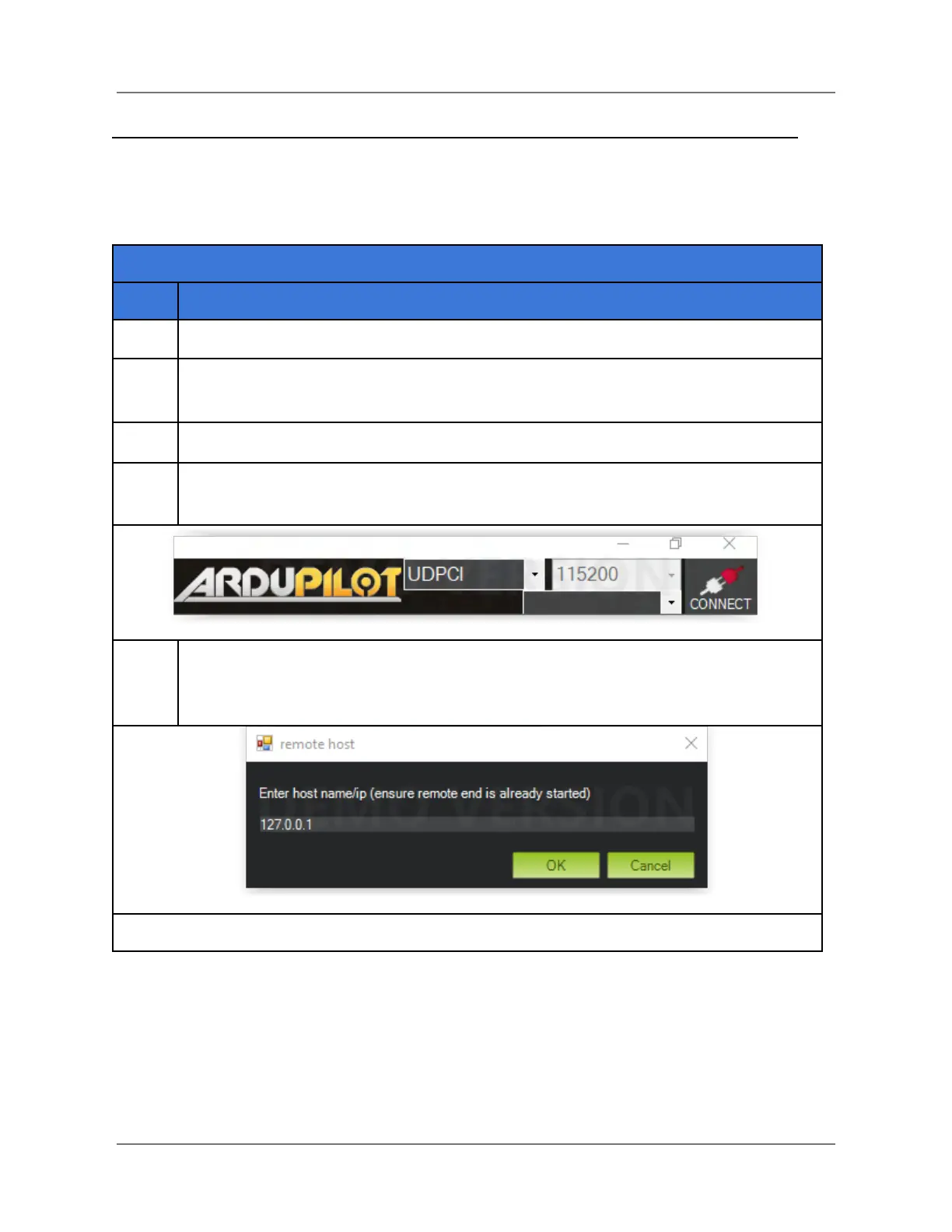
In the upper-right corner of Mission Planner, click on the down arrow to open the
communication protocol dropdown menu, and select UDPCL (see graphic below).
Click on Connect in the upper right-hand corner of Mission Planner. The Remote
Host window appears (see below). Enter the IP address of the HereLink in the
field, then click on OK.
IFT Doc Num 102094, Rev 1.02 Page 85



 To Next Page