19
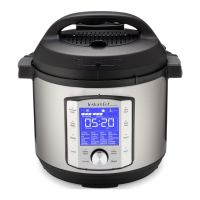
Control Panel
2 Smart Programs – The 8 Smart Programs provide 48 preset cooking times,
temperatures, and pressure levels to choose from.
Pressure Cooking
Pressure Cook
Rice/Grain
Bake
Non-Pressure Cooking
Steam
Sauté
Slow Cook
Sous Vide
Yogurt
Bake (Custom/Proong)
Manual Keep Warm
3 Control Dial
Turn the dial to scroll through Smart Programs, modify status icons, adjust time,
temperature and pressure levels.
The dial is also a button. Press the dial to conrm your selection.
4 System settings
• Delay Start – Enables the delayed start of a Smart Program up to 24 hours. Can
also be used as a kitchen timer.
• Keep Warm – Press to enable or disable manual or automatic Keep Warm
function.
• Cancel – Press at any time to stop a Smart Program and return the cooker to
Standby mode (display indicates OFF).
• Start – Press to start a Smart Program or begin Delay Start timer.
5 Preset Cooking Options
Once you select a Smart Program you can choose from a variety of preset options
using the dial to scroll to the preset of your choice.







 To Next Page