18
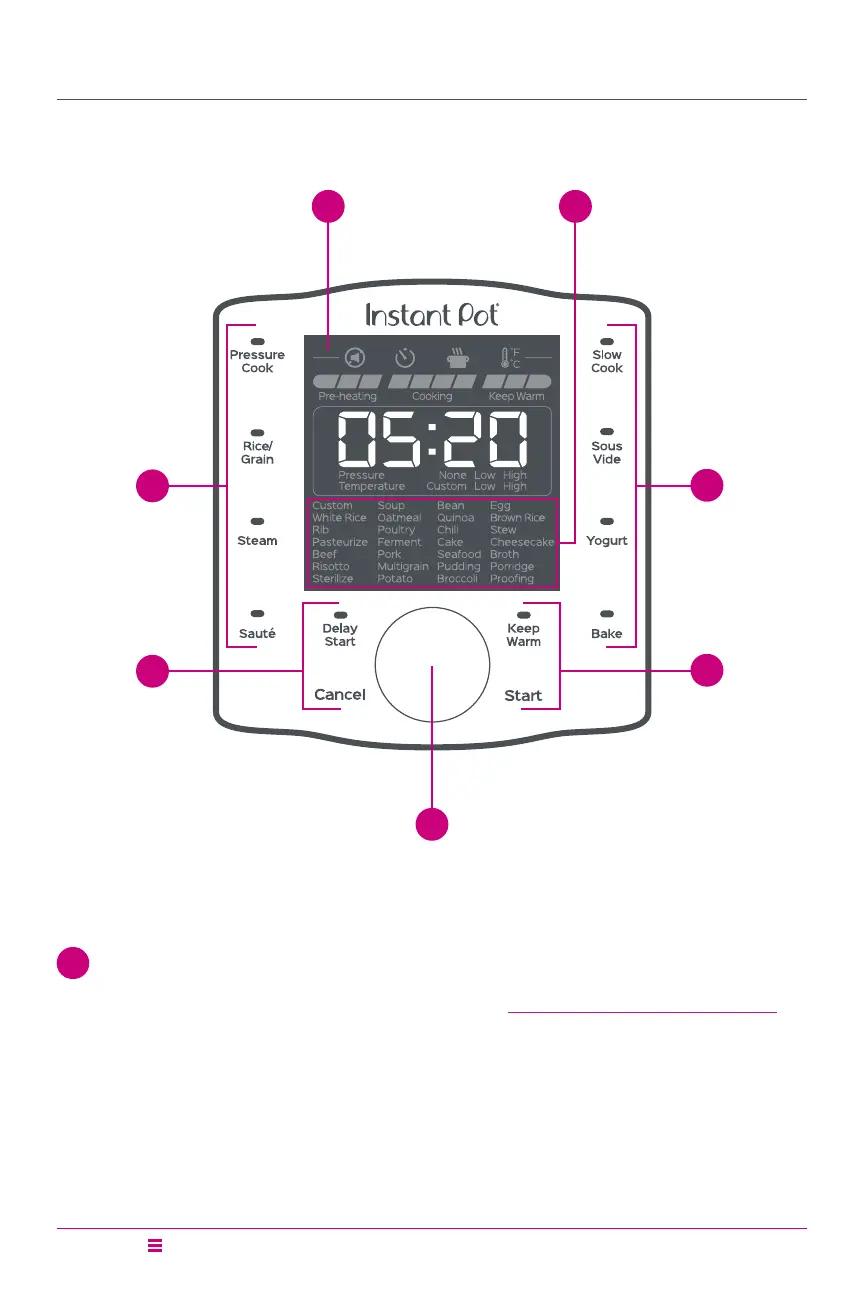
Control Panel
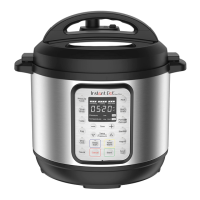
Duo Evo Plus
1 Display – The LCD display includes the following:
• Status Icons show cooker status as described in Progress Indicator and Status Icons
below
• Progress Indicator – Pre-heating/Cooking/Keep Warm
• Timer displays Cooking time, time before Delay Start and time in Keep Warm
• Pressure Level – None/Low/High
• Temperature Level - Custom/Low/High
3
2
4
2
4
1
5







 To Next Page