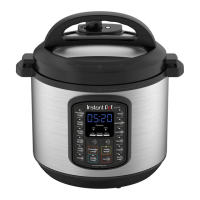
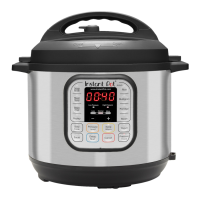
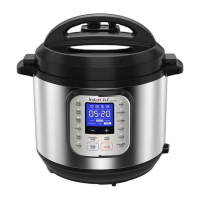
12
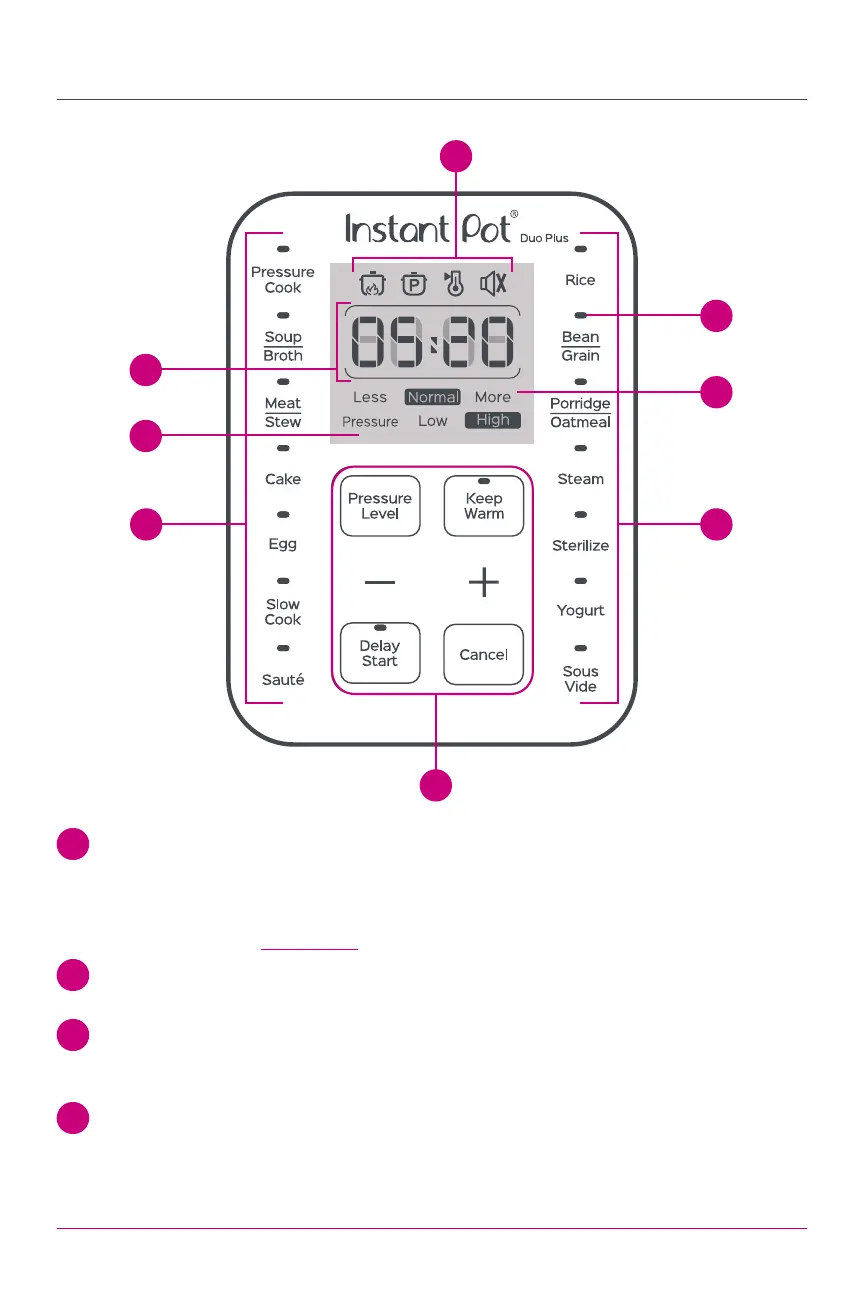
Control Panel
1 Time Display
Countdown timer indicates cooking and Delay Start time in hour format:
05:20 is 5 hours, 20 minutes.
Keep Warm timer counts up.
Display also shows Status Icons as described below, as well as Status Messages.
2 Pressure Field
Indicators light up to indicate Low or High pressure level.
3 Less – Normal – More
Pressure cooking: 3 preset time options.
Non-Pressure cooking: 3 temperature levels.
4 LED Indicators
Light up to indicate the active Smart Programme and settings selected.
7
5
2
1
6 6
4
3



 To Next Page
 Loading...