LCR-800 Series User Manual
60
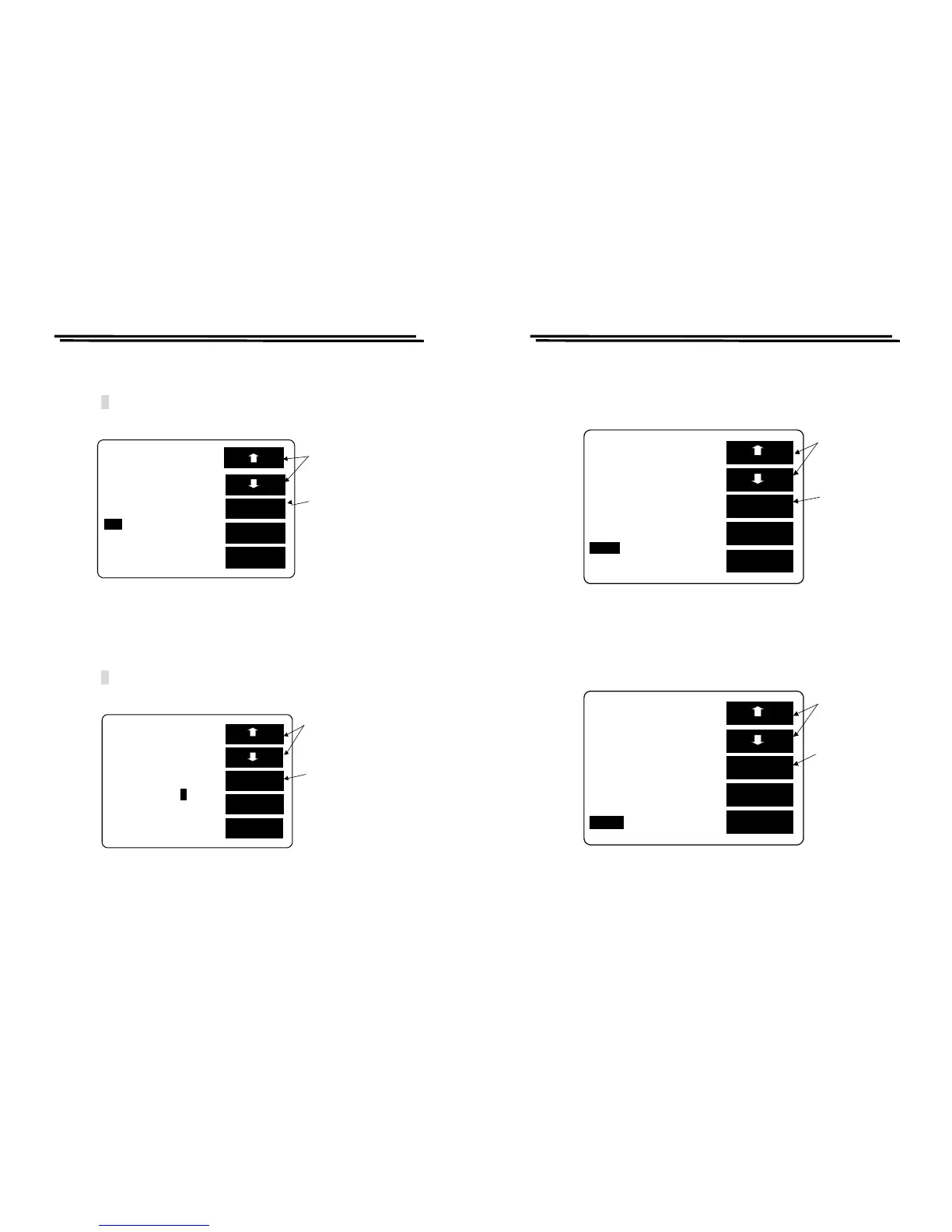
Min setting:
z Press F1/F2 key to select the white inverted characters “Min”.
z Key-in SORT Min value through panel keyboard.
z Press ↵ key. Please refer to Figure 8-19 below.
※After the value is input, it will proceed conversion of -% automatically.
Figure 8-19
“-” setting:
z Press F1/F2 key to select the white inverted characters “-”.
z Key-in the smallest minus percentage of SORT Nominal Value through the
panel keyboard.
z Press ↵ key. Please refer to Figure 8-20 below.
※After the value is input, it will proceed conversion of Min automatically.
Figure 8-20
EXIT
BIN 1
SORT BY C TOt
LCR-800 Series User Manual
61
D_Max setting:
z Press F1/F2 key to select the white inverted characters “D_Max”.
z Set the largest D value of secondary parameter. Please refer to Figure 8-21
below.
Figure 8-21
D_Min setting:
z Press F1/F2 key to select the white inverted characters “D_Min”.
z Set the smallest D value of secondary parameter. Please refer to Figure 8-22.
Figure 8-22
EXIT
BIN 1
SORT BY C TOt_Bin:13
C_Nom.Val: 15.000pF



 To Next Page