24
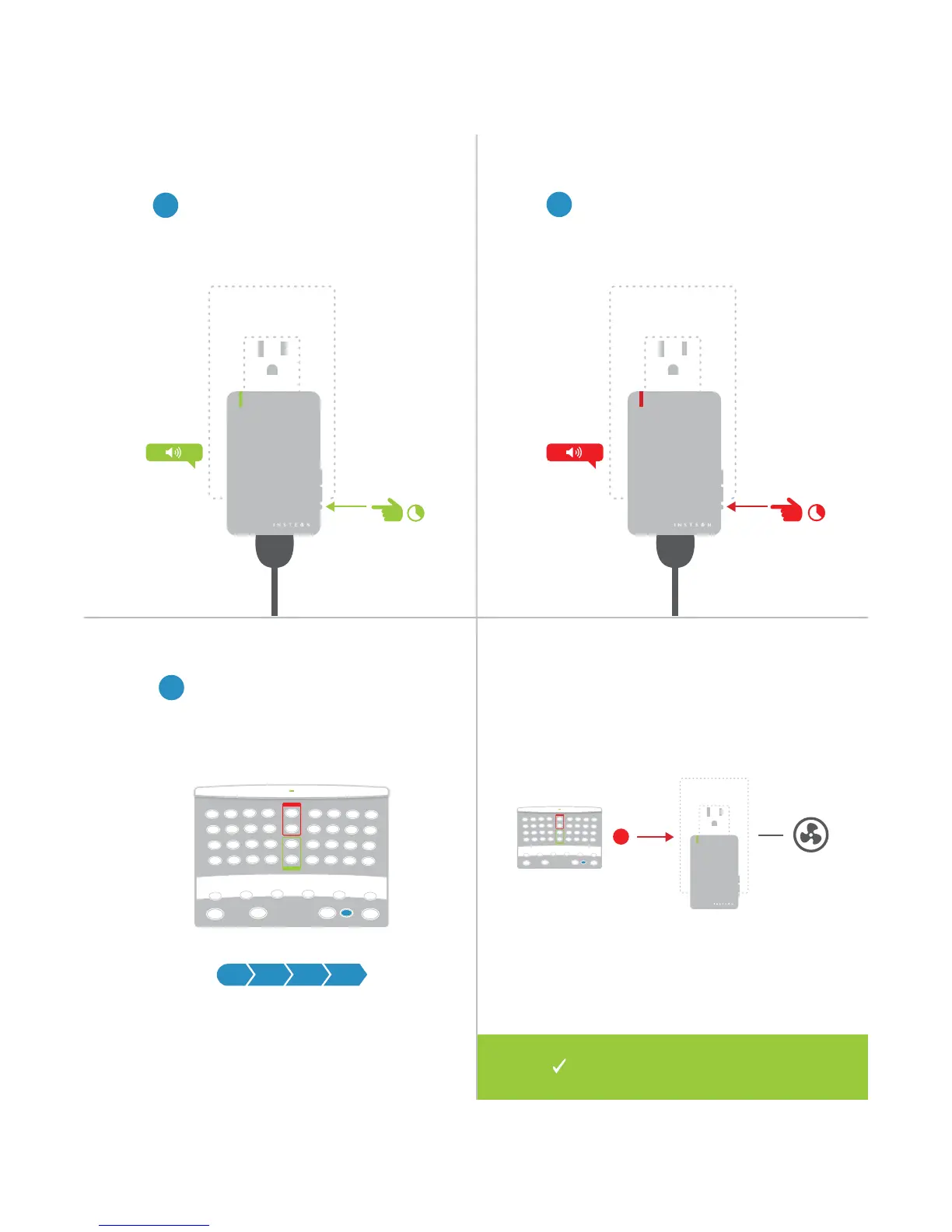
Removing the X10 Address
1
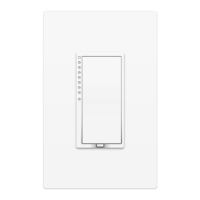
Press and hold the set button
on your Dimmer Module until the
device beeps.
2
Press and hold the set button
again until the device beeps.
3
Using an X10 controller, send the
programmed X10 address followed
by the On command three times.
®
Your INSTEON controller will no
longer control your Dimmer Module.
® ®


 To Next Page