4
Leave Your Lamp OnInstallation
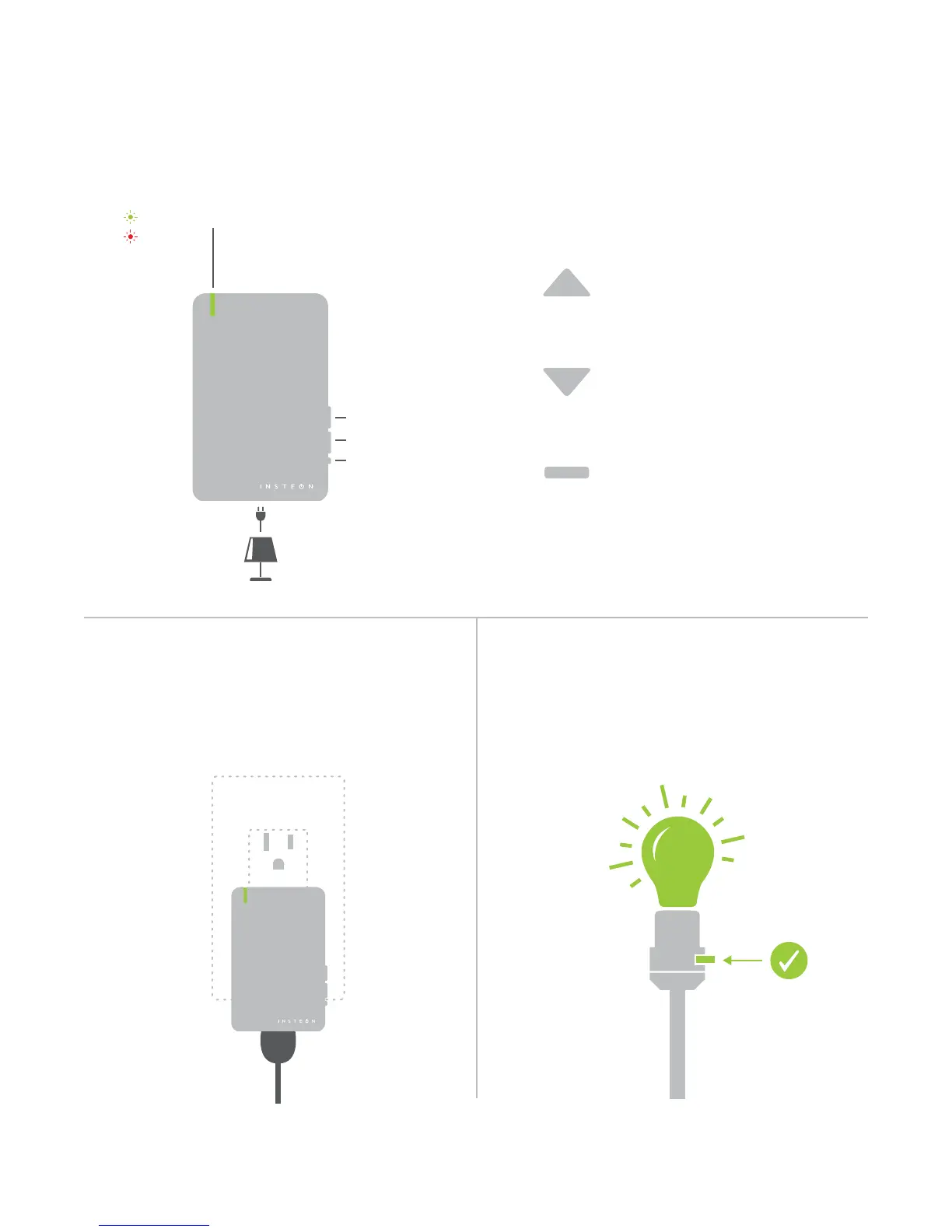
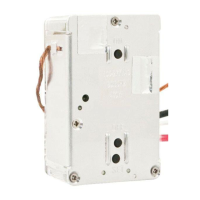
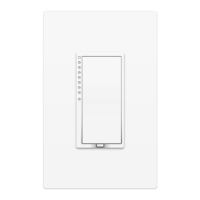
ButtonsDevice Overview
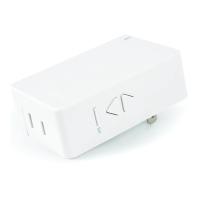
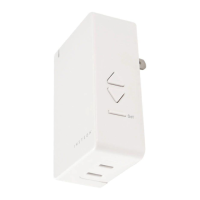
INSTEON Dimmer Module
Set Button
On
O
Status LEDOn
O
®
Plug your lamp into the bottom of the
Dimmer Module and plug the Dimmer Module
into an unswitched wall outlet.
Tap to turn o
Double-tap to turn o instantly
Press and hold to dim
Tap to turn on
Double-tap to turn on instantly
Press and hold to brighten
See sections on Basic Linking and
Local Programming for set button
functions
®
If your lamp’s switch is OFF, the Dimmer Module
will be unable to remotely control your lamp.
ON


 To Next Page