9
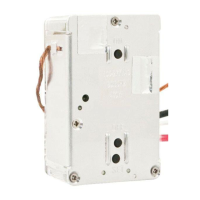
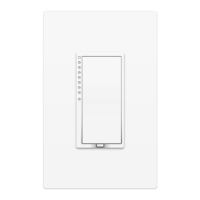
You can now control your Dimmer
Module from the INSTEON Hub.
Linking to the INSTEON Hub
1
4
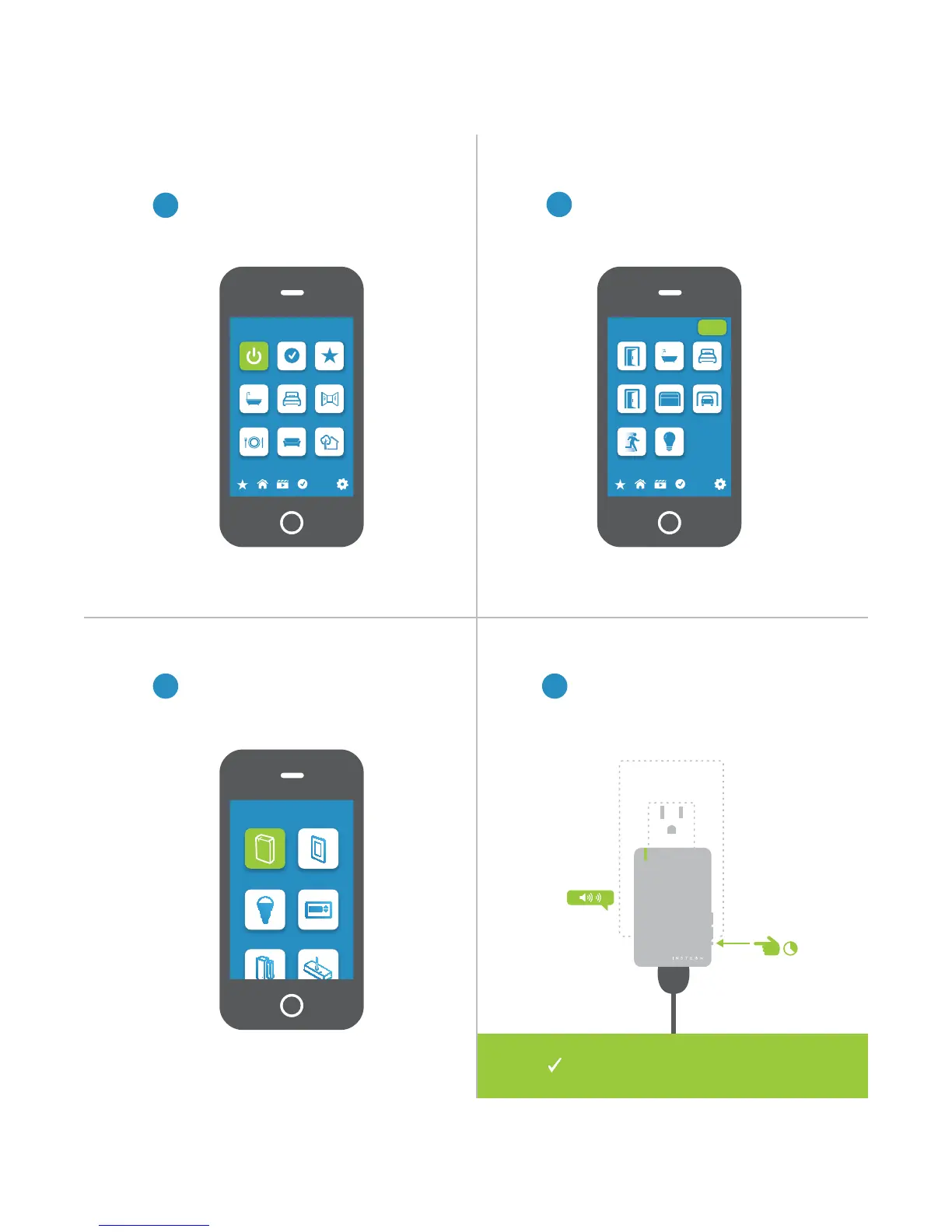
From Rooms, navigate to All Devices.
When prompted, press and hold the
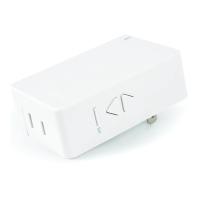
set button on your Dimmer Module
until the device double-beeps.
®
Rooms
All Devices Check-In Favorites
Bathroom Bedroom Hallway
Kitchen Living Room Outside
72º
Add Device
Plug-In Module Wired In
LED Bulb Thermostat
3
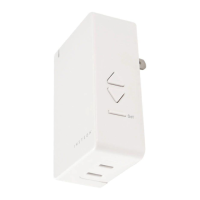
Select Plug-In Module form the list of
devices.
2
Tap the Add button.
All Devices
Back Door Bathroom Bedroom
Font Door Garage Door Garage Light
Motion Sensor Outside Lights
72º
Add


 To Next Page