EasyManua.ls Logo

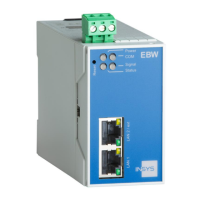
insys icom EBW-E100 - Meaning of the display elements; Function of the Control Elements

insys icom EBW-E100
112 pages
Print Icon
To Next Page IconTo Next Page
To Previous Page IconTo Previous Page
Loading...
Display and Control Elements
EBW-E100
20
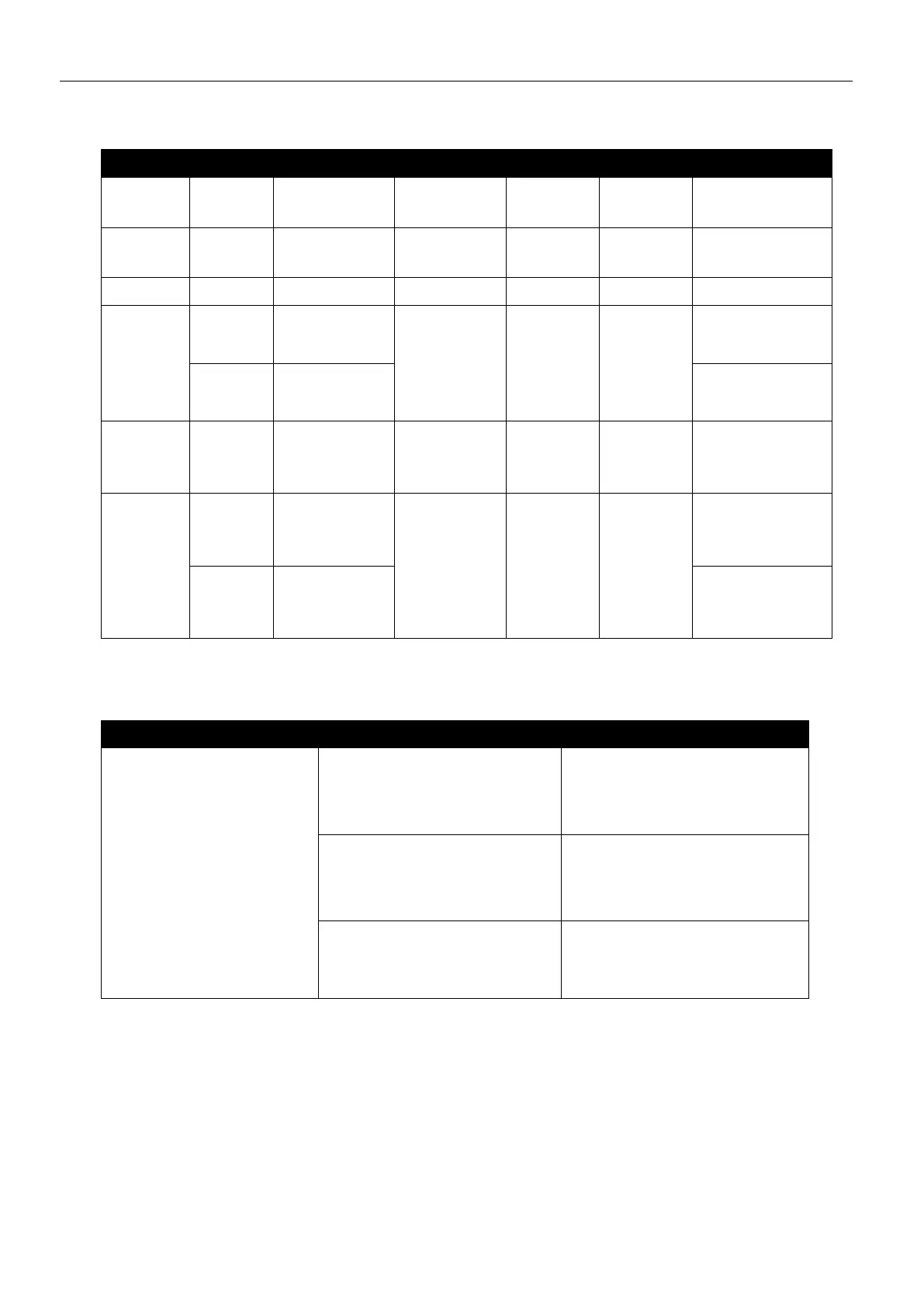
6.1 Meaning of the display elements
LED
Colour
Function
off
flashing
blinking
on
Link
LAN
green
10/100
MBit/s
10 MBit/s
100 MBit/s
Activity
LAN
orange
Activity
not con-
nected
Data
traffic
connected
Power
green
Supply
missing
present
COM
green
PPP link
offline
establishing
orange
PPP link
established
Signal
green
PPP
data
traffic
Status
green
VPN
VPN connec-
tion estab-
lished
red
Status
Initialization,
FW update,
fault
Table 4: Meaning of display elements
6.2 Function of the Control Elements
Description
Operation
Meaning
Reset key
Press once for a short
time.
Resets the software and
restarts it.
(Soft reset)
Press at least 3 seconds.
Resets the hardware and
restarts it.
(Hard reset)
Press three times for a
short time within 2
seconds.
Deletes all settings and
resets the device to the
factory defaults.
Table 5: Description of the functions and meaning of the control elements

Table of Contents