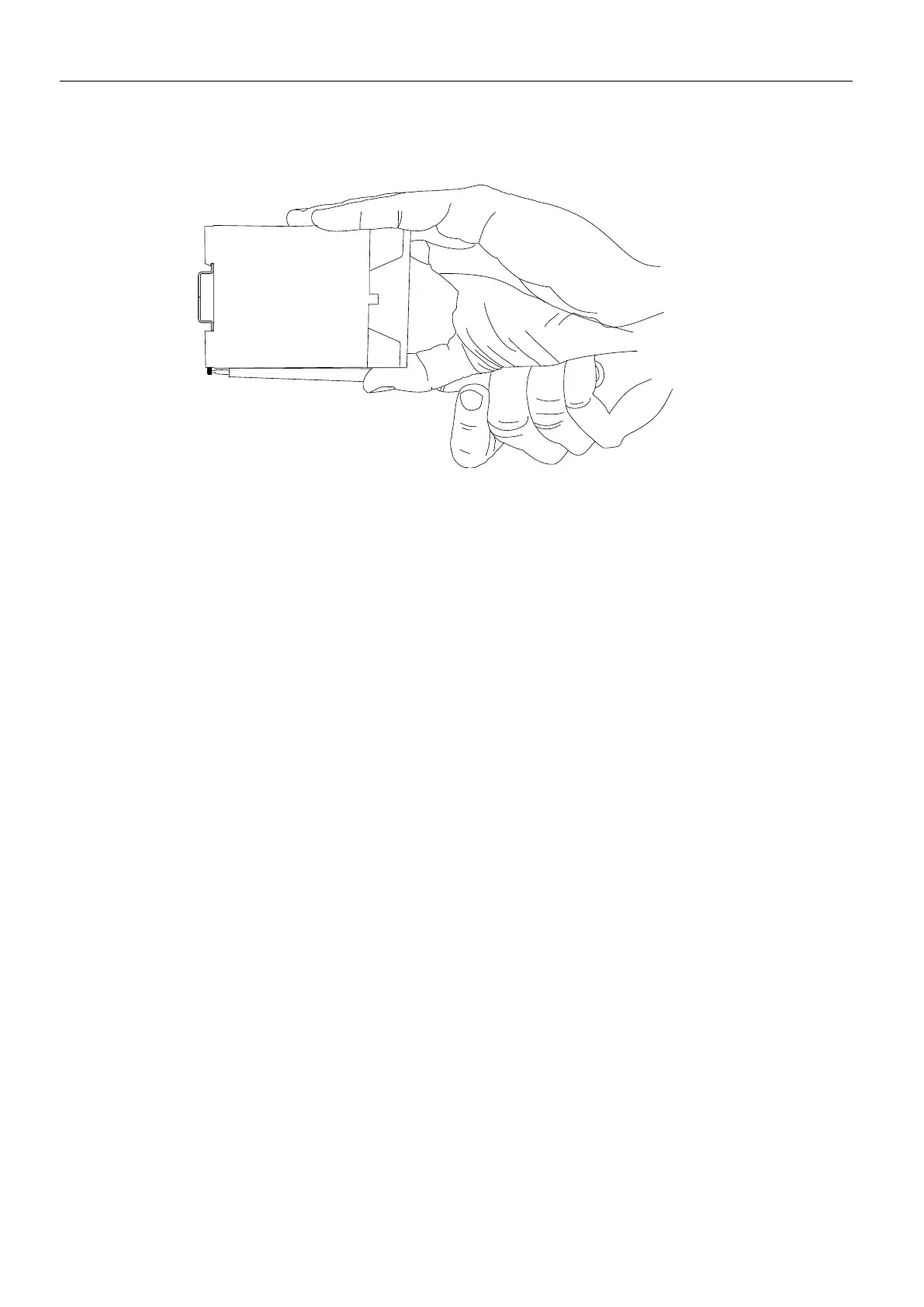
2. Turn the flat-blade screwdriver into the direction of the device as
shown in the following figure.
The plastic spring of the snap-in hook is stretched.
3. While you hold the plastic spring apart with the lower snap-in hooks,
pull the device away from the DIN rail.
4. Un-hook the device and take it off perpendicularly to the DIN rail.
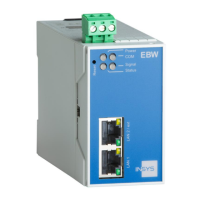
The EBW-E100 is now removed.


 To Next Page