12
1. Place the Baery Charger on a flat, level surface away from
sources of heat and moisture.
2. Connect the Baery Charger base to the 60W power supply.
Insert the supplied AC Mains cord into the power supply. Plug
the AC Mains cord into any standard 100 VAC to 240 VAC 47-63
Hz outlet.
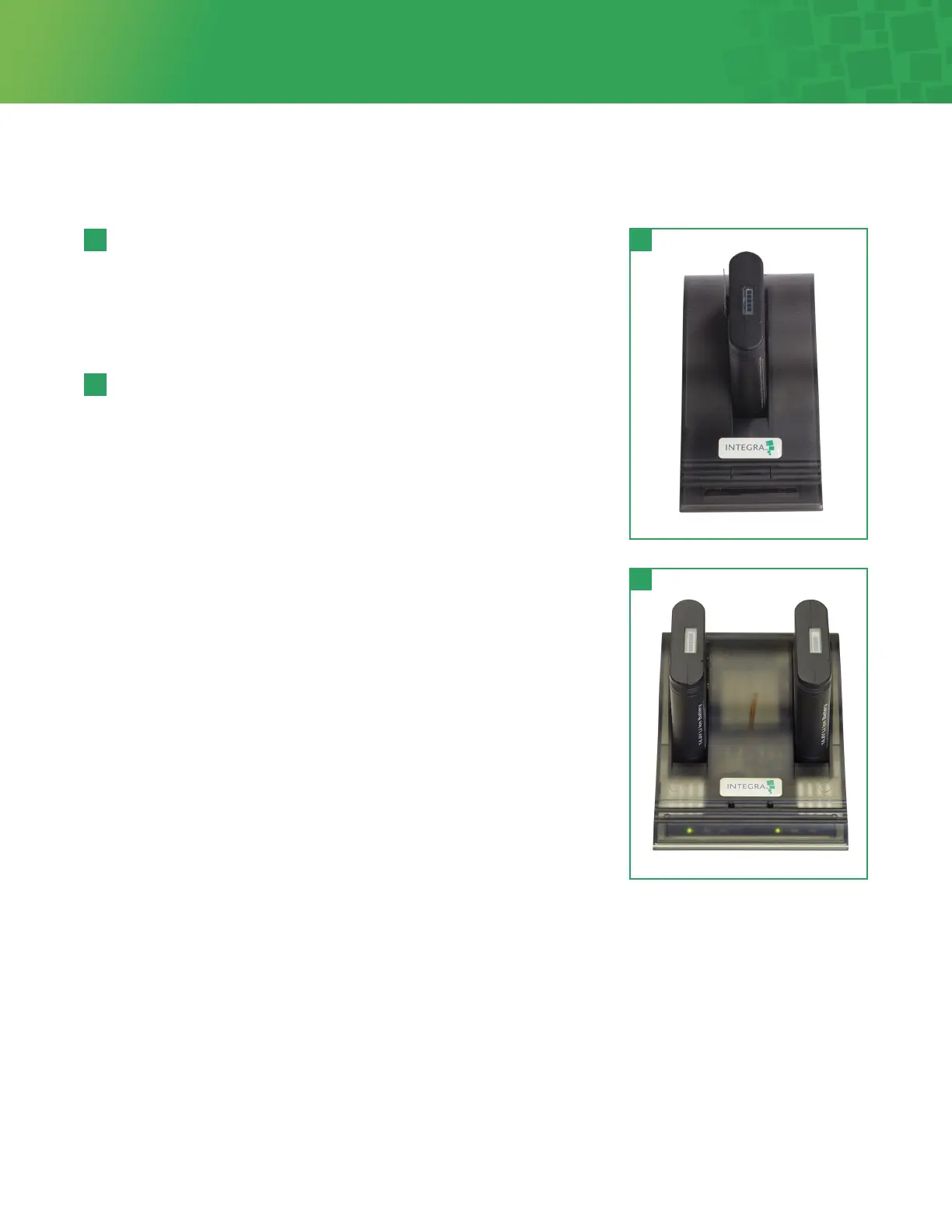
Note: When using the Dual Bay Baery Charger (Figure 11), a
baery may be placed into either baery bay. Each bay
is completely independent and two baeries may be
charged simultaneously.
3. Place the baery into the Charger’s baery bay, ensuring that the
5-pin connector is fully seated (Figure 10).
4. The Baery Charger will automatically begin charging. The
LEDs in the charger status window will provide charging status
information:
Green flashing Baery charging
Green solid Baery fully charged
Red solid Error — replace baery
5. A completely discharged baery should become fully charged in
approximately two and one-half (2.5) hours.
6. Each fully charged baery is designed to operate for
approximately 2 hours plus low baery warning cycle on
the high switch seing.
Recharging the Baery
10 10
11
11



 To Next Page