NETFLIX OPERATIONS
Before Activatin
the Connection to
N
li
A
ter creatin
a Net
lix account at
et
lix.com/Inte
ra
ollow the
ollowin
procedure be
ore activatin
the
nn
i
n
N
lix
nnect thi
nit t
the Internet
Re
er to “Network Connection with LAN” on page 20
Set up the necessar
network connection
settin
s.
Re
er to “Network Connection” on pa
es
2-
Activating the Connection to Net
l
In or
er to watc
movies an
TV episo
es streame
nstantly
rom Net
lix via the Internet, you must activate
the connection between this unit and your Net
lix account
Press [A] while opening screen is displa
ed
or opening screen, re
er to page 12
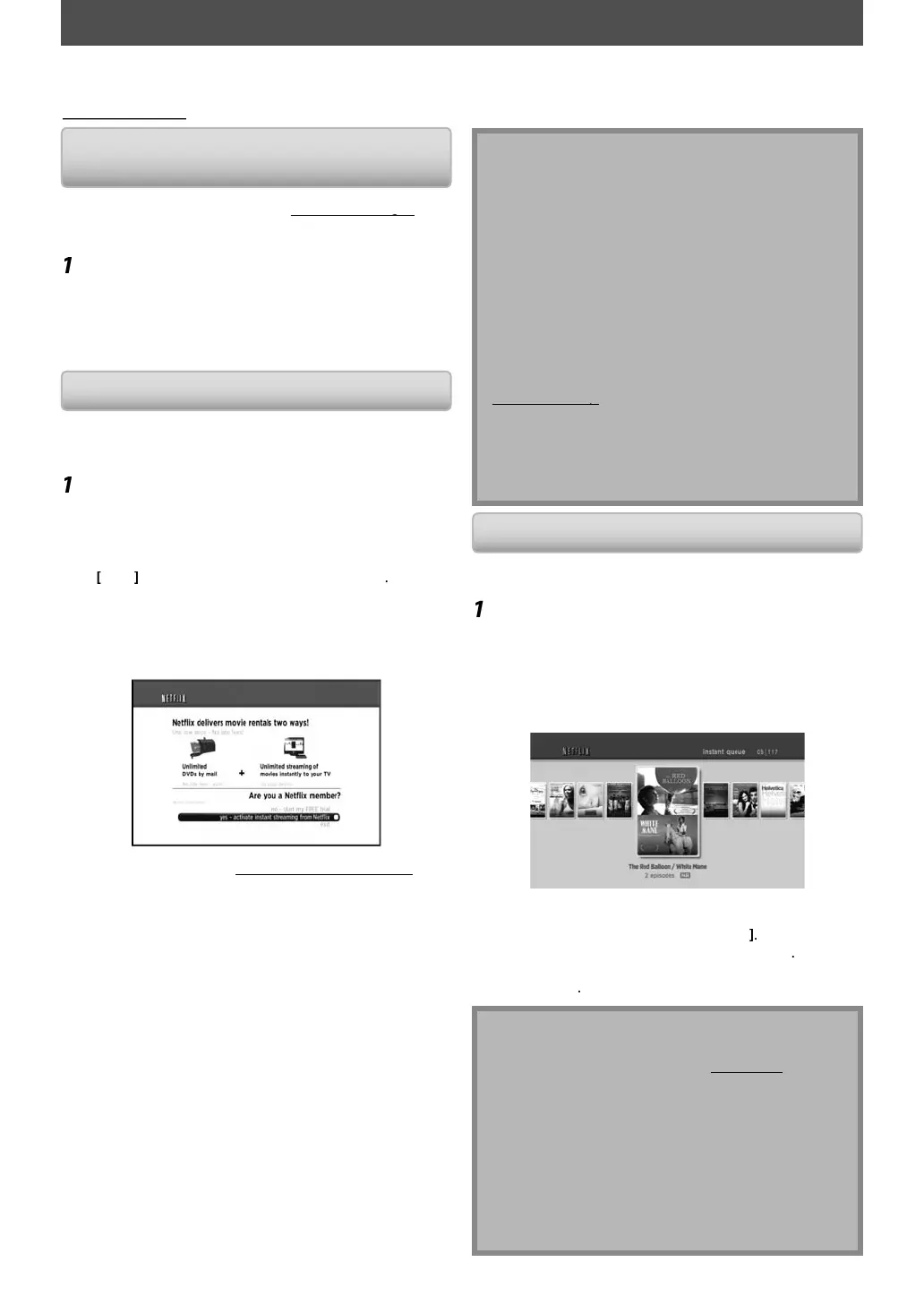
Netflix welcome screen will a
ear.
•
or the
irst time onl
, “Network Service Disclaimer”
creen will appear. A
ter con
irmin
the content, use
to se
ect “A
ree”, t
en press
Enter
Use
] to select “
es - activate instant
streamin
from Netflix”, then press
Enter
.
•
ctivation screen with the activation code will a
ear
n your PC
v
t
et
lix.com
activate
n
og into your account.
The entry screen o
activation code will appear on
your P
screen.
Enter t
e
ctiv
ti
n c
e w
ic
i
displa
ed on the TV screen.
T
e instant Queue wi
appear.
The connection to Net
lix is success
ully made.
To
rowse t
e instant Queue an
watc
movies,
ip to step 2 in “Watc
ing Streaming Movies” on
page
.
etflix is available only in the United States.
nn
r
N
lix
n
n
hi
ni
newer version o
so
tware is required, so
tware
pdate screen may appear a
ter selecting “NETFLIX”
n step 1.
For so
tware update, re
er to “So
tware Update” on
age 55.
•
ou can deactivate the connection to Netflix b
setting
he “Netflix Deactivate” to “Yes”. (Refer to pa
e 56.)
•
he screen image o
Net
lix ma
change a
ter
pdatin
the
irmware.
or questions regarding the Net
lix service, visit
net
lix.com/Hel
•
hen
ou contact the Netflix customer service,
ou
a
be asked for the ESN number, which is a serial
umber to identif
this unit b
Netflix. You can check
h
E
N n
m
r
n
h
m
f
h
“N
flix
eactivate” screen. (Refer to pa
e 56.
atc
in
Streamin
Movie
fter
ou set up the connection to Netflix,
ou can
browse the instant Queue and watch movies on
our TV.
Press [A] w
i
e opening screen is
isp
aye
For openin
screen, refer to pa
e 12.
The instant Queue will a
ear.
Use
to se
ect t
e
esire
movie or
V episo
e, t
en press [P
ay
to start
p
a
ac
.
A
ter loading, playback o
the selected movie or T
episo
e wi
start.
To stop the playback, press
Sto
To
o
ac
to t
e instant Queue, press
A
To go
ac
to t
e opening screen, press [Top Menu
or [Setup]
out t
e Instant Queue
Instant Queue is the list o
movies and TV e
isodes
ou add on the Net
lix website. (
t
lix
c
m
You can manage the movies and TV episodes in
our
instant Queue from the Netflix website on
our PC.
You cannot add movies or TV episodes to your
instant
ueue on this unit
You can remove movies or TV episodes
rom the
instant Queue on t
is unit
The picture qualit
di
ers depending on the speed o
your Internet connection at the time o
loading.
With this unit,
ou can watch movies and TV episodes streamed instantl
rom Net
lix (version 1.6) via the Internet.
n order to use this feature, you must visit the following website on your PC and become a Netflix member.
etflix.com/Inte
ra
E5SF0UDDBS50.2ENv2.indd38E5SF0UDDBS50.2ENv2.indd38 2010/08/0515:17:132010/08/0515:17:13



 To Next Page