E
FUNCTION SETUP
sing t
e Setup Men
n the setup menu you can change the setting
or audio,
i
eo,
an
ua
e, etc. You cannot c
an
e t
e settin
during pla
back.
Setting items displa
ed in gra
indicates the
are not
v
il
l
n
r
h
n
i
i
n
h
im
Quic
“Quick” menu contains setting items extracted
rom
“Custom” menu which may be used
requently.
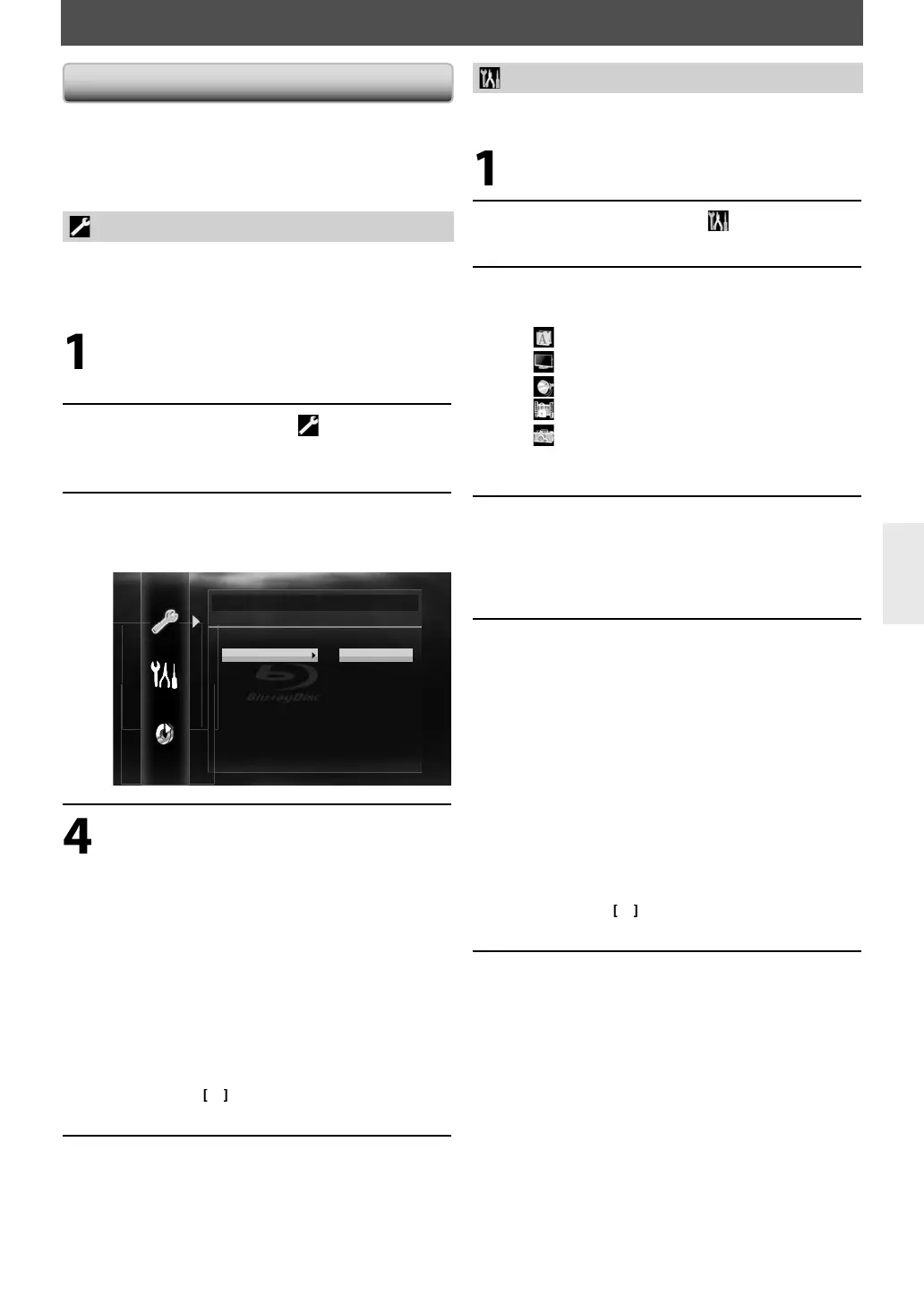
In stop mo
e, press [Setup]
Use
to select , then
ress
Enter
.
Use
to se
ect your
esire
sett
ng
tems.
Quick
Mode Select Disc
HDMI Audio Out HDMI Multi (Normal)
HDMI Video Resolution Auto
Component Output 480i
7.1ch Audio Out Multi Channel
Player Menu English
Fo
ow t
e
roce
ure
e
ow
epen
in
on t
e settin
items.
A) I
“
“
oes not appear on t
e rig
t si
e
o
the setting items when you highlight
t
e items
ress [Enter] repeatedl
to change
o
t
ons.
B) I
“
“ appears on the right side o
the
sett
ng
tem
w
en you
ig
ig
t t
e
tem
1
Press [Enter].
2
Use
] to select o
tions, then
ress
Enter
•
r
Return
to
o back to the
revious screen.
Press [Setup] to ex
t.
t
“Custom” menu contains a
t
e setting items
In stop mode, press [Setup].
Use
to select , then
ress
Enter
.
Use
] to se
ect your
esire
setting category, t
en press [Enter].
: Lan
ua
Vi
: Au
io
P
r
n
: Ot
ers
r “P
r
n
” menu, follow the
rocedure on
a
e 49
Use
] to se
ect your
esire
sett
ng
tems.
he settin
items which are not available with
urrent situation of this unit will be displa
ed
n gra
and
ou cannot select them
Fo
ow t
e proce
ure
e
ow
epen
ing on t
e setting items.
A
If “
“
oes not appear on t
e rig
t si
e
the setting items when
ou highlight
the item
Press [Enter] repeate
y to c
ange
opt
ons.
B
If “
“ appears on the ri
ht side of the
settin
tem
when
ou highlight the
tem
1
Press [Enter].
Use
] to se
ect options, t
en press
Enter
.
Return
to go
ac
to t
e
prev
ous screen.
Press [Setu
] to exit.
E5SF0UDDBS50.2ENv2.indd41E5SF0UDDBS50.2ENv2.indd41 2010/08/0515:17:172010/08/0515:17:17



 To Next Page