E
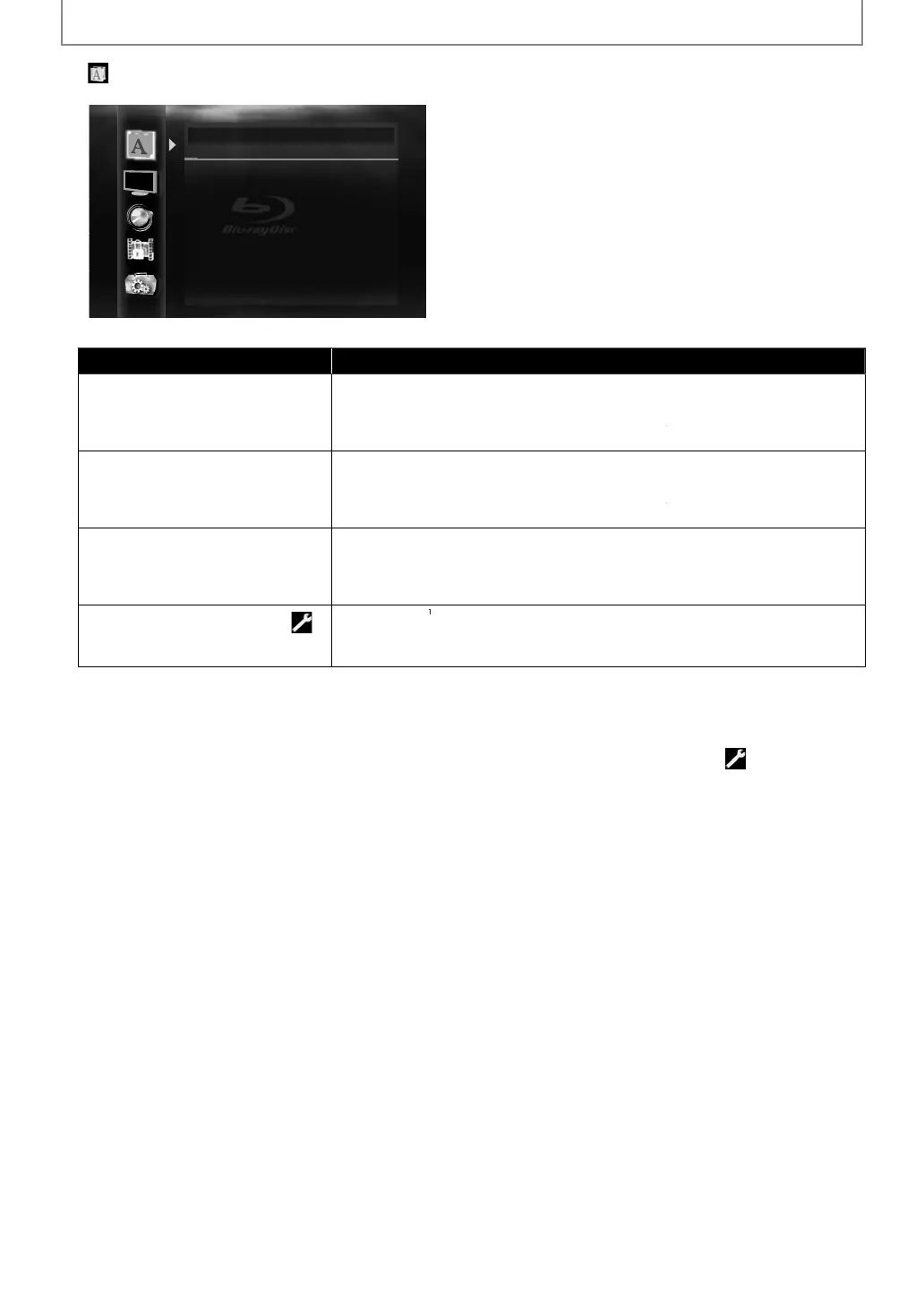
FUNCTION SETUP
Lan
ua
Language
Audio Original
Subtitle Off
Disc Menu English
Player Menu English
For how to select the settin
items and options, refer to “Custom” on pa
e 41
Setting items Options
Au
io
Sets the lan
ua
e for audio
rigina
*
Eng
is
renc
Spanis
erman
ta
ian
Swe
is
utc
ussian
C
inese
apanese
orean
anis
Finnis
orweg
an
ce
an
ic
Hungar
an
omanian
ur
is
Iris
ortuguese
o
is
Czec
u
garian
Ot
e
u
tit
e
Sets the lan
ua
e for subtitle
*
Eng
is
renc
Spanis
erman
ta
ian
Swe
is
utc
ussian
C
inese
apanese
orean
anis
Finnis
orweg
an
ce
an
ic
Hungar
an
omanian
ur
is
Iris
ortuguese
o
is
Czec
u
garian
Ot
e
c Men
Sets the language
or disc menu or
-u
u
n
lish*
Fr
n
anish
G
rm
n
I
li
w
i
h
D
h
R
i
n
hin
Ja
anese
r
n
D
ni
h
inni
h
Norwe
ian
l
n
i
un
ar
an
R
m
ni
n
rki
h
ri
h
Portu
uese
P
li
h
z
h
Bul
arian
h
r
P
ayer Menu
Sets the language
or OSD
on-screen
isp
ay)
Auto
XXXX
*
En
lish*
Fran
a
s
Español
*) Settin
s with (*) are the default.
) “ Auto” activates the Get & Set Menu Lan
ua
e
unction. (Re
er to pa
e 51)
“Auto” is available onl
when “HDMI CEC” is set to “On”
- Inside the parentheses next to “Auto” will be the language which is currently selected by your TV.
Quick” menu consists o
the setting menus
requentl
used, and the
are accompanied with
ou select “Other”, enter the 4-digit-number code
or the desired language (Re
er to “LANGUAGE CODE” on
page 61). On
t
e
anguages supporte
t
e
isc can
e se
ecte
.
E5SF0UDDBS50.2ENv2.indd42E5SF0UDDBS50.2ENv2.indd42 2010/08/0515:17:202010/08/0515:17:20



 To Next Page