E
FUNCTION SETUP
Ot
er
Others
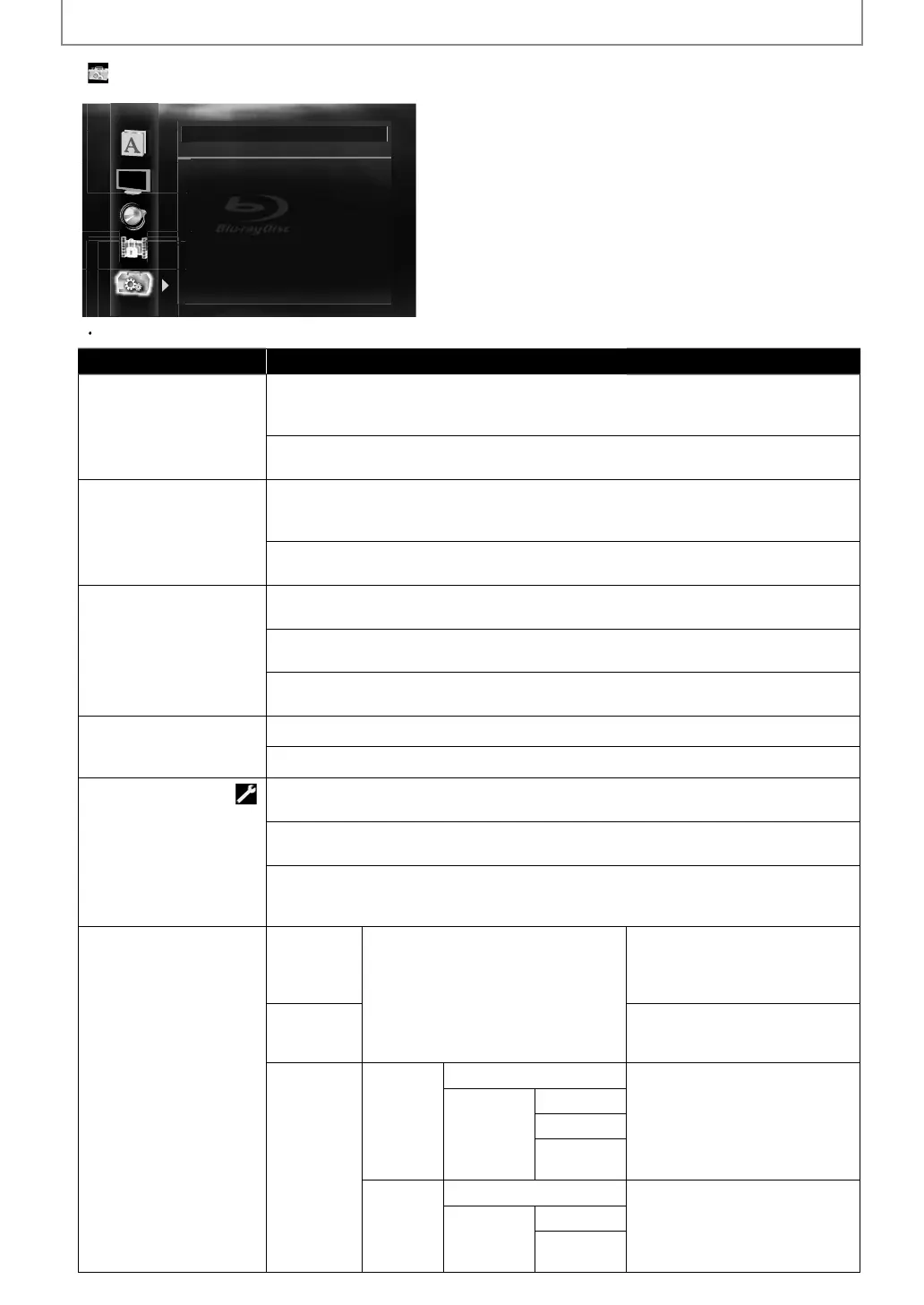
Angle Icon On
Auto Power Off On
Panel Display Auto
HDMI CEC On
Mode Select Disc
Network Connection Enable(Easy)
Software Update
For how to select the setting items and options, re
er to “Custom” on page 41
Setting items Options
An
le Icon
n*
e ang
e icon appears on t
e TV screen w
en p
a
ing
ac
t
e scene wit
various
ng
e.
:
he an
le icon disappears on the TV screen
A
t
P
wer
ff
n*
this unit is le
t with no activity
or more than 25 minutes, this unit turns into the
tan
mo
e automatica
.
:
ets off the auto
ower off
Panel Displa
ets the brightness o
the
ront panel display.
*
ront pane
isp
ay gets
ar
er
uring p
ay
ac
.
rig
t:
ront panel displa
gets brighter.
imm
r
ront pane
isp
ay gets
ar
er.
HDMI
E
wh
h
r
iliz
DMI
E
f
n
i
n
n
Mo
e Se
ect
e
ects t
e me
ia to
ay
ac
.
ettin
will be back to
Disc” when
ou turn the
unit to the standb
mode.
isc*:
e
ect t
is w
en you p
ay
ac
a
isc
D
r
e
ect t
is w
en
ou p
a
ac
an SD Memor
Car
etwor
:
elect this when you use DLNA home media server or Net
lix / CinemaNow
lockbuster
eature.
Netw
rk
nnecti
n
nn
i
n
P
rf
rm
h
n
w
rk
nn
i
n
est. After
ou change the IP
ddress or DNS setting, alwa
s
erform this test.
nable(Eas
)*
I
ou select “Enable(Eas
)”,
onnection test will automaticall
r
n
l
Custom
IP A
r
ettin
Auto
DHCP
h
IP
r
In most cases,
ou can connect to
he Internet without making an
han
es to the de
ault settin
.
anua
P A
ress
u
net Mas
f
l
atewa
DN
Settin
Auto
DHCP
Set t
e DNS setting
n most cases,
ou can connect to
e Internet wit
out ma
ing an
hanges to the default setting.
anua
rimary DNS
econ
ary
N
E5SF0UDDBS50.2ENv2.indd50E5SF0UDDBS50.2ENv2.indd50 2010/08/0515:17:272010/08/0515:17:27



 To Next Page