E
FUNCTION SETUP
Initi
lize
Initia
ize t
e setting, SD Memor
Car
, networ
setting or
iv
N
lix
In sto
mode,
ress [Setu
].
Use
] to select , then press
Enter
.
Use
] to select a desired o
tion,
then
ress [Enter].
Setup
Resets the setup menu to the de
ault
he settin
or “Parental”, “Network
onnection”an
“Mo
e Se
ect” wi
r
“Format SD Car
” (Avai
a
e on
y w
en an SD
Memory Car
is inserte
.
Initia
izes t
e SD Memory Car
.
“Erase Saved BD-ROM Data (Pla
er)”
l
r
h
v
f
r
h
BD-R
M
contents, such as BD-ROM
ame
scores, from this pla
er.
“Erase Save
BD-ROM Data
SD Car
(Avai
a
e on
w
en an SD Memor
Car
is
inserted.
Clears the su
lemental data for the
BD-ROM pla
back, such as subtitle data,
rom the SD Memory Card
“Networ
Settings”
Resets the Network Settin
s menu to the
f
l
“Netflix De
ctiv
te”
Deactivate the connection to Net
lix
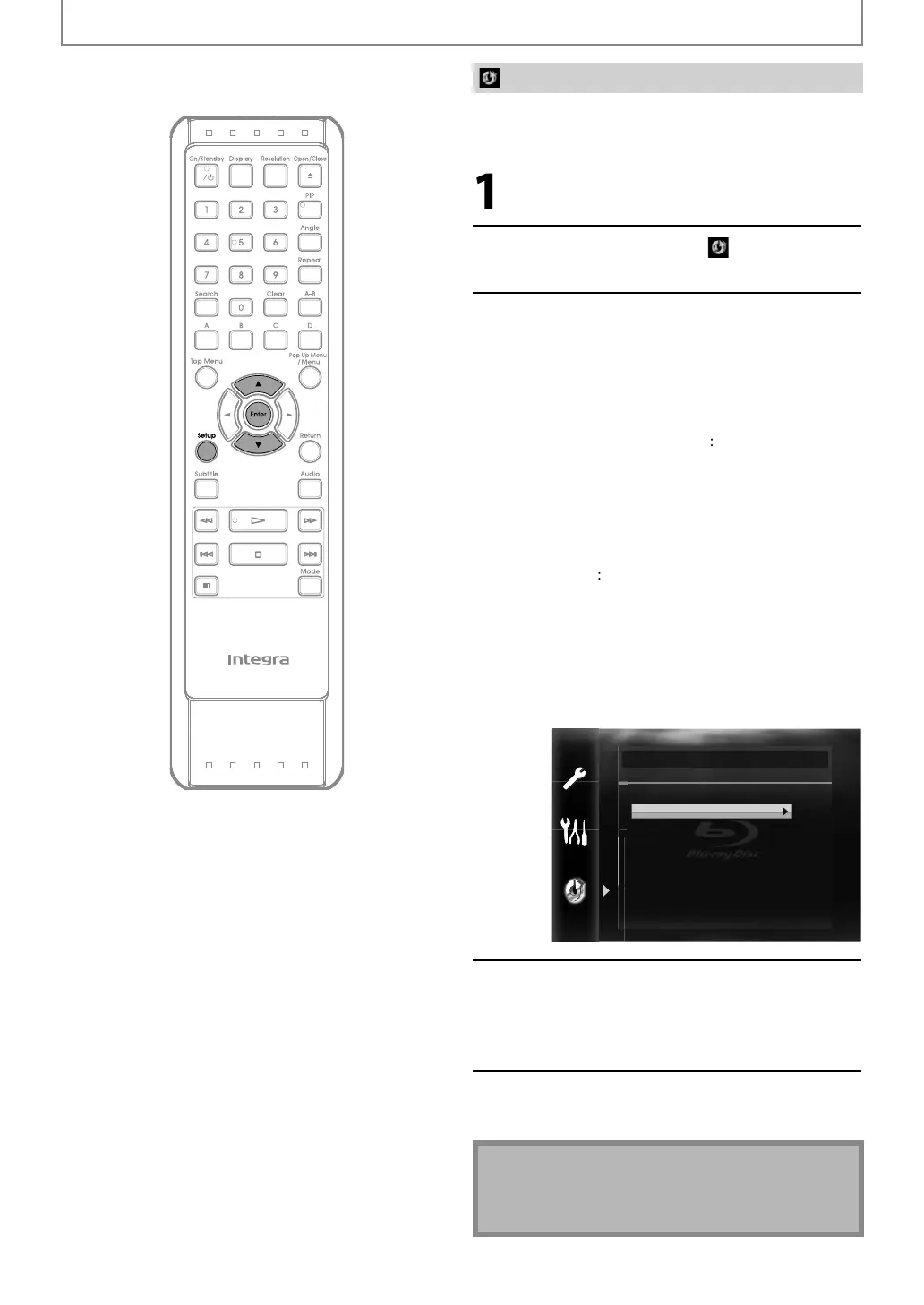
Initialize
Setup
Format SD Card
Erase Saved BD-ROM Data (Player)
Erase Saved BD-ROM Data (SD Card)
Network Settings
Netflix Deactivate
Con
irmation message will appear.
Use
] to select “Yes”, then
ress
[Enter].
Press [Setu
] to exit.
Caut
on
• Do not remove the SD Memor
Card while executing
h
“F
rm
D
r
”
r
h
“Er
v
BD-R
M
Data (SD Card)”. It dama
es the card.
E5SF0UDDBS50.2ENv2.indd56E5SF0UDDBS50.2ENv2.indd56 2010/08/0515:17:372010/08/0515:17:37



 To Next Page