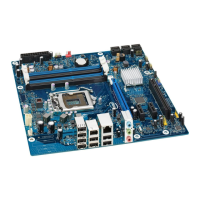
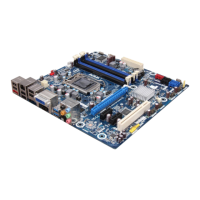
Intel Desktop Board DP43BF Technical Product Specification
42
2.2 Connectors and Headers
CAUTION
Only the following connectors have overcurrent protection: Back panel and front panel
USB, PS/2, and IEEE 1394a.
The other internal connectors/headers are not overcurrent protected and should
connect only to devices inside the computer’s chassis, such as fans and internal
peripherals. Do not use these connectors/headers to power devices external to the
computer’s chassis. A fault in the load presented by the external devices could cause
damage to the computer, the power cable, and the external devices themselves.
Furthermore, improper connection of USB or IEEE 1394 header single wire connectors
may eventually overload the overcurrent protection and cause damage to the board.
NOTE
Computer systems that have an unshielded cable attached to a USB port may not
meet FCC Class B requirements, even if no device is attached to the cable. Use a
shielded cable that meets the requirements for full-speed devices.
This section describes the board’s connectors and headers. The connectors and
headers can be divided into these groups:
• Back panel I/O connectors (see page 43)
• Component-side connectors and headers (see page 44)


 To Next Page