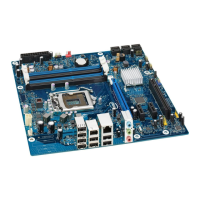
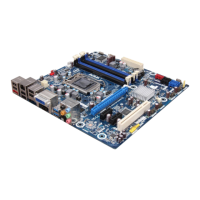
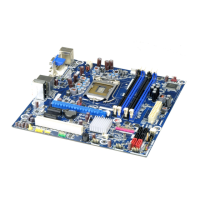
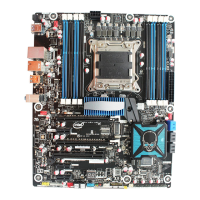
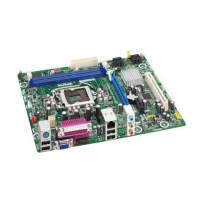
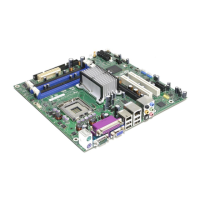
Intel Desktop Board DP43BF Technical Product Specification
viii
2.5.1 Power Supply Considerations ................................................. 56
2.5.2 Fan Header Current Capability ................................................ 56
2.5.3 Add-in Board Considerations .................................................. 57
2.6 Thermal Considerations .................................................................... 57
2.7 Reliability ....................................................................................... 59
2.8 Environmental ................................................................................ 59
3 Overview of BIOS Features
3.1 Introduction ................................................................................... 61
3.2 BIOS Flash Memory Organization ....................................................... 62
3.3 Resource Configuration .................................................................... 62
3.3.1 PCI* Autoconfiguration .......................................................... 62
3.4 System Management BIOS (SMBIOS) ................................................. 63
3.5 Legacy USB Support
........................................................................ 64
3.6 BIOS Updates ................................................................................. 65
3.6.1 Language Support ................................................................ 65
3.6.2 Custom Splash Screen .......................................................... 65
3.7 BIOS Recovery ................................................................................ 66
3.8 Boot Options ................................................................................... 66
3.8.1 Optical Drive Boot
................................................................ 66
3.8.2 Network Boot ....................................................................... 66
3.8.3 Booting Without Attached Devices........................................... 67
3.8.4 Changing the Default Boot Device During POST
........................ 67
3.9 Adjusting Boot Speed ....................................................................... 67
3.9.1 Peripheral Selection and Configuration ..................................... 67
3.9.2 BIOS Boot Optimizations
....................................................... 68
3.10BIOS Security Features .................................................................... 69
4 Error Messages and Beep Codes
4.1 Speaker ......................................................................................... 71
4.2 BIOS Beep Codes ............................................................................ 71
4.3 Front-panel Power LED Blink Codes .................................................... 72
4.4 BIOS Error Messages ....................................................................... 72
4.5 Port 80h POST Codes ....................................................................... 73
5 Regulatory Compliance and Battery Disposal Information
5.1 Regulatory Compliance ..................................................................... 79
5.1.1 Safety Standards .................................................................. 79
5.1.2 European Union Declaration of Conformity Statement ................ 80
5.1.3 Product Ecology Statements ................................................... 81
5.1.4 EMC Regulations
.................................................................. 85
5.1.5 Product Certification Markings (Board Level) ............................. 86
5.2 Battery Disposal Information ............................................................. 87


 To Next Page