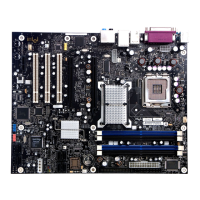
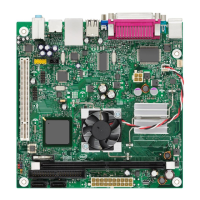
Intel Desktop Board D955XBK Product Guide
64
Setting Up a “RAID Ready” System
The Intel Matrix Storage Technology Console software offers the flexibility to upgrade from a
single Serial ATA drive to RAID without reinstalling the operating system, when a second SATA
hard drive is added to the system.
Follow the steps described in the headings from this section: "Configuring the BIOS for Intel
Matrix Storage Technology" and "Loading the Intel Matrix Storage Technology RAID
Drivers and Software".
Once additional SATA drives have been added, open the Intel Matrix Storage Technology Console
Software and follow the directions to update to a RAID setup.


 To Next Page