Affinity
Instructions for Use - US Page 16
2.5 Driver Installation
Now that the
Affinity
2.0
/
Equinox
2.0
Suite software is installed, you must install the driver for the
hardware.
For Windows
®
7/8/8.1/10:
1. Connect the
Affinity
2.0
/
Equinox
2.0
hardware to the PC via the USB connection.
2. The system will now automatically detect the hardware and display a pop-up on the bottom right of
the task bar. This indicates that the driver is installed and the hardware is ready for use.
3. To finalize the installation process, start the Affinity
2.0
/ Equinox
2.0
Suite by clicking Start | All
Programs | Interacoustics | Suite for Affinity
2.0
and Equinox
2.0
| Suite Launcher. Select the desired
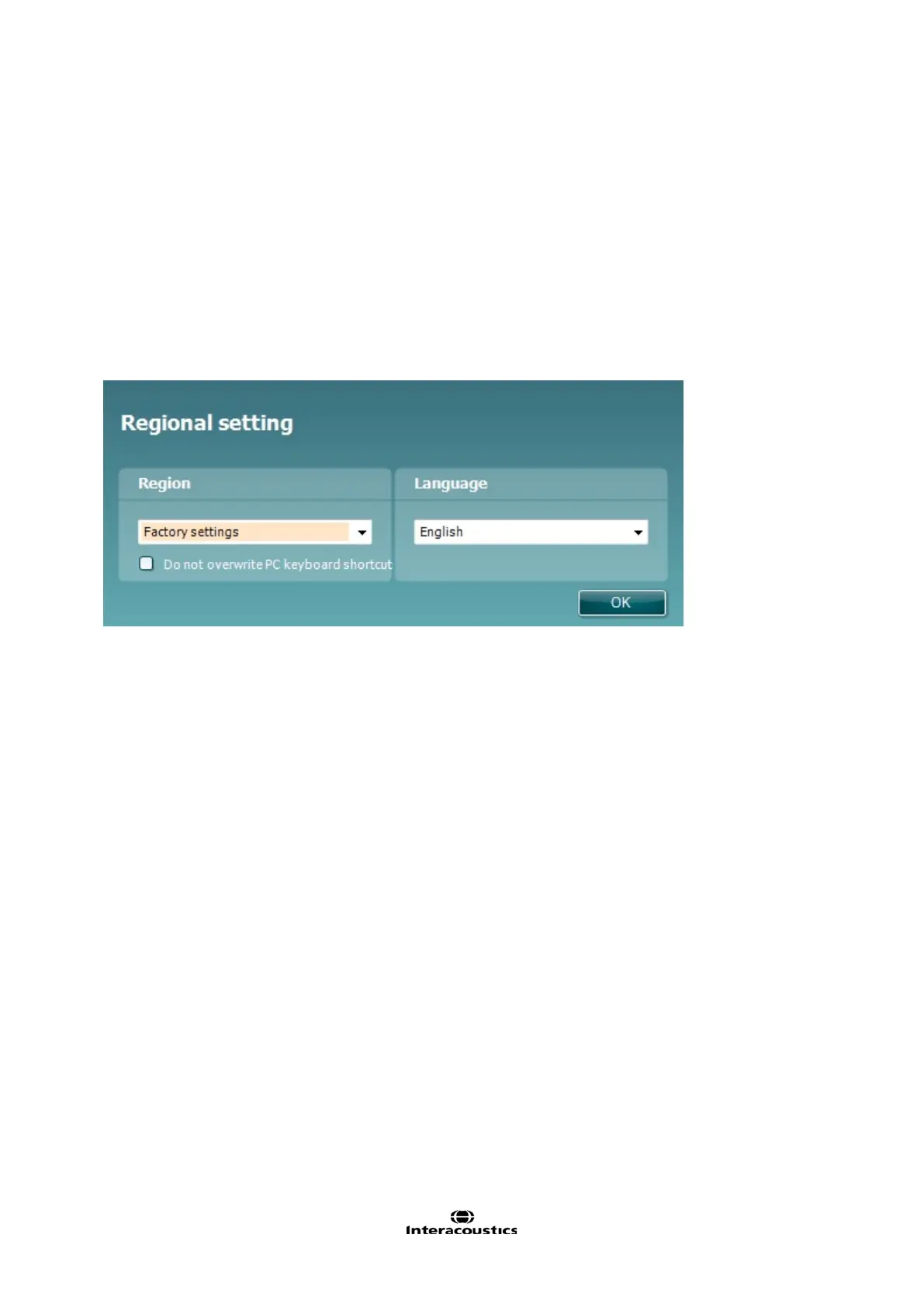
Regional settings and Language when the pop-up below appears.
Please consult the User Manuals included on the CD for further instructions how to operate the Affinity
2.0
/
Equinox
2.0
.














 To Next Page