Titan Instructions for Use - EN Page 44
3.5.11 View Session Screen
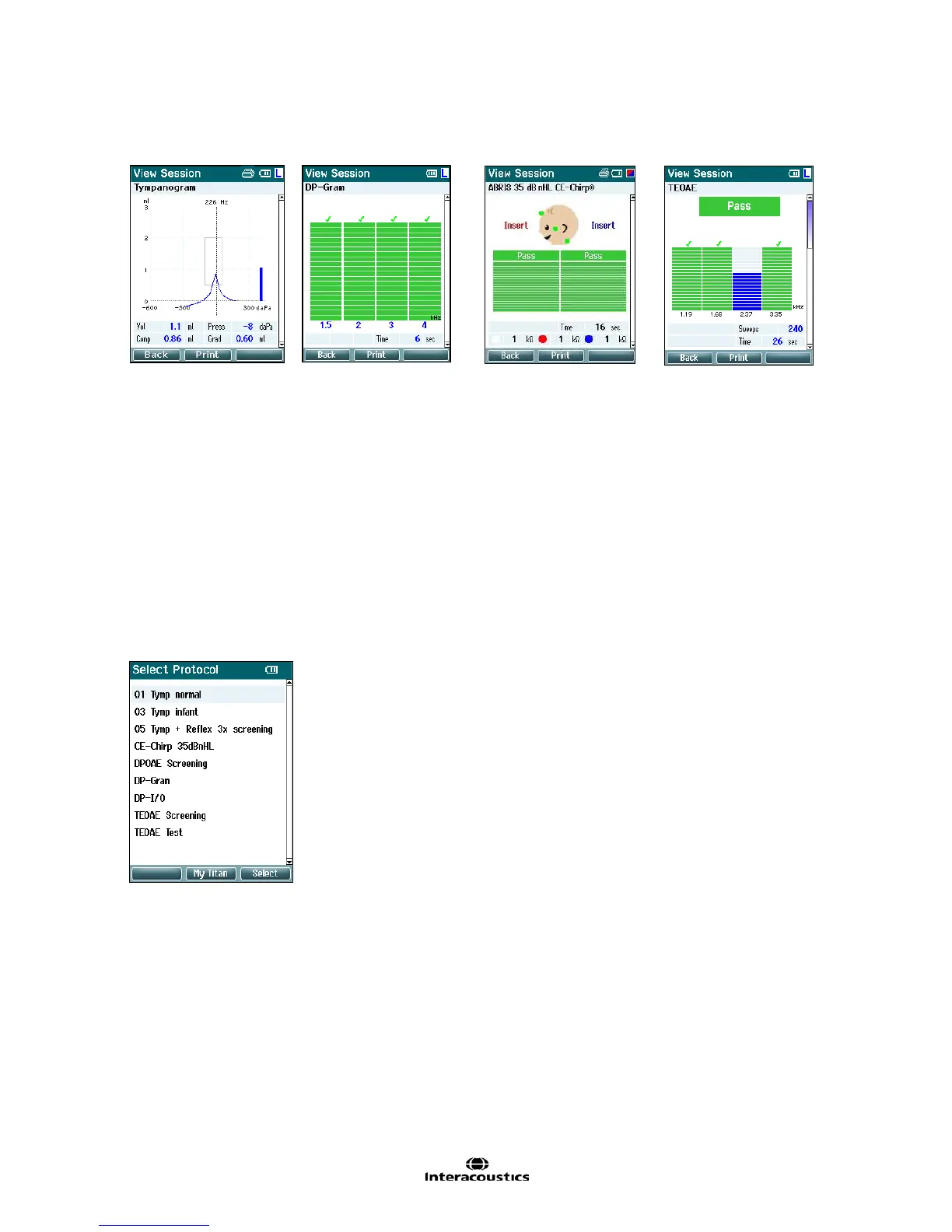
In this screen the test recordings of the selected session are shown.
Operating from this screen:
- Top left takes you back to the View Sessions screen
- Top middle button will print all. Note that this will only occur if a printer is connected to the Titan via
Bluetooth or wired to the Titan cradle with the hand held unit is sitting in the cradle
- Top right button has no function
- Right and Left buttons will toggle between the saved recordings for the right or left ear respectively,
if available
- Up and Down buttons allow you to scroll through the different tests that are saved in the selected
session
- Shoulder box button has no function
3.5.12 Select Protocol Screen
From this screen you can either select a protocol for testing or go into the Titan settings.
Operating from this screen:
- Top left button takes you back to the Test screen of the same
protocol previously selected or used
- Top middle button takes you to the Setup screen
- Top right button selects the protocol of your choice and takes you
to the Test screen
- Right and Left buttons allow you to jump from the top or bottom of
the protocol list respectively
- Up and Down buttons allow you to scroll up and down through the
protocols one at a time
- Shoulder box button has no function



 To Next Page