Titan Instructions for Use - EN Page 54
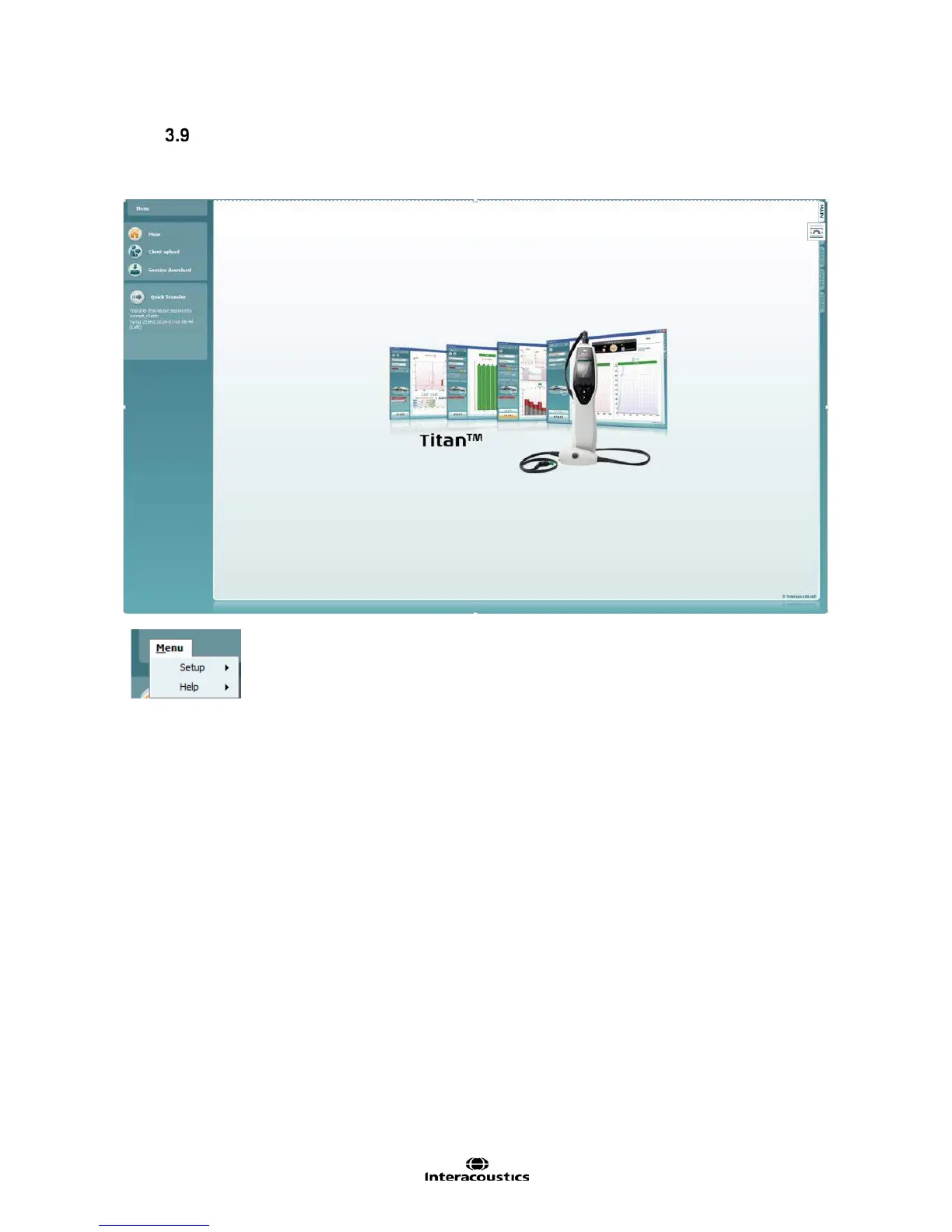
Using the Main Tab
The following section describes the elements of the Main tab:
On startup, the Main tab always opens as the Start screen.
• Menu | Setup | Hardware protocols takes you to a window from where
you can maintain the protocols which are available on the Titan hand held
unit.
• Menu | Setup | Set time on hardware sets the time on the Titan hand held
unit to match the time on the PC when connected.
• Menu | Setup | Startup screen takes you to a window from where you can
select the start up screen on launch of the Titan Suite. Note, if the Suite is
launched by double clicking on a historic session, it will start in the module
of the selected session.
• Menu | Setup | Enable/Disable forced saving enables/disables forced
saving on the Titan hand held unit. When enabled, all measurements
made on the hand held unit must be saved to a specific patient and no
sessions or patients can be deleted. The My Titan menu also becomes
unavailable. Also, editing client details is not possible other than before the
test run.
• Menu | Setup | Language allows selection of one of the available
languages. The language selection change will come into effect after the
Titan Suite is reopened.



 To Next Page