14 Installation Guide
Accessing the SD card
An 8GB Micro SD card is pre-installed with the camera. If
desired, the Micro SD Card can be replaced with up to 64GB for
local storage as a backup in case, for example, the network
fails (see Figure 1 on page 12).
Note: Video and log files stored on the Micro SD card can only
be accessed via the UltraConnect App when validated with the
ZeroWire panel.
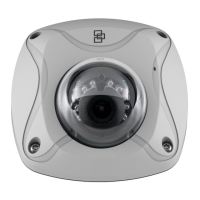
Mounting the wedge camera
To mount the wedge camera on a wall or ceiling:
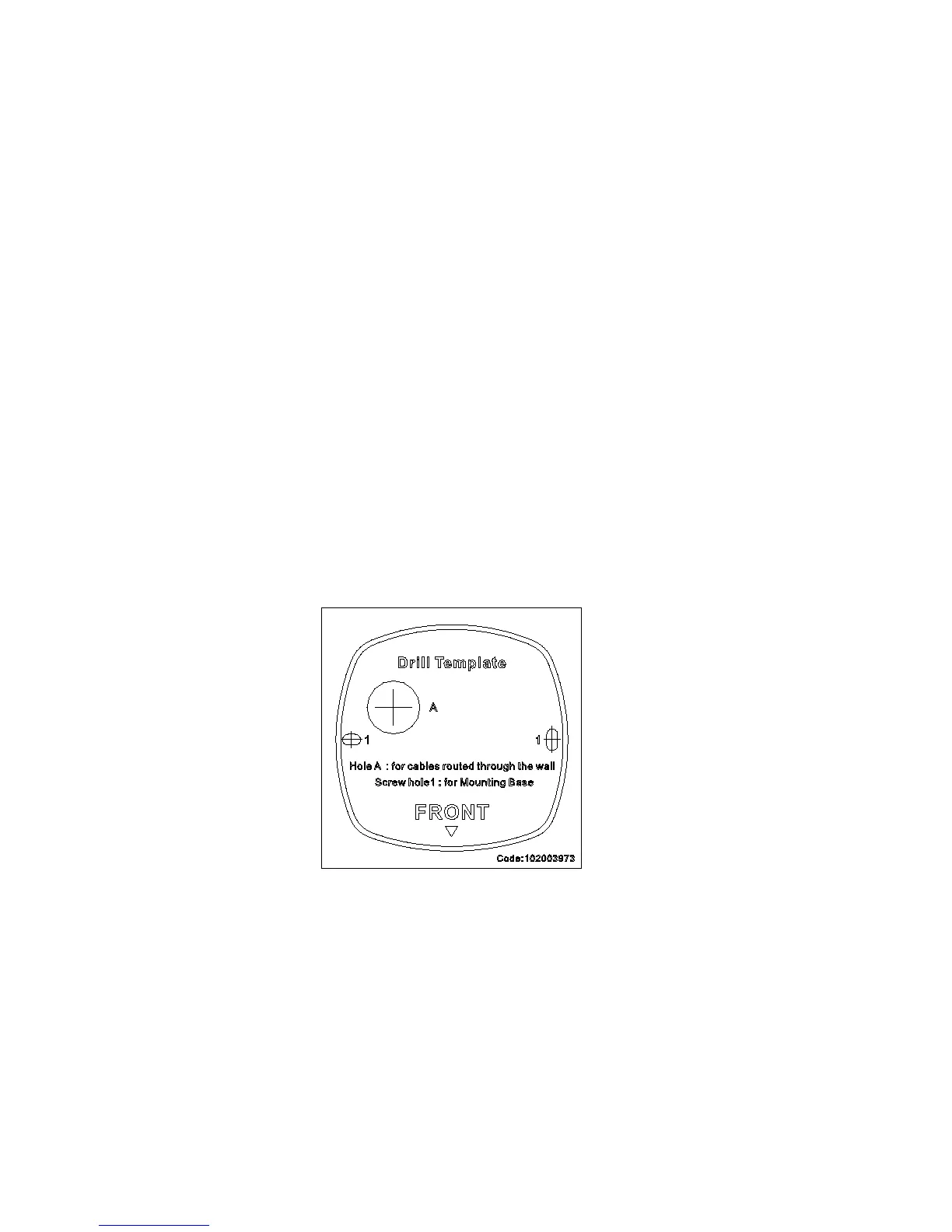
1. Drill the holes for the mounting hardware in the mounting
surface using the supplied drill template. To route the
cables from the base of the camera, drill a cable access
hole in the mounting surface.
2. Mount the converter pan to the mounting surface (optional).
Note: If required, you can remove the tab (A) on the side
of the converter pan to pass the cables through.


 To Next Page