Installation Guide 7
Introduction
Product overview
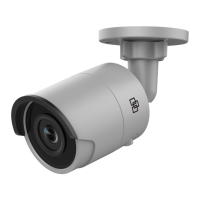
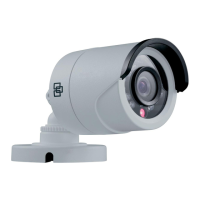
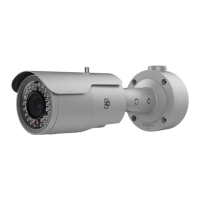
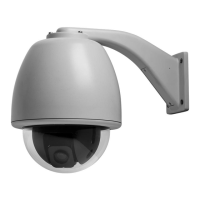
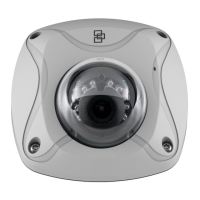
This is the installation guide for TruVision Intrusion 1120 Series
Wi-Fi IP camera models:
TVW-1120 (TruVision Intrusion 1.3 MPx, PAL, Wi-Fi,
Outdoor IR Wedge Dome, True D/N, H.264, 10 m IR,
2.8 mm @ F1.2, PoE / 12 VDC)
TVW-1121 (TruVision Intrusion 3 MPx, PAL, Wi-Fi,
Outdoor IR Wedge Dome, True D/N, H.264, 10 m IR,
2.8 mm @ F1.2, PoE / 12 VDC)
Installation
This section provides information on how to install the cameras.
Installation environment
When installing your product, consider these factors:
• Electrical: Install electrical wiring carefully. It should be
done by qualified service personnel. Always use a proper
PoE switch or a 12 VDC UL listed Class 2 or CE certified
power supply to power the camera. Do not overload the
power cord or adapter.
• Ventilation: Ensure that the location planned for the
installation of the camera is well ventilated.
• Temperature: Do not operate the camera beyond the
specified temperature, humidity or power source ratings.
The operating temperature of the camera is between -30
to +60°C (-22 to 140°F). Humidity is below 90%.


 To Next Page