18 Serial/Industrial Interface Kit Installation Instructions
Chapter 2 — Physical Installation
• Connect the power cord and switch on the power.
• In case the interface board provides additional serial communication
ports, enter the Setup Mode to set the proper communication param-
eters for these ports.
Allowed interface combinations (Fingerprint v8.30 or later)
Left-hand slot Ports Right-hand slot Ports
Double Serial uart2: + uart3: – –
Double Serial uart2: + uart3: Double Serial uart4: + uart5:
Double Serial uart2: + uart3: Serial/Industrial uart4:
Double Serial uart2: + uart3: IEEE 1284 centronics:
Serial/Industrial uart2: – –
Serial/Industrial uart2: Serial/Industrial uart3:
Serial/Industrial uart2: Double Serial uart3: + uart4:
Serial/Industrial uart2: IEEE 1284 centronics:
IEEE 1284 centronics: – –
IEEE 1284 centronics: Double Serial uart2: + uart3:
IEEE 1284 centronics: Serial/Industrial uart2:
Remarks:
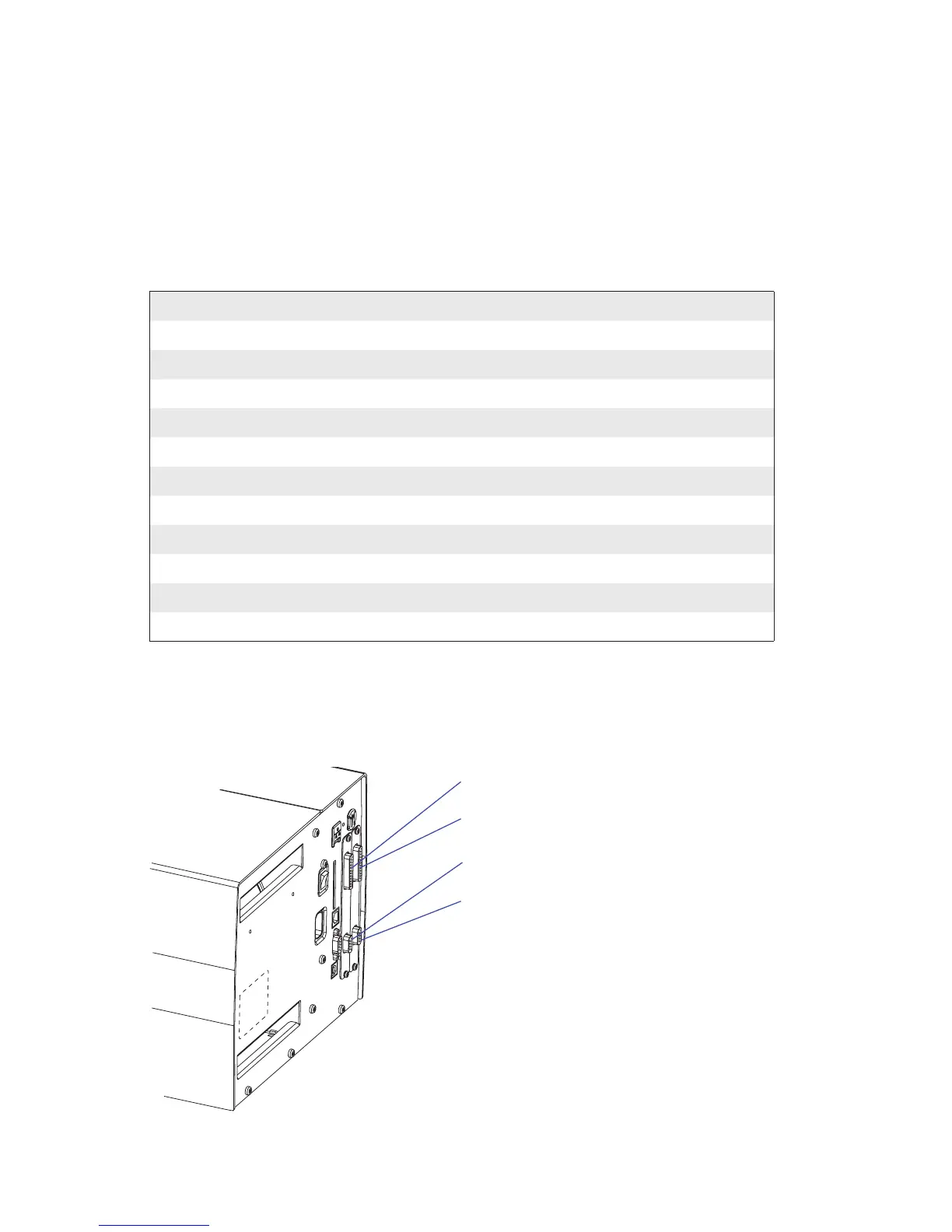
• e left-hand slot is the slot closest to the center section.
• Always start by fi tting an interface board in the left-hand slot.
• RS-485 is only supported by "uart2:"
Industrial interface
Industrial interface
"uart2:"
"uart3:"















 To Next Page