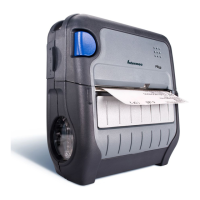
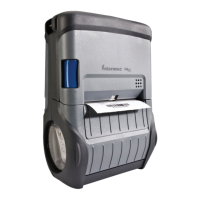
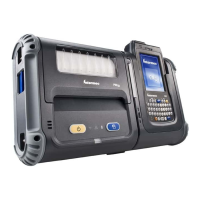
2 PB3 Mobile Printer User’s Guide
PB3 Serial Port, Belt Loop Knob, and Battery Door Latch
The printer features are described in the next table.
PB3 Feature Descriptions
Feature Description
Power button Press once to turn the printer on or off.
Feed button Press to feed paper out of the printer.
You can also press Feed to print a configuration test
page. For help, see “Printing a Configuration Test
Page” on page 11.
Paper door handle Pull to open the paper compartment door. For help,
see “Loading Paper” on page 8.
Power connector Connects the printer to the AC adapter/battery
charger. For more information, see the next section.
Serial port Connects the printer to a host computer. Use cable
P/N 5892RJD9-1.
Battery door latch Slide to lock or unlock the battery door. For help, see
the next section.
Belt loop knob Attaches the printer to the included belt loop. For
help, see “Using the Belt Loop” on page 10.
Battery
door latch
Belt loop
knob
Serial port



 To Next Page