13
• By hitting [
↵
↵↵
↵
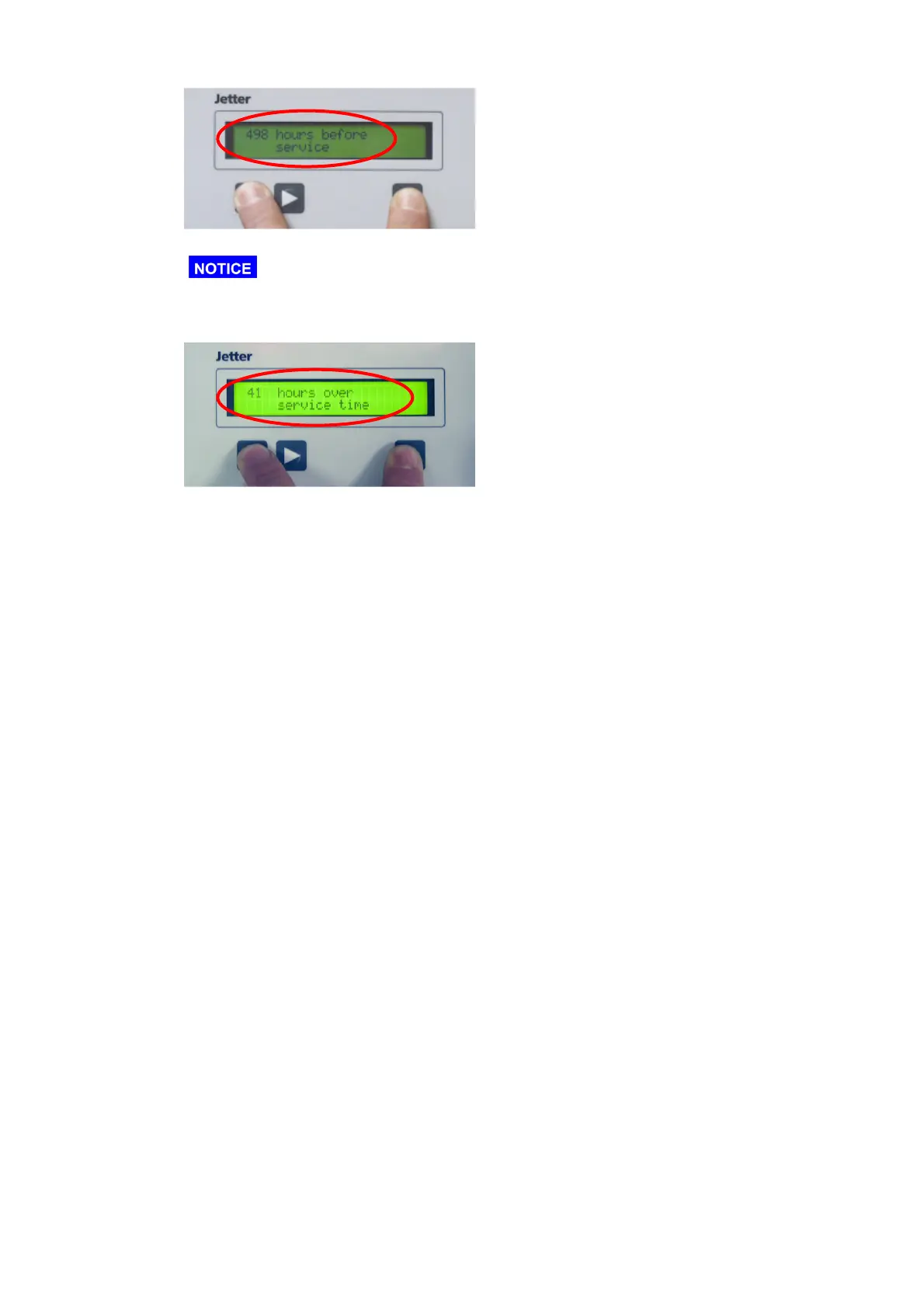
] + [] the time left till the next maintenance is being displayed.
As before, please hit the [
↵
↵↵
↵
] – button first.
• If the maintenance interval is exceeded, pushing these buttons will display the time
that has elapsed since that point.
• Furthermore an excess of the service interval is signalized by a blinking of the alarm
lamp at the front plate
• If the service interval is exceeded and the unit is switched on again, there will be the
request “Service completed” at the start-up. If this request is confirmed with “yes”, the
service interval will be reset to 0.



 To Next Page