12
4.1.7. Adjustment of the switch off temperature of the preheater
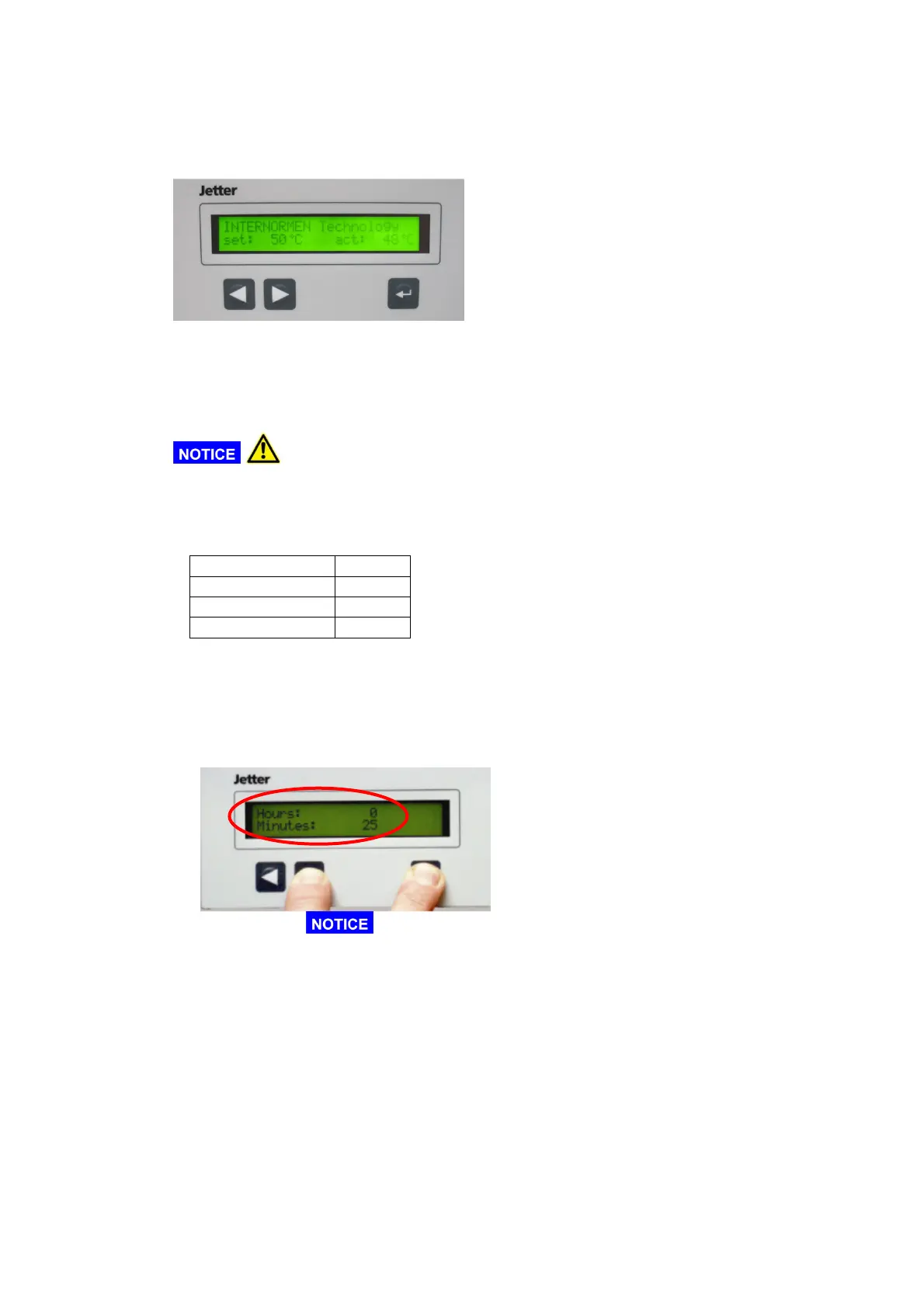
• During operation the switch off temperature of the heating can be adjusted with the
buttons [] [].
• Furthermore the actual temperature will be shown at the display.
4.2. Suggested adjustments
4.2.1. Temperature
• Generally, the higher the oil temperature, the higher is the dewatering speed.
For this adjustment please pay attention to the maximum operating
temperature of the oil!
4.2.2. Vacuum
• For die vacuum adjustments the following parameters are suggested:
HLP: -0,7 bar
CLP: -0,6 bar
HF-E: -0,7 bar
Transformer oils:
-0,9 bar
4.3. Hour meter
• The hour meter can show at any time how long the IFPM/s-unit has been working
• Activate hour meter:
- Hit [
↵
↵↵
↵
] + []. Please make sure to push the [
↵
↵↵
↵
]-button first, otherwise the
switch switch off temperature will be raised.
⇒ At the display there will be shown the operating hours.
- When the buttons are pushed, the displayed time will not change. Internally the hour
meter is continuing to count the time.
- As soon as the buttons are released, the display will switch back to the initial state.
4.4. Display of the maintenance interval
• In order to ensure that all expendable materials needed for maintenance are ordered
on time, an internal clock for the maintenance intervals is integrated in the software.



 To Next Page