18
Basic Operation
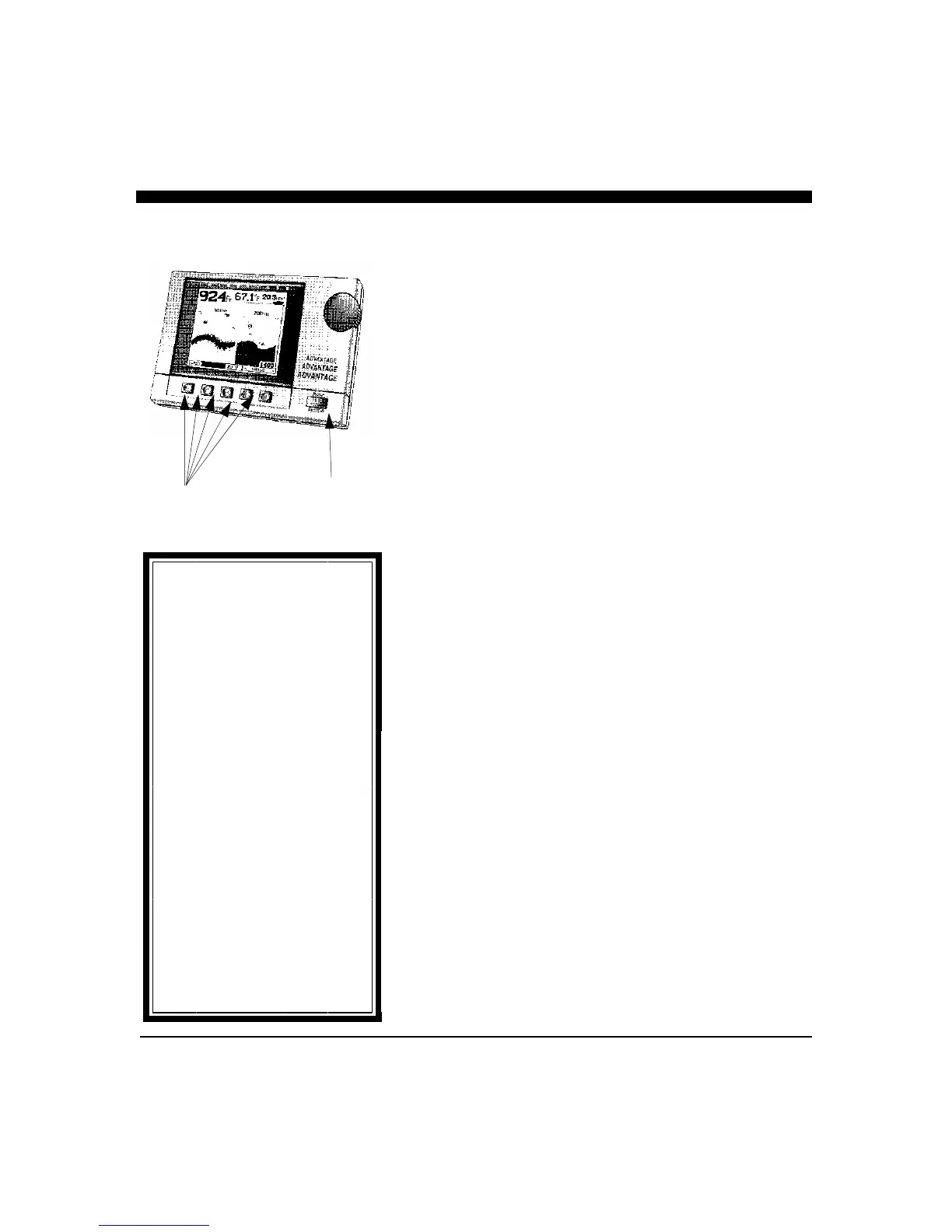
The Advantage has been designed to be as easy to learn and
operate as possible. The raised push-button keys provide a
tactile feel to each operation and the Advantage responds with
an audible beep each time a key is pressed. All keys necessary
for operation of the unit are on the front panel. The Advantage
uses a unique approach called “soft keys” along the bottom of
the display. These five keys are labeled by the LCD display and
are controlled by the unit’s software, thus the name “soft keys”.
In addition, a large front panel rotating knob eliminates the need
for multiple button pushes while making gain, depth range,
display contrast and many other adjustments. The knob
provides easy and quick adjustments while giving the user a
familiar style of operation.
The “soft key” buttons allow very easy operation as they almost
guide you along, even though the Advantage possesses an
amazing number of advanced sonar features. It would take a
considerable number of additional buttons and greatly add to the
unit’s operational complexity if each function had a dedicated
button instead of using the “soft key” approach. In addition, the
use of “soft keys”, coupled with the front panel adjustment
knob, allow for easy future software upgrades which may
include new important features. The use of fixed, permanently
labeled buttons would severely limit any future upgrade ability.
User Interface
The Advantage is a very advanced product with many features
never before found on marine instrumentation. In order to
provide these sophisticated new features while continuing to
keep user operation simple and easy to learn, several new design
approaches were adopted. Some of the more significant
approaches are described in the following.
Multi-Tasking Operation
The Advantage’s Multi-Tasking operation was developed to
make sure your time would not be wasted whenever you change
screen displays. When changing displays with other
conventional systems, the microprocessor has to completely re-
assemble a new display picture which can take a considerable
amount of time. These time delays can be very frustrating and
are unnecessary if a Multi-Tasking operating system is used.
Interphase Advantage
Short-cut
In this manual you will find
instruction on how to change all
adjustable settings by using the
“soft keys”. However, any setting
adjustment can be done (when the
appropriate menu selection is made)
by turning the control knob.
Settings which can be adjusted by
using the control knob include:
Range
Alarm
Contrast
Sensitivity
Zoom
Output Power
Frequency Select
LCD screen contrast can be changed
any time while in the Control
Center simply by turning the
control knob.
soft key
Power On/
Off



 To Next Page