24
Set-Up View
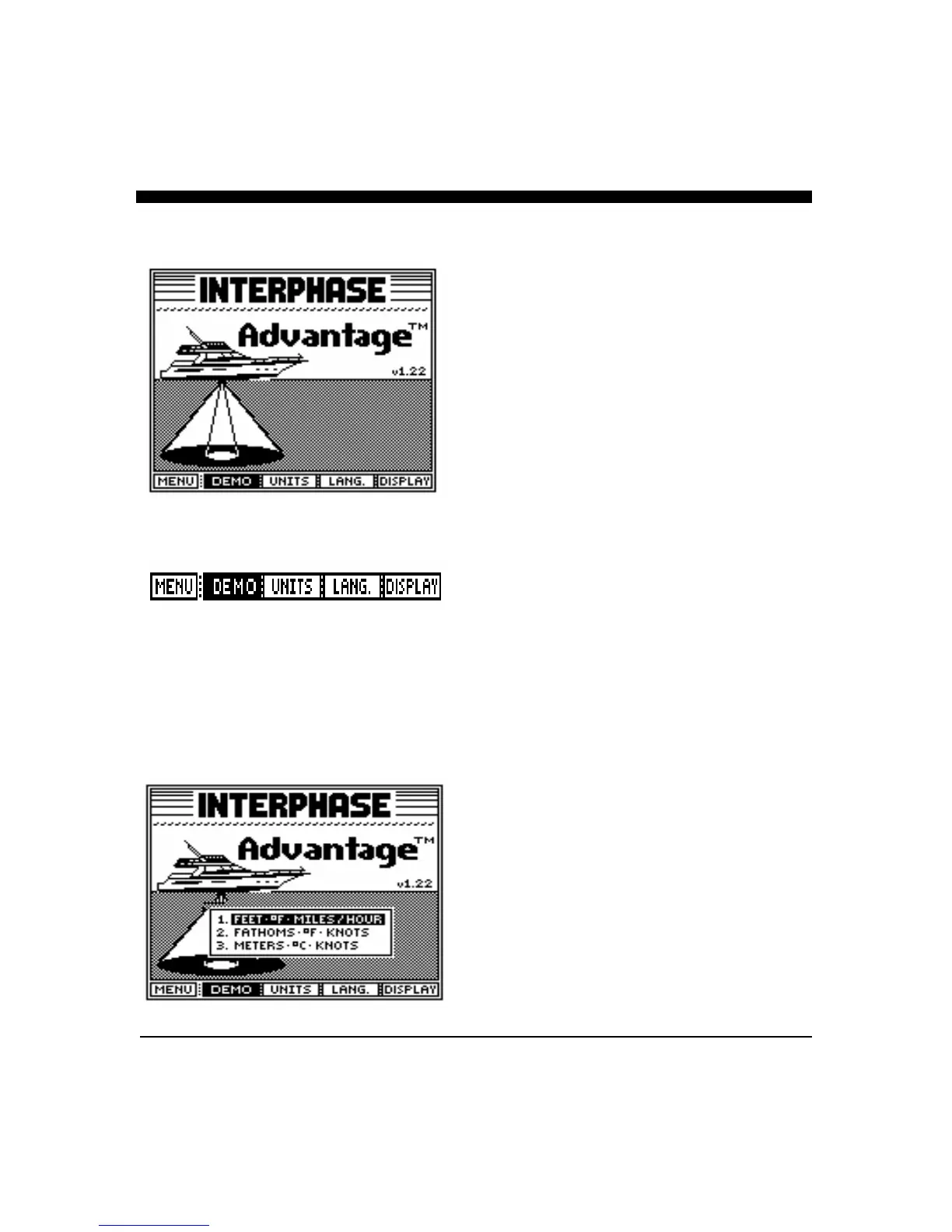
The Advantage includes a SET-UP View where the
DEMO program can be activated, the units of measure
and language can be selected and the display contrast can
be adjusted. The Advantage's internal backup battery
will remember all settings for future use.
From the Control Center press the button below the
SET-UP soft key twice to put the display into the SET-
UP View. Then press the button below the “GO” soft key
to use this view. The display should appear as on the left.
Demo Program
We highly recommend you initially operate the
Advantage in the DEMO mode to familiarize yourself
with the many advanced features of the Advantage.
When using the SET-UP view, press the soft key below
DEMO and hold for 3 seconds to activate the simulation
program. The unit will automatically cycle through a
simulated demonstration of its many features. At any
time, you can press any key to gain control of the DEMO
program to make your own selections and adjustments. If
you do not press any button for about 45 seconds, the unit
will automatically resume cycling through the different
demo features on its own.
The pictures shown in the DEMO mode are
representations of what you might see on your
Advantage. In actual use the picture you will get can vary
significantly depending on depth, bottom and water
conditions, the speed of your boat and many other factors.
To exit the DEMO program either turn the Advantage off
and back on again, or press the “DEMO” soft key again.
Select Units of Measure
The Advantage starts with the last units of measure
selected. By pressing the button indicated on the display,
you can use the large front panel knob labeled “BEAM” to
choose between U.S., Nautical and Metric units. Rotate
the front panel knob to select (highlight) the type of
display units desired. Once
s
elected, press any button to
save your selection and exit. The current choice is
displayed each time the “UNITS” soft key is pressed.



 To Next Page