22
Getting Started
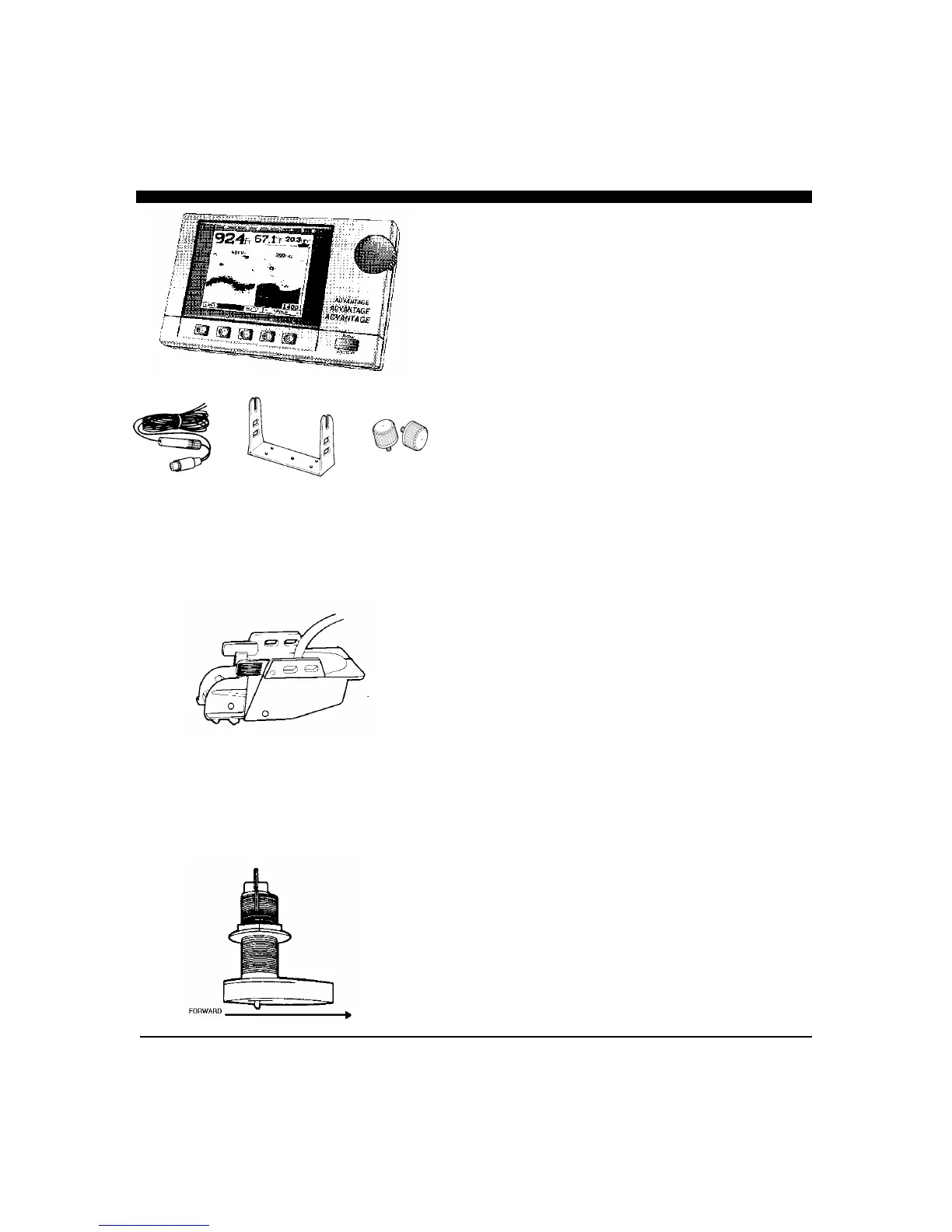
Check to see that all the components shown at left were
included with your Advantage. If a part is missing, contact
the Interphase Customer Service Department (831) 477-
4944 immediately.
WARNING: DO NOT operate the Advantage with parts
missing or with parts other than those obtained through
Interphase; doing so could cause a malfunction in the unit.
Any malfunctions to the Advantage resulting from
unauthorized parts are not covered by warranty.
Turning the Advantage On
To turn the Advantage on, press the Power/back light Key
located on the lower right corner of the unit one time. The unit
should sound a beep and the display should be illuminated.
The Control Center
Seven of the most popular displays have been pre-programmed
into the Advantage’s memory and can be instantly selected
from the Control Center Menu. In the following sections,
these different displays are called “Views”. They include:
♦
Pop-Up Power Adjustment Menu
♦
Full Screen Track Plot View
♦
Full Screen Chart View
♦
Pop-Up Frequency Select Menu
♦
Full Screen Set-Up View
♦
Split Screen View with Depth display on left and Track
Plot display on right.
♦
Split Screen View with Large Digit Data on left and
Depth display on right.
Each of these views can be easily selected by pressing the
button below the desired menu selection. Where two
selections are possible, press the button again until you see
your desired view. When first turned on, the Advantage’s
internal memory automatically sets the starting view to the last
one you used before turning off the power.
The flow chart diagram on the facing page shows how to easily
navigate between the Advantage’s instant Views.
12 VDC
Power
Cable
Display
Mounting
Bracket
Mounting
Knobs
Thru-Hull Transducer
Transom Mounted Transducer
or
Display Unit



 To Next Page