29
User Manual
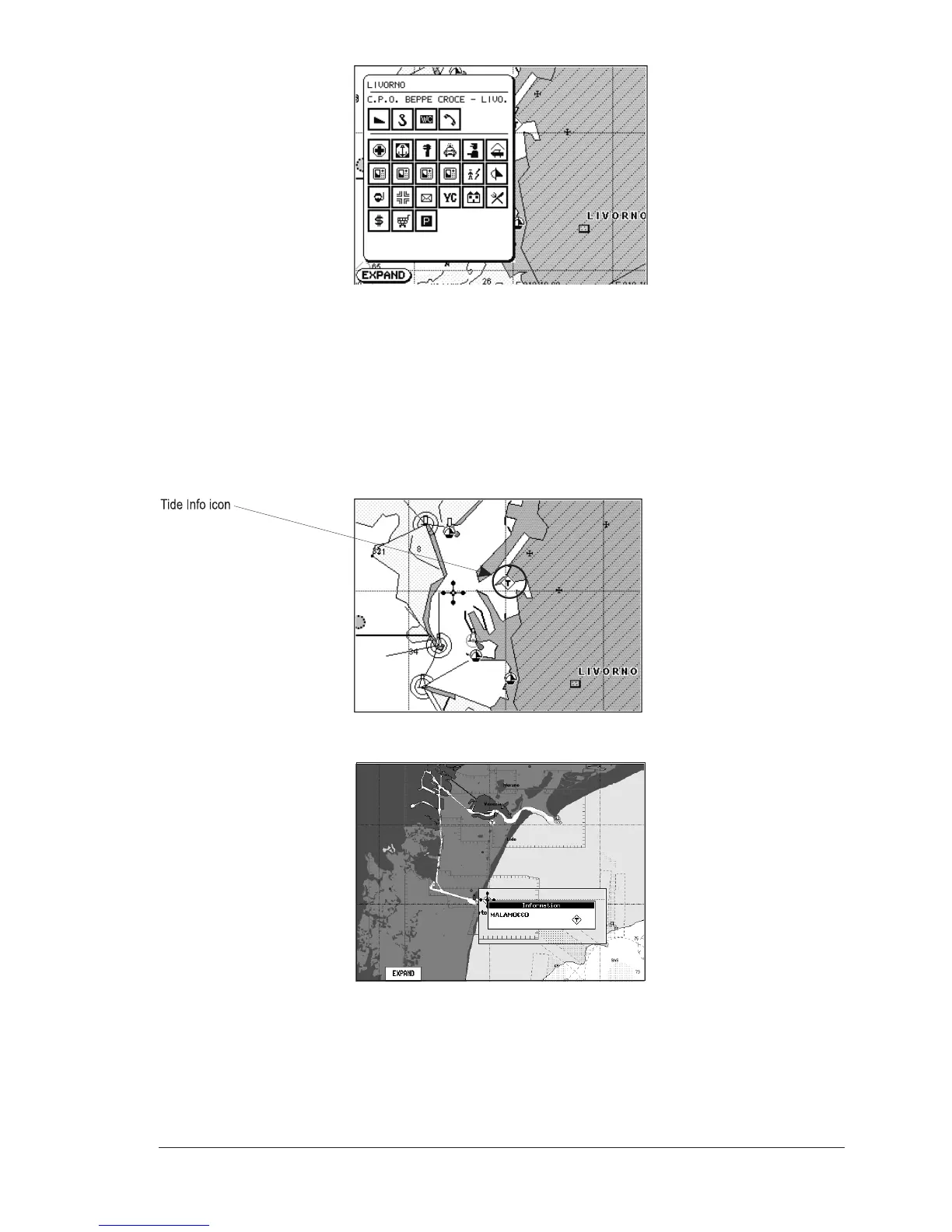
Fig. 3.7a - Automatic Port Info
To expand all available information and get the details on each service of the Port
Marina for that cartographic point press [EXPAND].
NOTE Port Info icon is visible only if the Ports + Services option is On (see Par. 4.1).
Getting Tide Info
Placing the cursor over the Tide Station icon (see Fig. 3.7b), the chart plotter
pops-up the relative automatic info window (see Fig. 3.7c) and allows displaying
a graphical page with the tides prediction of the selected object.
Fig. 3.7b - Tide Info icon
Fig. 3.7c - Tide Info icon
Press [EXPAND], select the Tide height item and press [ENTER] to display the Tide
Graph. It shows the Tide height variations during the 24 hours at any given day.


 To Next Page