EasyManua.ls Logo

Invacare IRC5PO2 - Service Manual

Invacare IRC5PO2
88 pages
Print Icon
To Next Page IconTo Next Page
Loading...
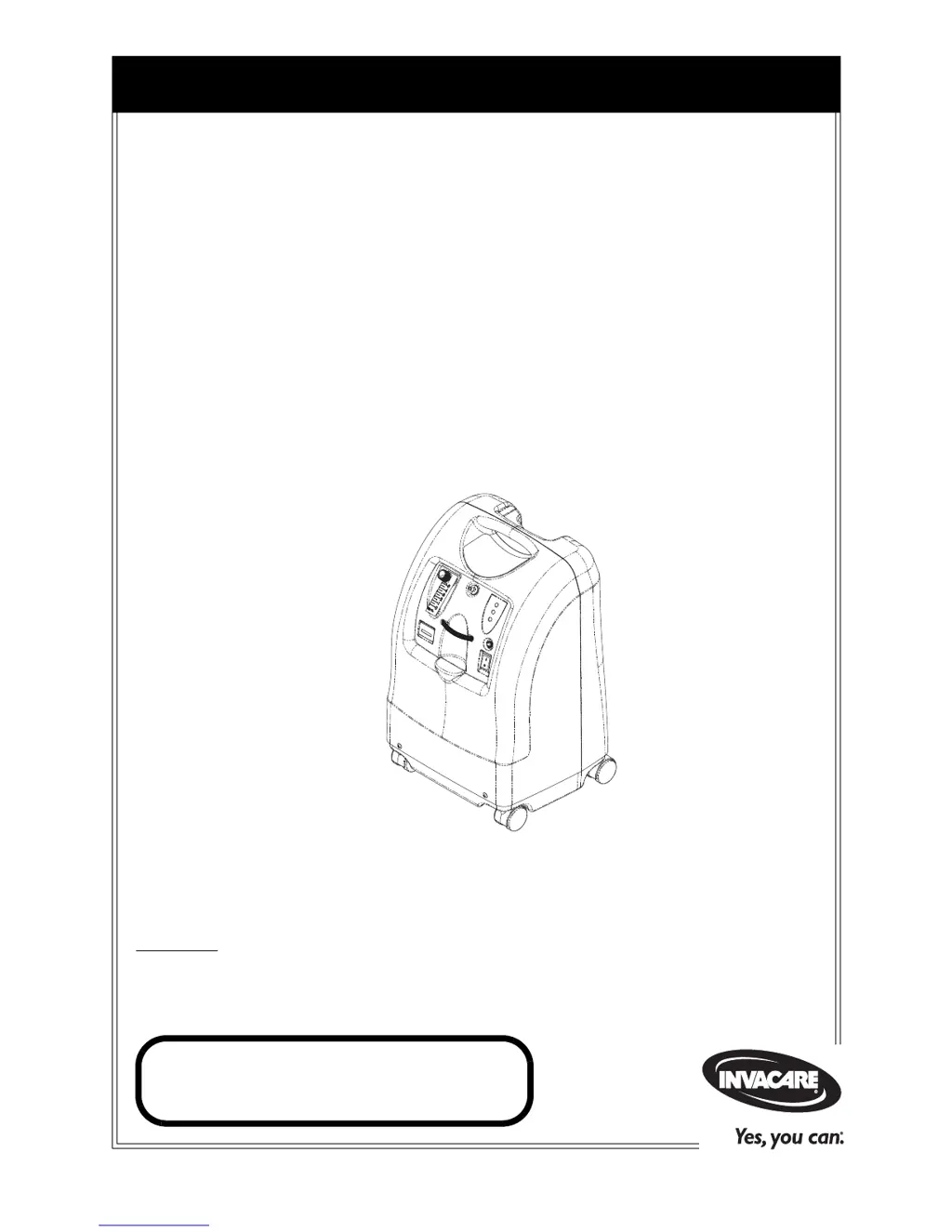
Service Manual
DEALER: Keep this manual. The procedures in this manual MUST be
performed by a qualified technician.
For more information regarding
Invacare products, parts, and services,
please visit www.invacare.com
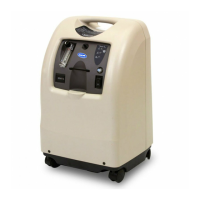
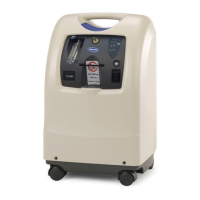
Perfecto
2
Oxygen Concentrator
(HomeFill
®
Compatible)
Model IRC5PO2 (Sensored)
Model IRC5P (Non-Sensored)

Table of Contents

Other manuals for Invacare IRC5PO2

Questions and Answers

  • S
    Sara OrtizJul 31, 2025
    What to do if Invacare IRC5PO2 has power loss and internal status indicators are off?
    • C
      cardenasdavidJul 31, 2025
      If your Invacare Medical Equipment experiences a power loss, with both the red and green internal status indicators off, ensure the unit is plugged in. Turn the power switch to the ON position (I /) to begin recharging the device.
  • L
    Leslie GloverAug 12, 2025
    Why is my Invacare IRC5PO2 beeping continuously?
    • C
      Christian BlairAug 12, 2025
      If your Invacare Medical Equipment is alarming continuously with a 'Beeeeeeeep...' sound while the power switch is on, and the concentrator isn't operating, here's what you can check: * Overheating: The unit might be overheating due to a blocked air intake. Remove and clean the cabinet filters. Also, ensure the oxygen concentrator is at least three inches away from walls, draperies, or furniture. * Insufficient power: Avoid using extension cords. Try moving the equipment to another electrical outlet or circuit.
  • D
    Devon WeberAug 18, 2025
    What to do if Invacare IRC5PO2 is beeping rapidly?
    • P
      Pamela OconnellAug 18, 2025
      If your Invacare Medical Equipment is emitting a rapid beeping alarm, consider the following: * Check for any kinks or blockages in the tubing, cannula, or humidifier. Correct any issues, clean or replace the item, and then turn the power off for 60 seconds before turning it back on. * Verify the flowmeter setting. If it's set at 0.5 L/min for Perfecto 5, reset it to the prescribed flow rate. If the prescribed flow rate is below 0.5 L/min, use the Pediatric Flowmeter IRCPF16 (Only with Perfecto 5).
  • T
    Tina HaleyAug 25, 2025
    Why does my Invacare IRC5PO2 Medical Equipment beep shortly and then pause?
    • C
      Cindy MartinAug 25, 2025
      If your Invacare Medical Equipment is emitting short beeps followed by a long pause, here are a few things to check: 1. Power cord: Ensure the power cord is properly plugged into the outlet. 2. Outlet power: Verify that the outlet has power. Inspect house circuit breakers or fuses. If the problem continues, try using a different outlet.
  • N
    Nicole CopelandNov 5, 2025
    What to do if Invacare IRC5PO2 shows a YELLOW or RED light?
    • P
      phillipsamandaNov 5, 2025
      If the Invacare Medical Equipment displays a YELLOW or RED light, accompanied by a continuous alarm (on RED light only for 5PO models), several factors could be responsible: * Low oxygen purity: In this case, try cleaning or replacing the filters. * Kinked or blocked tubing, cannula, or humidifier: Inspect these components for any obstructions, correct the issue, and clean or replace the affected item. After doing so, switch the power off for 60 seconds before turning it back on. * Incorrect flowmeter setting: Ensure the flowmeter is set to 1.0 L/min or higher. Refer to the guidelines for optimal performance. * Overheating: Clear cabinet filters and ensure the concentrator is at least three inches away from walls, draperies, or furniture. * Insufficient power: Avoid using extens...

Summary

Perfecto, Parts Compatibility

SECTION I-IMPORTANT SAFEGUARDS

Important Safeguards

General safety instructions for installation, assembly, and operation.

SPECIAL NOTES

Signal Words Definitions

Explains DANGER, WARNING, CAUTION signal words used in the manual.

DANGER Notice

Warning about smoking and ignition sources near oxygen.

FEATURES

Front View

Identifies key components visible on the front of the unit.

Accessories

Lists optional accessories for the concentrator.

TYPICAL PRODUCT PARAMETERS

Electrical Requirements

Details power specifications like voltage and current.

Output Concentration Levels

Specifies oxygen purity percentages at different flow rates.

Safety System

Lists the integrated safety features and alarms.

Model Indicators

Explains indicator lights for SensO2 and non-SensO2 models.

SECTION 2-INSTALLATION;SEQUENCE OF OPERATION

Verification of Battery Free Power Loss Alarm

Procedure to check the power loss alarm functionality.

Sequence of Operation

Describes the step-by-step process of the unit's operation.

SensO2 Oxygen Sensor Technology

Explains the technology behind the oxygen sensor.

Operating Sequence

Details the startup sequence and sensor warm-up.

SECTION 3-PNEUMATIC DIAGRAM

SECTION 4-TROUBLESHOOTING

Power Issues

Troubleshoot unit not powering on or losing power.

Pressure Issues

Address low/high pressure conditions and alarms.

Component Failures

Diagnose issues with valves, compressor, and other parts.

Concentration and Alarm Issues

Troubleshoot low concentration and sensor alarms.

SECTION 5-CABINET

Removing Cabinet

Step-by-step guide to remove the unit's outer cabinet.

SECTION 6-PREVENTIVE MAINTENANCE

Filter Maintenance

Covers cleaning cabinet filter and replacing HEPA filters.

Component Maintenance

Includes muffler replacement and heat exchanger cleaning.

Maintenance Schedule and Record

Outlines recommended service intervals and a record log.

SECTION 7-COMPRESSOR

Replacing Compressor Assembly

Procedure to replace the entire compressor unit.

Rebuilding the Compressor

Detailed instructions for rebuilding the compressor.

SECTION 8-P.E. VALVE

Replacing P.E. Valve

Procedure to replace the Pressure Equalization valve.

SECTION 9-SIEVE BEDS

Replacing Sieve Beds

Instructions for replacing the sieve bed assemblies.

SECTION 10-CHECK VALVES

Replacing Check Valves

Procedure to replace the one-way check valves.

SECTION 11-REGULATOR

Replacing Regulator

Steps to replace the pressure regulator assembly.

Adjusting Regulator

Guide for setting the correct output pressure.

SECTION 12-HEAT EXCHANGER ASSEMBLY

Replacing Heat Exchanger Assembly

Procedure to replace the heat exchanger.

SECTION 13-CONTROL PANEL

Removing Control Panel

Instructions for removing the main control panel.

SECTION 14-COOLING FAN

Replacing Cooling Fan

Procedure to replace the unit's cooling fan.

SECTION 15-P.C. BOARD

Replacing P.C. Board

Steps for replacing the Printed Circuit board.

SECTION 16-TRANSFORMER

Replacing the Transformer

Procedure to replace the power transformer.

SECTION 17-ON;OFF SWITCH

Replacing On;Off Switch

Steps to replace the main power switch.

SECTION 18-FLOWMETER

Replacing Flowmeter

Procedure to replace the unit's flowmeter.

SECTION 19-HOUR METER

Replacing Hour Meter

Steps to replace the hour meter.

SECTION 20-4-WAY VALVE;MANIFOLD ASSEMBLY

Replacing 4-Way Valve and;or Manifold Assembly

Procedure to replace the 4-way valve or manifold assembly.

Replacing Pilot Valve Poppets and O-Rings

Instructions for replacing pilot valve components.

SECTION 21-PURITY INDICATORS

Alarm and Indicator Lights

Explains SensO2 and LX model indicator lights and alarms.

SECTION 22-TIMING

Autotuning

Procedure for automatic timing adjustment.

Manual Tuning

Procedure for manual adjustment of timing settings.

SECTION 23-LEAK TEST

Leak Test

Method to check for pneumatic leaks in the system.

4 Way Valve Function Test

Tests the operation and leakage of the 4-way valve.

SECTION 24-ALARM TEST

Power Loss Alarm Test

Procedure to test the power loss alarm.

Low Pressure Alarm Test

Procedures to test low pressure alarms.

High Pressure and Sensor Alarms

Tests for high pressure and oxygen sensor alarms.

Diagnostic Alarm System Overview

Table of alarm codes, flashes, and causes.

SECTION 25-SIEVE BED PRESSURE CHECK

Sieve Bed Pressure Testing Procedure

Steps for disassembly and pressure testing sieve beds.

LIMITED WARRANTY

Invacare IRC5PO2 Specifications

General IconGeneral
BrandInvacare
ModelIRC5PO2
CategoryMedical Equipment
LanguageEnglish

Related product manuals