Part No. 1114822 23 Tilt/Recline Seating Systems®
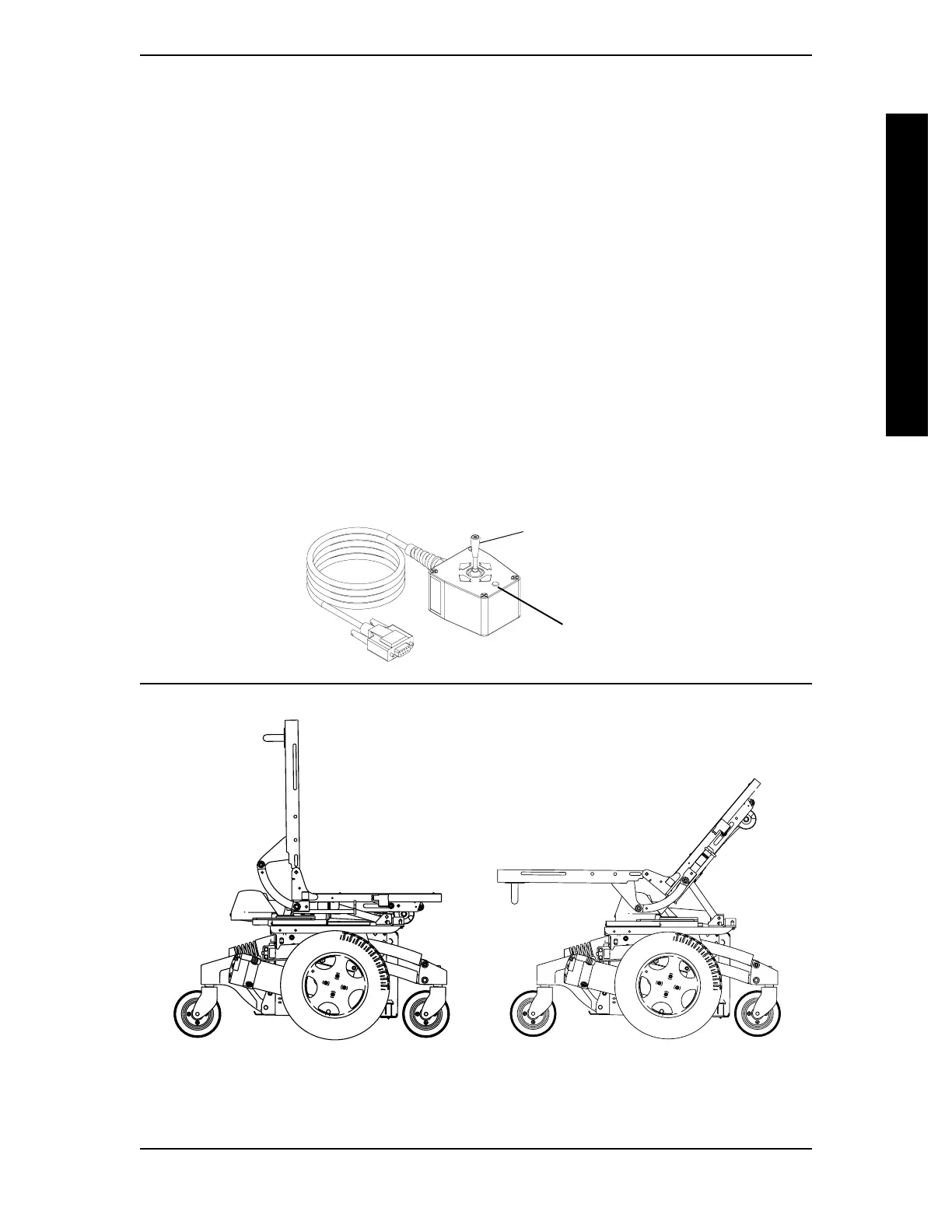
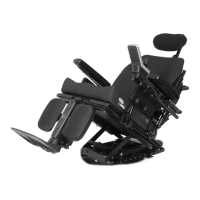
FIGURE 1 - OPERATING TILT/RECLINE SYSTEMS
TILT/RECLINE SECTION 5
INCREASING/DECREASING RECLINE ANGLE
NOTE: The recline angle range is from 95
o
to 175
o
with a 5
o
seat-to-floor angle. The recline angle
range is from 90
o
to 175
o
with a 0
o
seat-to-floor angle.
1. Make sure the wheelchair is on a level surface.
2. Pull four-way toggle switch back towards the rear of the wheelchair until desired
recline angle is achieved.
NOTE: If the wheelchair is equipped with switch options, scan to the correct ECU or Auxiliary
Mode, then activate the control device in the corresponding reverse direction to operate the
recline function. Refer to MK5 EX and MK5 TT-EX ELECTRONICS OWNERS/SERVICE MANUAL,
part number 1114808, for complete switch option operating instructions.
3. Release four-way toggle switch to neutral position.
NOTE: The four-way toggle switch will alternate functions (increase recline angle, decrease
recline angle) after it has been released to the neutral position for a minimum of one (1) second.
NOTE: Refer to MK5 EX and MK5 TT-EX ELECTRONICS OWNERS/SERVICE MANUAL, part
number 1114808 for complete four-way toggle switch operating instructions.
TILT/RECLINE COMBINATION
TILT/RECLINE
Four-Way Toggle
Switch (Shown in
Neutral Position)
LED






 To Next Page