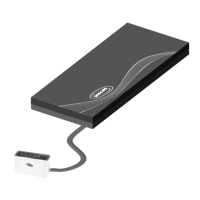
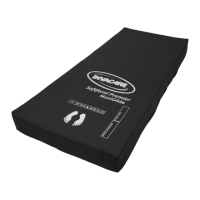
Invacare®SoftformPremierActive2withRXpump
5.2Controlunitmenudisplay
Overview
Pos.
DescriptionFunction
A
Mutebutton
Therelevantaudible/visibleindicatorturnsonwhenlowpressure,
powerfailureoralternatefailureisrecognised.Tomutetheaudible
signal,presstheMutebutton.Thevisibleindicatorwillashuntilthe
problemissolved.Iftheproblemindicatedhasnotbeensolvedwithin
10minutes,theindicatorwillsoundagain.PresstheMutebuttonto
mutetheaudibleindication,theindicatorwillnotsoundagain.Referto
chapter8Troubleshooting,page22.
B
Systemincycle/Setupindicator
(OperativeLED)
GreenLEDindicatorasheswhilstsystemissettingup–SolidgreenLED
indicatesnormaloperational.
C
Alternatingsystem/Timingfailure
indicator
RedLEDindicatorashesandaudiblebuzzersoundsifthesystem
recognisesacycletimeproblem.
14
1632862-A



 To Next Page