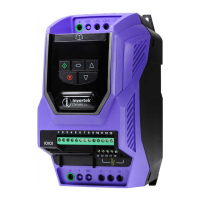
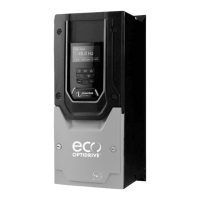
SERVICE MANUAL ODP-2/HVAC FRAME SIZE 3
Page 3 of 10
IP20 drive disassembly procedure
Cover removal procedure
Remove pluggable terminal
connector by pulling the
connector away from the drive in
the direction highlighted
Remove option cover plate if
fitted by pulling the cover away
from the drive in the direction
highlighted
Place the drive on a surface that
will prevent damage to the
plastics
Place your fingers into the option
port ensure you touch the plastics
only, lift the plastic away from the
drive in the direction highlighted
Caution do not touch the pins
on the option connector within
the drive as they are fragile



 To Next Page
 Loading...