Version 1.00 | Optidrive CoolVert User Guide | 41www.invertekdrives.com
5
Diagnostics
5.2. Status LED Indication
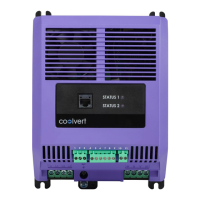
Two LEDs are used to indicate the drive status as follows:
Drive Status
LED 1 Status LED2 Status
Green Red Yellow
Stop / Inhibit Slow flashing Off Off
Running Constant On Off Slow flashing if in overload
Standby Constant On Off Blink every 3s
Trip / Fault Off Constant On Off
Internal Comms Loss Off Blink every 3s Off
Optistick Transfer Pass Fast Flashing 2s Off Off
Optistick Transfer Fail Off Fast Flashing 5s Off
Optistick Fail Other Off Off Fast Flashing 5s
DSP Firmware Upgrade All three LEDs lights up in order (Green->Yellow->Red->Yellow…)
IO Firmware Upgrade All LEDs on with weak light


 To Next Page