EasyManua.ls Logo

Invertek Optidrive E3 - User Manual

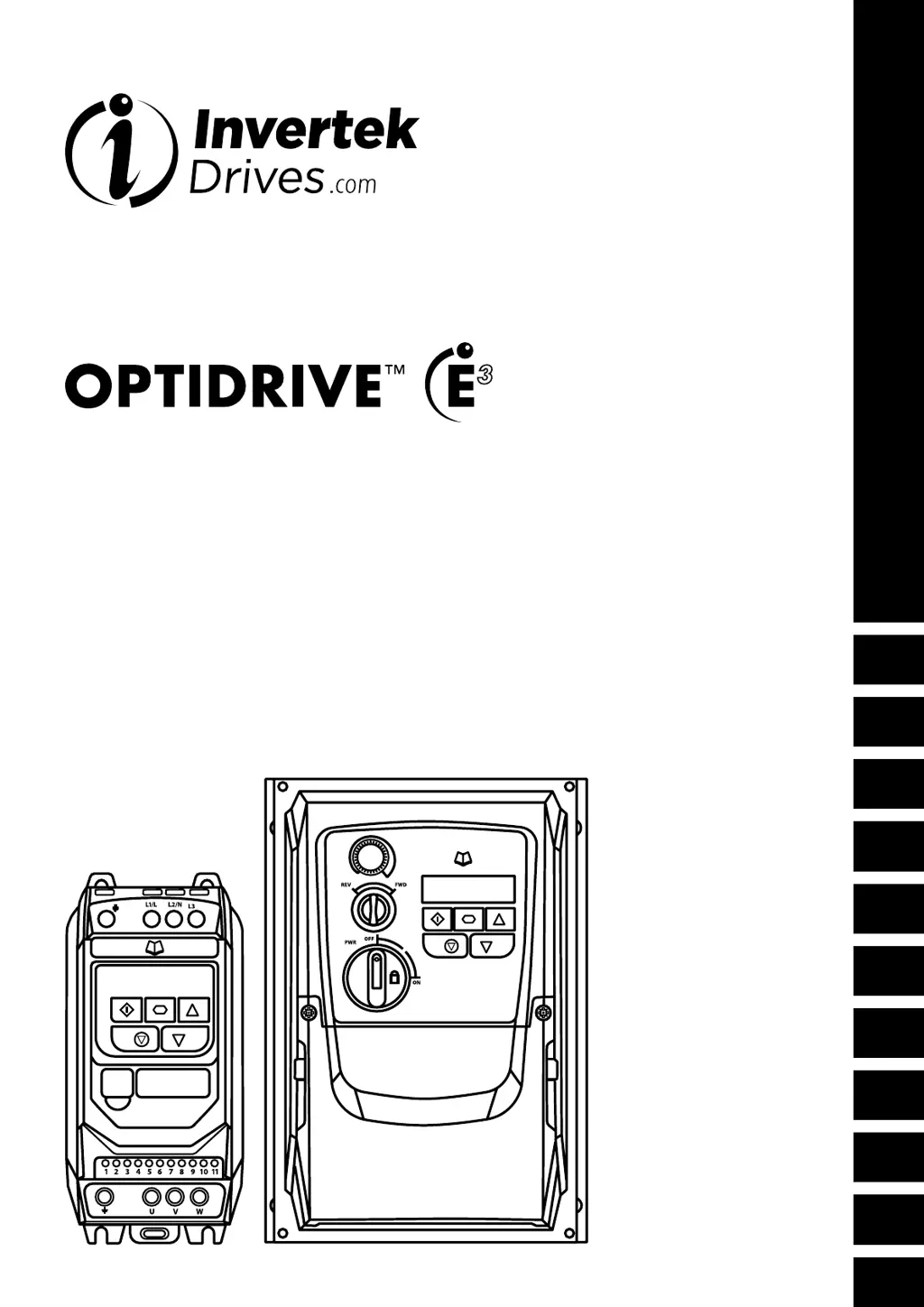
Invertek Optidrive E3
40 pages
Print Icon
To Next Page IconTo Next Page
Loading...
1
2
3
4
5
6
7
8
9
10
Troubleshooting
0
AC Variable Speed Drive
IP20 & IP66 (NEMA 4X)
0.37kW 22kW / 0.5HP 30HP
110 480V 3 Phase Input
1
2
3
4
5
6
7
8
9
10
User Manual
Quick Start Up
General Information
and Ratings
Mechanical Installation
Power & Control Wiring
Operation
Parameters
Analog and Digital Input
Macro Configurations
Modbus RTU
Communications
Technical Data
Troubleshooting

Table of Contents

Questions and Answers

Summary

Quick Start Up

Important Safety Information

Crucial safety warnings and precautions for installation and operation.

Quick Start Process

Step-by-step guide for setting up the drive for basic operation.

Quick Start Overview

Visual guide to basic connection and operation for IP20/IP66 drives.

Mechanical Installation

General

General guidelines for mounting the Optidrive safely and effectively.

Mechanical Dimensions and Mounting - IP20 Open Units

Dimensions and mounting instructions for IP20 drives.

Guidelines for Enclosure Mounting - IP20 Units

Best practices for mounting IP20 drives within enclosures for optimal cooling.

Power & Control Wiring

Connection Diagram

Visual representation of power and control wiring for different drive types.

Protective Earth (PE) Connection

Essential information on grounding procedures and safety.

Incoming Power Connection

Details on connecting the main power supply to the drive.

Motor Connection

Guidance on connecting the motor to the Optidrive.

Control Terminal Connections

Detailed mapping of control terminals to signals and functions.

EMC Compliant Installation

Guidelines for installing the drive to meet EMC standards.

Operation

Managing the Keypad

Explanation of the keypad buttons and their functions.

Changing Parameters

Step-by-step process for modifying drive parameters.

Parameters

Standard Parameters

Explains basic drive parameters for setup and control.

Primary Command Source

Selects how the drive receives control commands (keypad, terminal, fieldbus).

Motor Control Mode

Selects the motor control method (V/f, Vector, etc.).

Analog and Digital Input Macro Configurations

Overview

Introduces macro approach for input configuration and key parameters.

Macro Functions - Terminal Mode (P-12 = 0)

Macro configurations for terminal control mode.

Macro Functions - Keypad Mode (P-12 = 1 or 2)

Macro configurations for keypad control mode.

Macro Functions - Fieldbus Control Mode (P-12 = 3, 4, 7, 8 or 9)

Macro configurations for fieldbus control modes.

Example Connection Diagrams

Illustrative diagrams for various input signal connections.

Modbus RTU Communications

Modbus Register Map

Table of Modbus registers for controlling and monitoring the drive.

Technical Data

Rating Tables

Tables detailing drive ratings, cable sizes, and fuse recommendations.

Troubleshooting

Fault Code Messages

List of fault codes, their descriptions, and suggested remedies.

Summary

Quick Start Up

Important Safety Information

Crucial safety warnings and precautions for installation and operation.

Quick Start Process

Step-by-step guide for setting up the drive for basic operation.

Quick Start Overview

Visual guide to basic connection and operation for IP20/IP66 drives.

Mechanical Installation

General

General guidelines for mounting the Optidrive safely and effectively.

Mechanical Dimensions and Mounting - IP20 Open Units

Dimensions and mounting instructions for IP20 drives.

Guidelines for Enclosure Mounting - IP20 Units

Best practices for mounting IP20 drives within enclosures for optimal cooling.

Power & Control Wiring

Connection Diagram

Visual representation of power and control wiring for different drive types.

Protective Earth (PE) Connection

Essential information on grounding procedures and safety.

Incoming Power Connection

Details on connecting the main power supply to the drive.

Motor Connection

Guidance on connecting the motor to the Optidrive.

Control Terminal Connections

Detailed mapping of control terminals to signals and functions.

EMC Compliant Installation

Guidelines for installing the drive to meet EMC standards.

Operation

Managing the Keypad

Explanation of the keypad buttons and their functions.

Changing Parameters

Step-by-step process for modifying drive parameters.

Parameters

Standard Parameters

Explains basic drive parameters for setup and control.

Primary Command Source

Selects how the drive receives control commands (keypad, terminal, fieldbus).

Motor Control Mode

Selects the motor control method (V/f, Vector, etc.).

Analog and Digital Input Macro Configurations

Overview

Introduces macro approach for input configuration and key parameters.

Macro Functions - Terminal Mode (P-12 = 0)

Macro configurations for terminal control mode.

Macro Functions - Keypad Mode (P-12 = 1 or 2)

Macro configurations for keypad control mode.

Macro Functions - Fieldbus Control Mode (P-12 = 3, 4, 7, 8 or 9)

Macro configurations for fieldbus control modes.

Example Connection Diagrams

Illustrative diagrams for various input signal connections.

Modbus RTU Communications

Modbus Register Map

Table of Modbus registers for controlling and monitoring the drive.

Technical Data

Rating Tables

Tables detailing drive ratings, cable sizes, and fuse recommendations.

Troubleshooting

Fault Code Messages

List of fault codes, their descriptions, and suggested remedies.

Invertek Optidrive E3 Specifications

General IconGeneral
Output Voltage0-Input Voltage
Enclosure RatingIP20
Control MethodSensorless Vector Control
Protection FeaturesOvercurrent, Overvoltage, Undervoltage, Overtemperature, Short Circuit
Communication OptionsModbus RTU
Operating Temperature-10°C to 50°C (14°F to 122°F)
Humidity95% RH (non-condensing)
Cooling MethodFan Cooled
Input Voltage200-240V AC (1-phase), 380-480V AC (3-phase)

Related product manuals