OPERATION
22
Pulsar extractor fan | Installation and operation instructions
One Pulsar can be installed up on several mobile devices.
The following requirements must be met:
• The Pulsar must be within range of the mobile
terminal (max. 10 m distance).
• The Bluetooth LE connection must be activated.
• The Pulsar must be displayed as active on the
mobile end device.
• The Pulsar can only be operated with one mobile
end device at a time. Simultaneous operation of the
same Pulsar from several mobile end devices is not
possible. The operation is then carried out by the
device that rst established a connection.
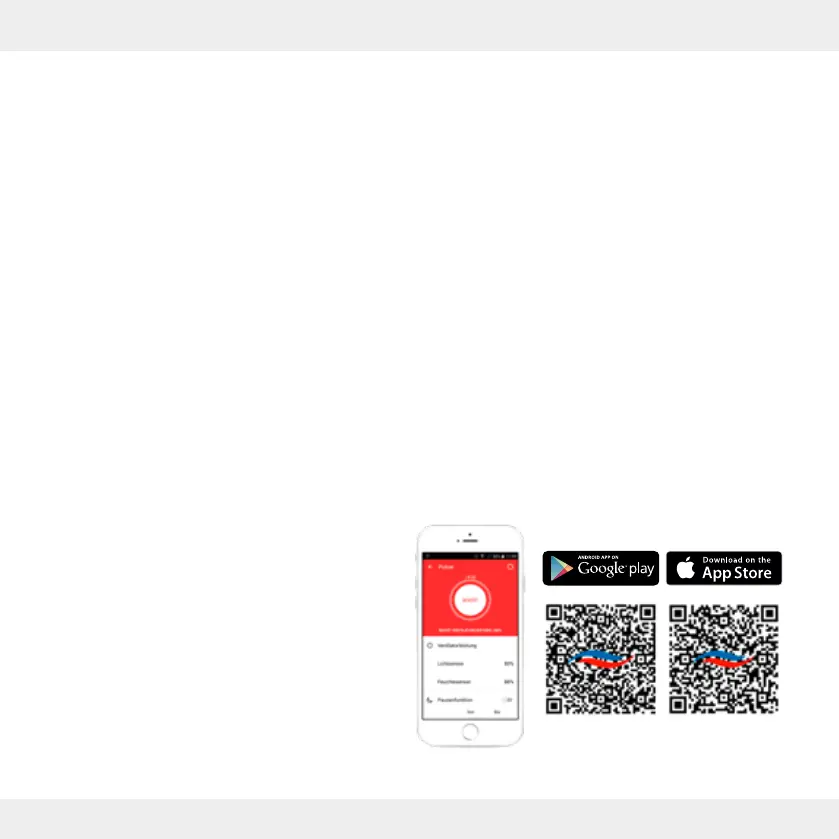
Here you can nd out more about all the possibilities that
inVENTer Mobile oers and can download the app directly:
7 Operation
7.1 Functional scope
The Pulsar extractor fan is operated and controlled via the
inVENTer Mobile application software.
Without app control, only the factory settings are available.
The range of functions of your Pulsar are extended by the
app with the following functions:
Setting of:
• Fan output (sensor-dependent); available in percent,
revolutions per minute or litres per second
• Humidity sensor sensitivity in three stages:
Low – Medium – High; Limit values
• Light sensor sensitivity in three stages:
Low – Medium – High; Limit values
• Run-on time in the range of 5 to 60 minutes
• Switch-on delay between 5 and 10 minutes
• Boost function
• Intelligent pause function:
1 time per day you can run your Pulsar for a freely
selected period of time either OFF (only possible
if no continuous ventilation is set) or at minimum
power (continuous ventilation).
• Interval operation:
If interval operation is activated, Pulsar runs once
every 12 hours for 30, 60 or 90 minutes at maximum
speed.
Note: The sensors are switched with priority. If the
Pulsar has been activated by sensors in the mean-
time, the interval is shifted backwards accordingly.
• Continuous ventilation
• Temperature settings in the range from
15 to 35 °C when used as an overow fan


 To Next Page