Panther Instrument User Manual V1.0
Pioneering Gas Sensing Technology. Page 10 of 24 ionscience.com/usa
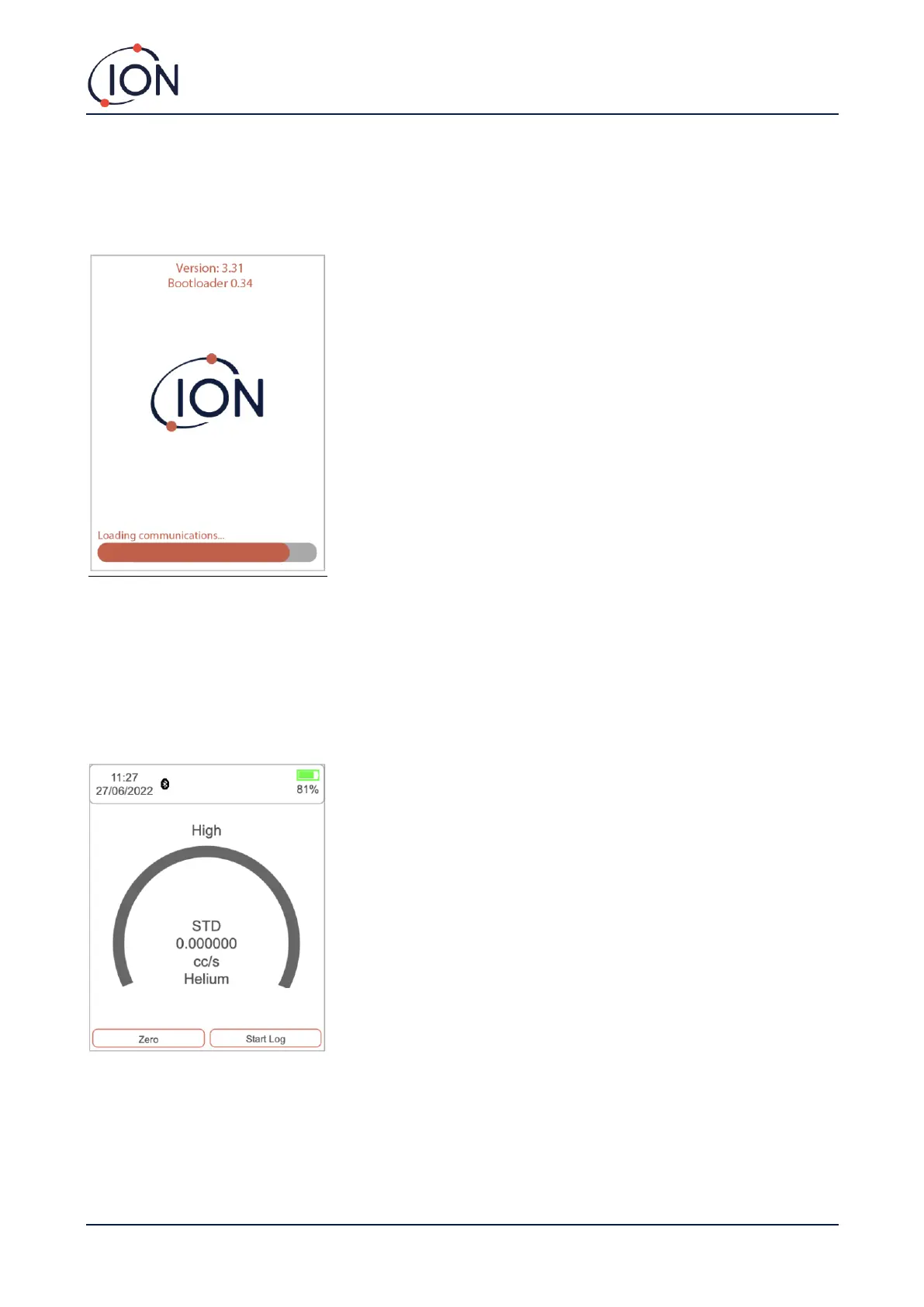
Instrument ‘start up’ routine
When the On / Off button has been held for five seconds the Panther will switch on, it will start up the pump, load
configurations, load user settings, load previous calibrations, load the operating system, zero the instrument and load
the communications.
Instrument Main Screen
Once the instrument has run through its 'Start up' routine it will display its normal 'Instrument Main Screen' used
when locating gas leaks. Before using the instrument, the various settings should be set and adjusted to suit the
application.



 To Next Page