Panther Instrument User Manual V1.0
Pioneering Gas Sensing Technology. Page 13 of 24 ionscience.com/usa
Main Menu
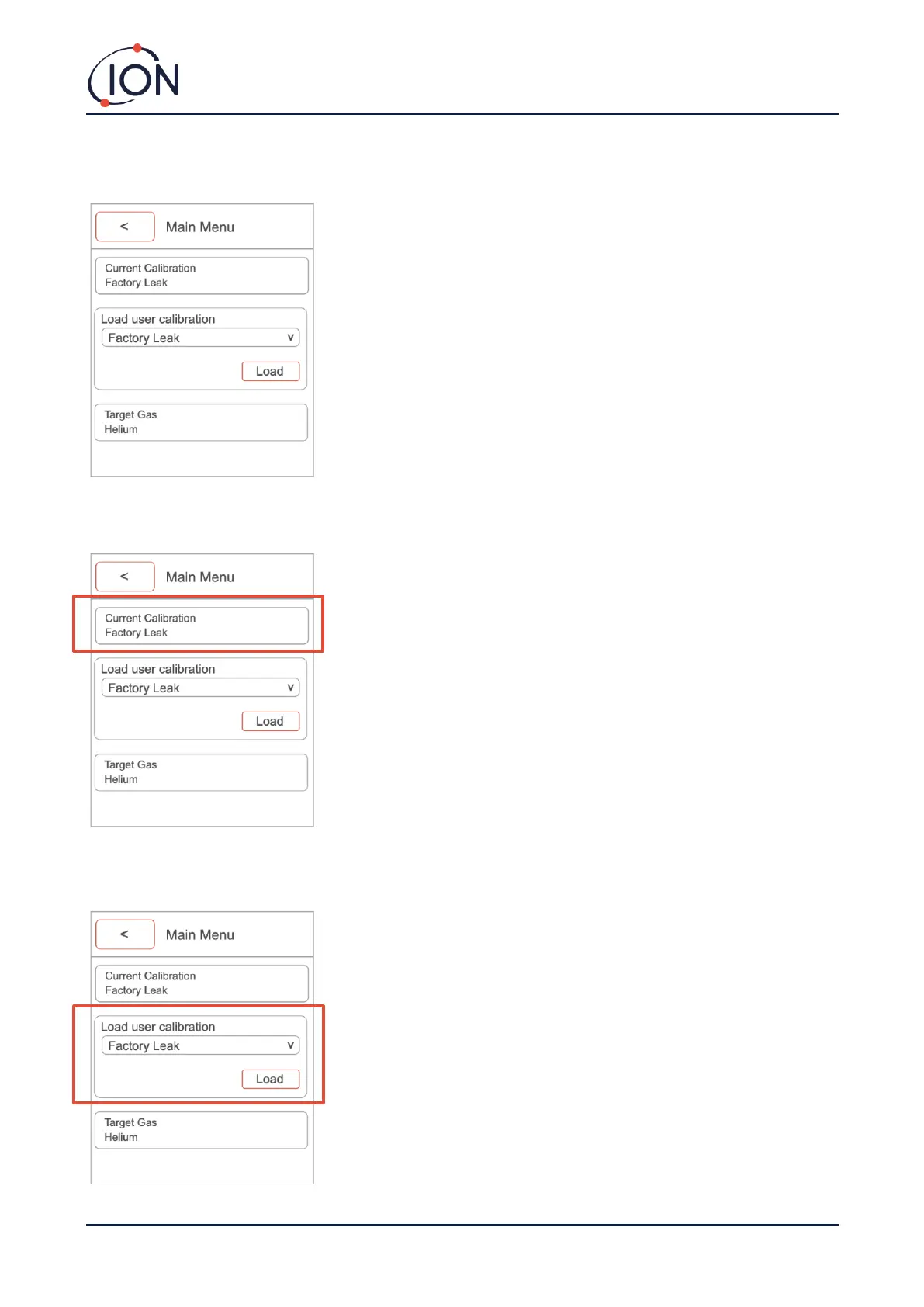
To access the main menu, click the ‘MENU/SELECT’ button while on the main screen.
Current Calibration: The current calibration button provides you with information on when the instrument was last
calibrated, what gas was used, what the concentration was and what the mV response was.
Load user calibration: This option allows you to change between calibrations stored on the instrument. Once you
have selected your required calibration, ensure you press load to update the current calibration.



 To Next Page