Panther Instrument User Manual V1.0
Pioneering Gas Sensing Technology. Page 17 of 24 ionscience.com/usa
Leak calibration: The calibration process for leak calibration is very similar to the calibration process for concentration
calibration (ppm). The leak calibration will ask you to input the calibration gas and the name you would like to save
the calibration as. The difference is that the leak calibration will ask you to input the leak rate (cc/s) of the calibration
gas. Once the pump calibration is complete you will supply the probe with the known leak rate (cc/s) of the calibration
gas.
Expired calibration: Once a user’s calibration has expired, it will appear in the Expired calibrations drop down. The
expired calibrations can be selected. Once selected the calibration can be recreated by clicking ‘Recalibrate’. You can
set when a calibration expires on ION PC (expiration date is defaulted to 12 months).
Pending calibration: Within calibration management you have ‘pending calibration’, this allows you to send
calibration details from ION PC straight to the instrument. See the ION PC User Manual for more details on this.
Deleted calibrations: Delete calibration allows you to delete any custom calibrations that have been saved onto the
instrument.
System Settings
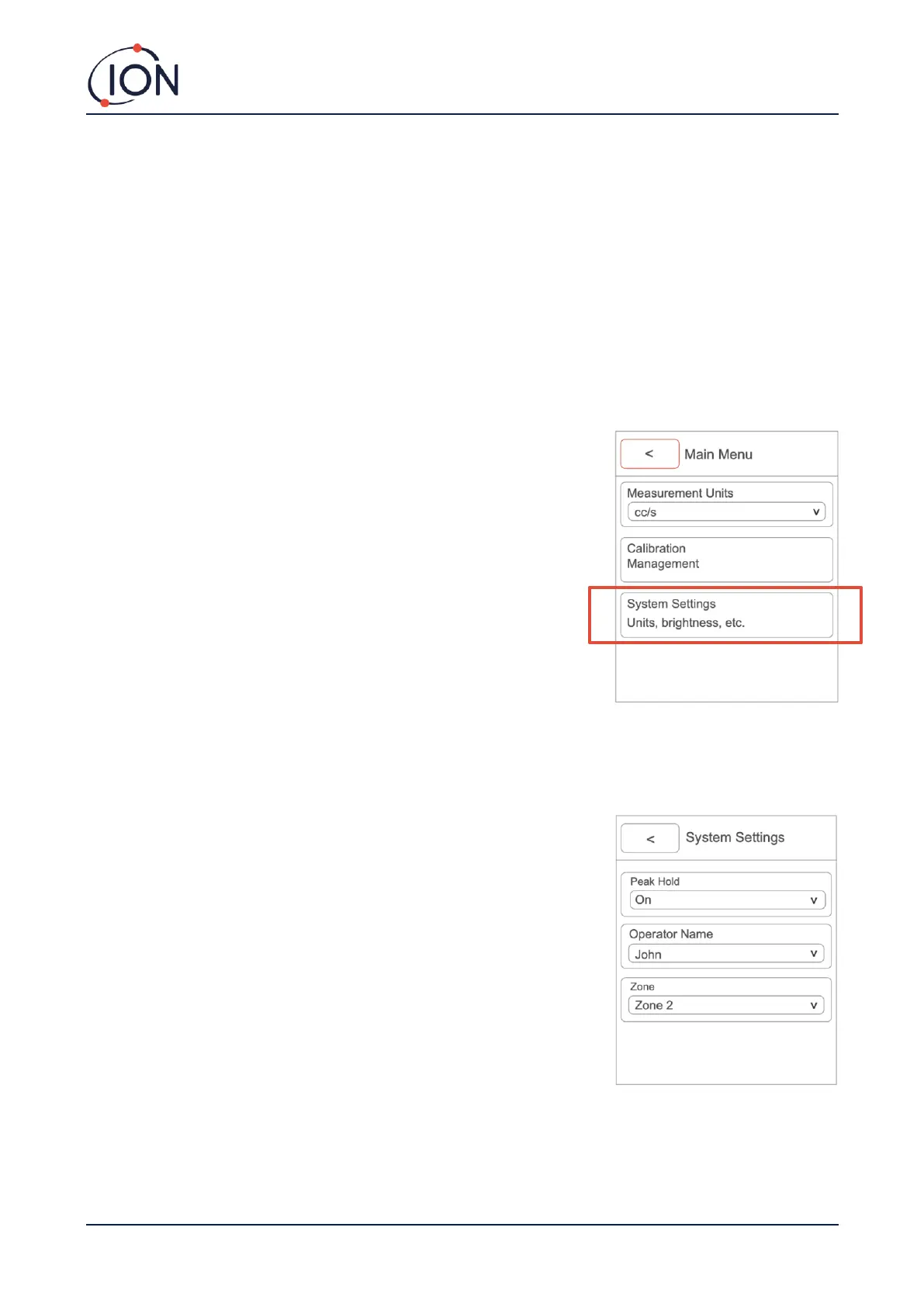
To access system settings, press the ‘MENU/SELECT’ button while on the
instrument main screen. The use the ‘DOWN’ arrow until you reach ‘System
Settings’.
Within the system settings, you can view / adjust the following:
Peak hold:
When the peak hold is turned on the highest peak detected will be held on
the main screen.
The operator’s name:
Using ION PC, you can add and delete instrument operators. Once an instrument
operator has been added, you can then change between operators depending
on who is using the instrument.
This is only available on Panther PRO.
The zone:
The zone is the location of where you are using the instrument. This is only
available on Panther PRO.



 To Next Page