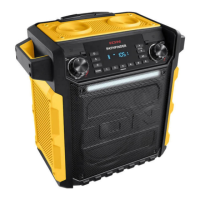
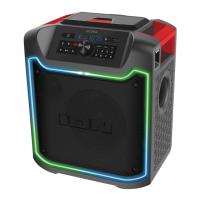
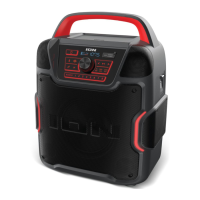
ION Audio Pathfinder
TM
Go User Guide 10
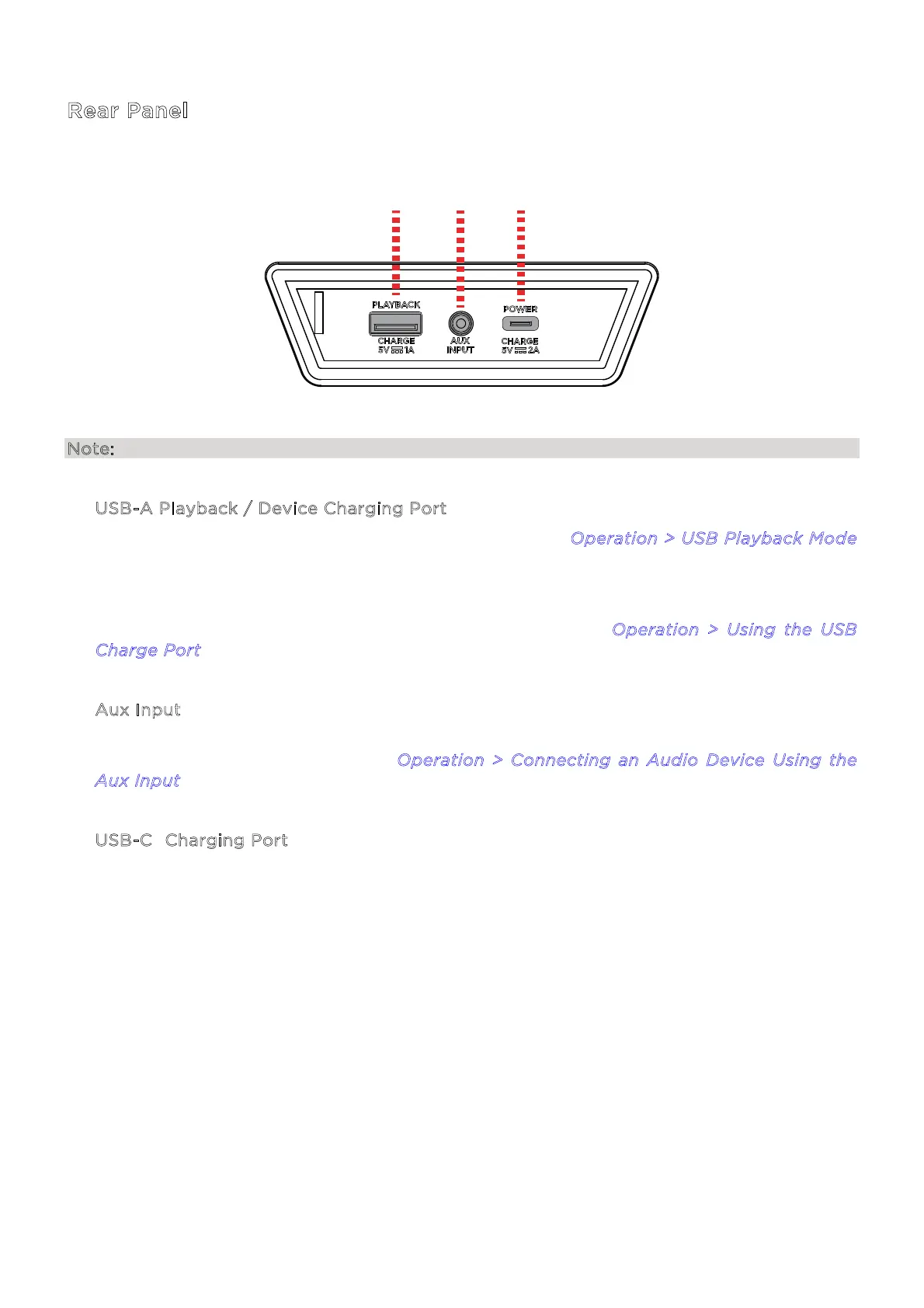
Rear Panel
Note: Pull the tab on the protective rubber panel to release it and access the rear panel ports.
1. U
SB-A Playback / Device Charging Port
Connect a USB drive here for USB mode playback. See O
peration > USB Playback Mode
for more information.
Pathfinder
TM
Go includes a power bank function, which allows you to charge a compatible
5V, 1A smartphone, tablet, or other device using the unit’s internal battery (Capacity:
2000mAh/11.1V 22.2Wh) by connecting a cable here. See O
peration > Using the USB
C
harge Port for more information.
2. A
ux Input
Connect an MP3 or other audio player to Pathfinder
TM
Go here using a 1/8” (3.5 mm)
auxiliary cable (not included). See O
peration > Connecting an Audio Device Using the
A
ux Input for more information.
3. U
SB-C® Charging Port
Connect the USB-C® end of the included cable to Pathfinder
TM
Go here, then connect the
USB-A end to a 5V, 2A USB power adapter (sold separately) and plug it into a power outlet,
or your computer (powered on).
1 2 3


 To Next Page