Page 3-3
CORNERMATIC PLUS
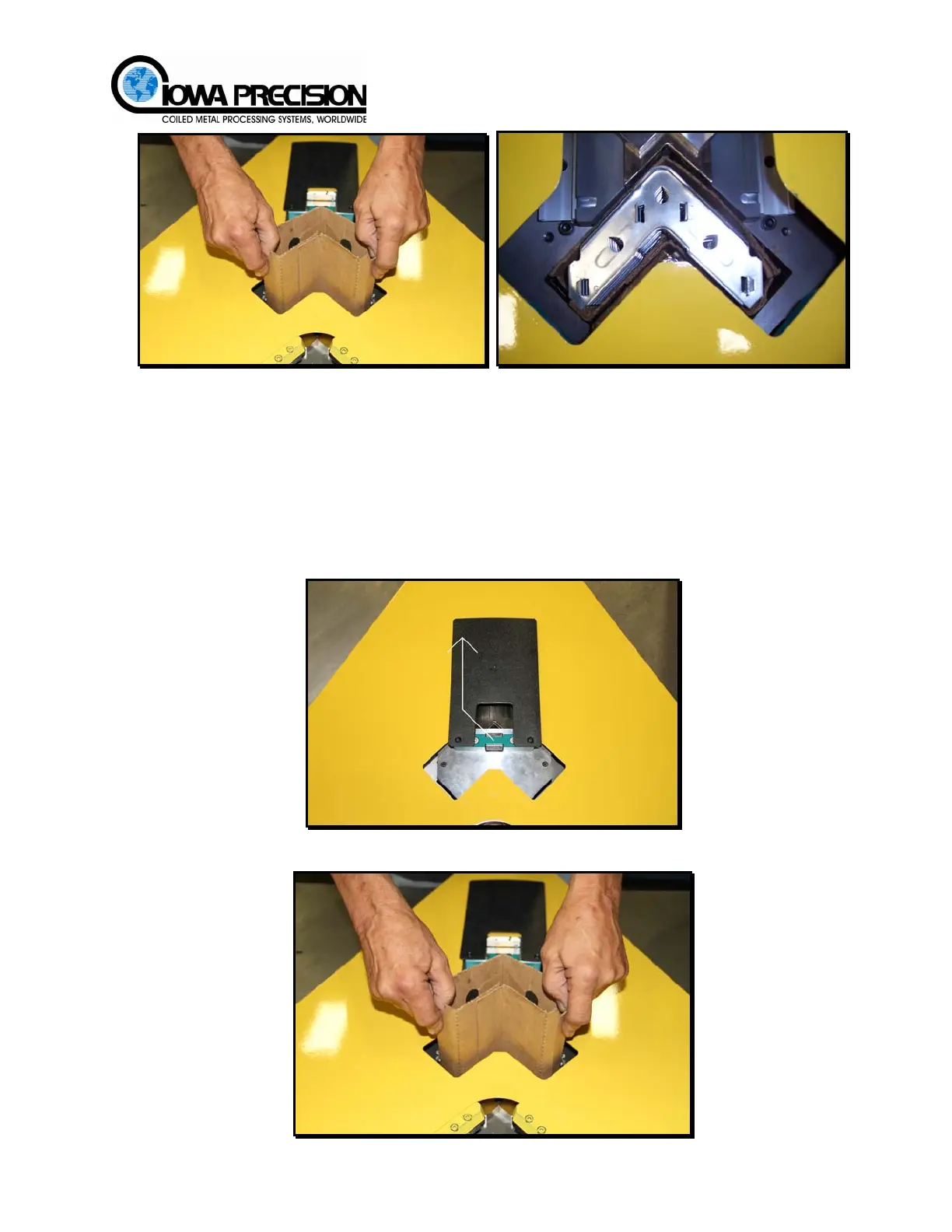
Figure 3-3 Inserting Corners
4. Slide the presser mechanism back over the corners.
5. Re-apply power to the unit.
C. ADDING NEW CORNERS
Once all corners have been used in the pre-packaged sleeve, follow the procedure below.
1. Slide presser cover open to expose empty package. Verify all power has been
removed from the Cornermatic Plus.
2. Remove empty cardboard package.
H. WEISS MACHINERY & SUPPLY
H. WEISS MACHINERY & SUPPLY
PHONE: (718) 605-0395 - www.hweiss.com



 To Next Page