9
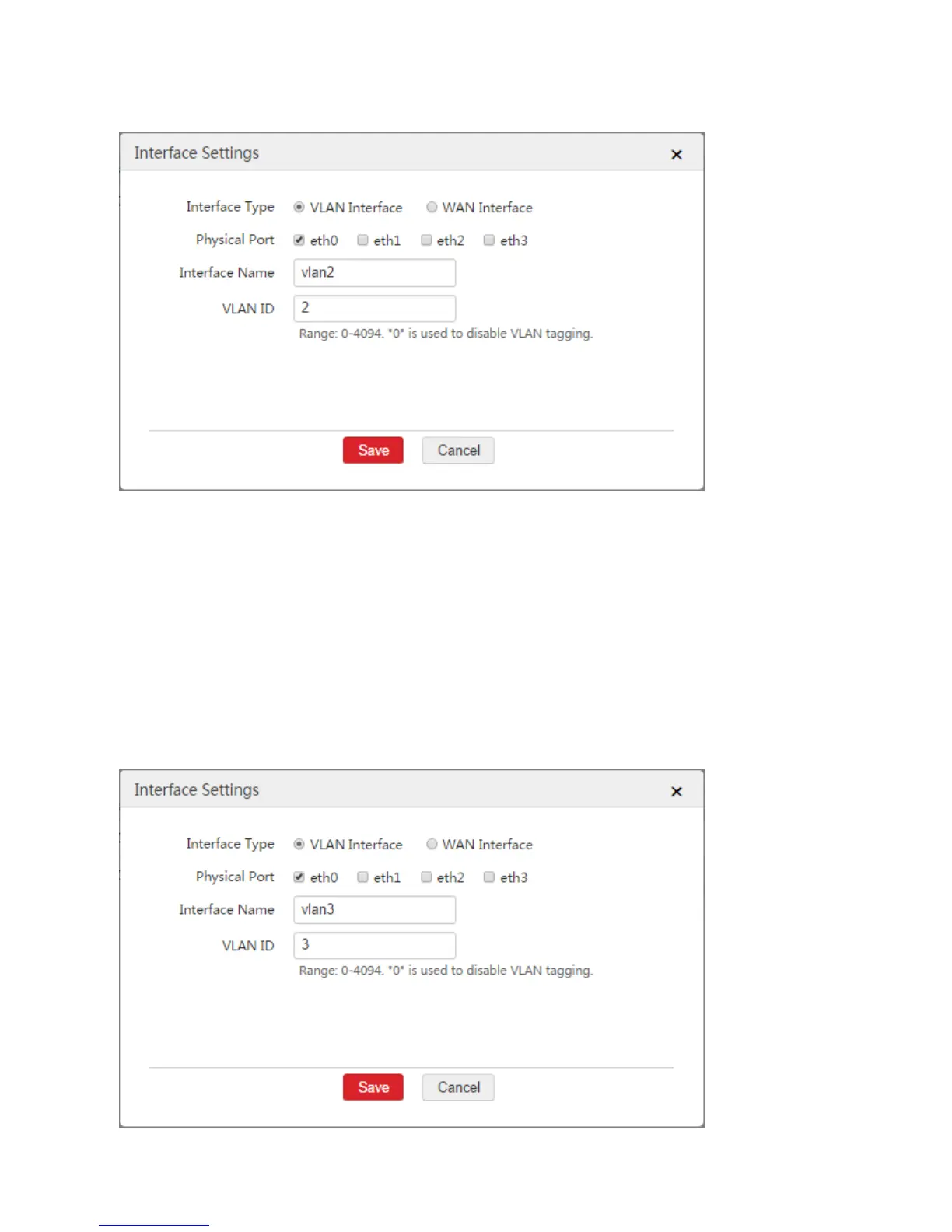
VLAN ID: Enter the ID of the VLAN of AP2, which is "2".
3) Click Save.
3. Configure the VLAN interface used to communicate with AP3.
1) Click Add.
2) Configure the parameters in the window.
Interface Type: Select "VLAN Interface".
Physical Port: Select the physical port connected to the switch, which is "eth0".
Interface Name: Set a name, such as "vlan3".
VLAN ID: Enter the ID of the VLAN of AP2, which is "3".
3) Click Save.



 To Next Page