The default gateway of the AC. You must configure at lease one IP address of a VLAN interface to
belong to the network segment of the gateway so as to make the AC and the gateway communicate
with each other.
The gateway is generally the LAN IP address of the upstream router.
The correct DNS server address or DNS proxy server address. If the upstream router is DNS proxy
server, you can set the primary DNS server as the LAN IP address of the router. Otherwise, contact
the ISP to obtain the correct DNS address.
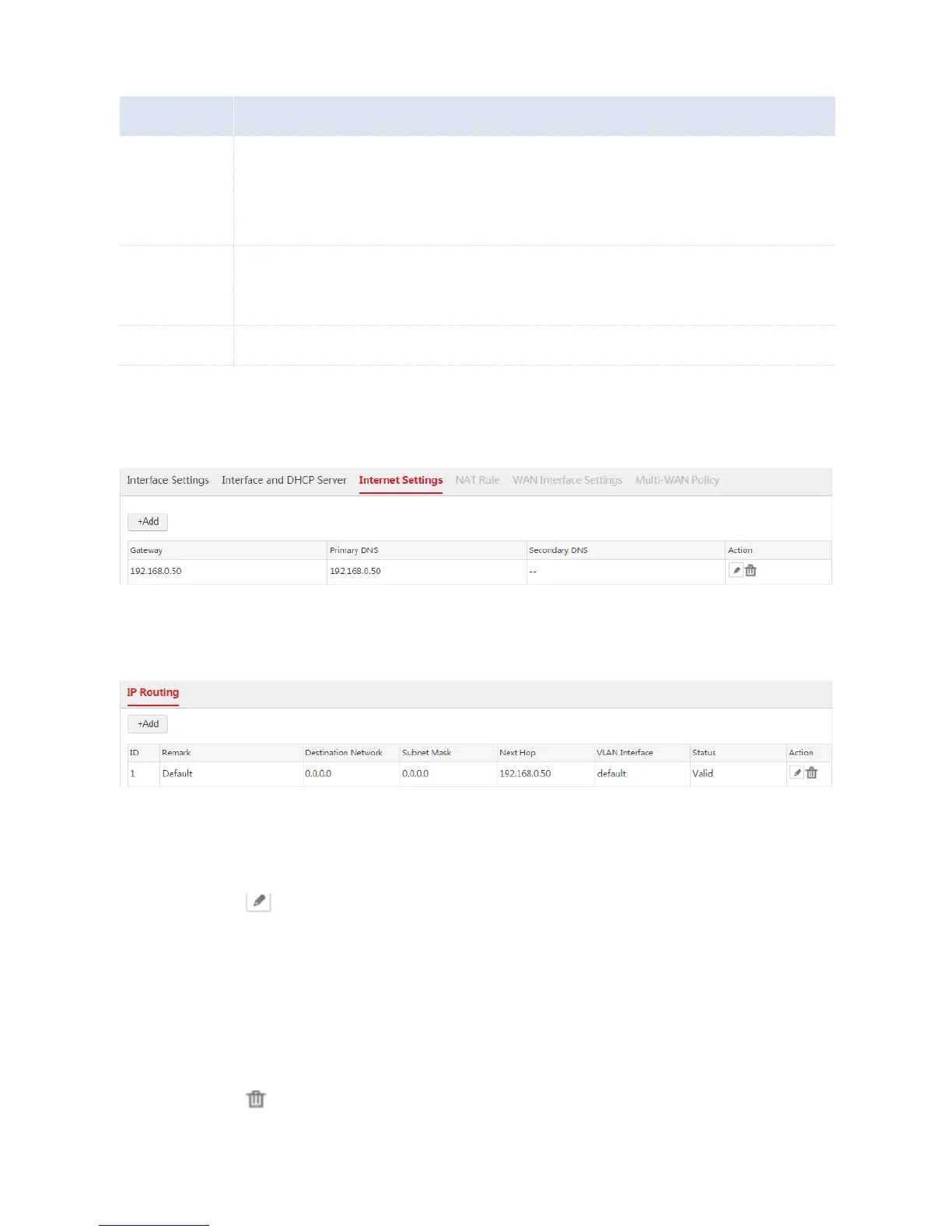
End: After the configuration is complete, you can choose Network Setting > Network Setting >
Internet Settings to view the configured rule. See the following figure.
Besides, the AC generates a default route. You can choose Network Setting > IP Routing to view the
route. See the following figure.
Modifying the Internet Settings
1. Choose Network Setting > Network Setting > Internet Settings.
2. Click the icon on the "Action" column.
3. Configure the parameters in the window.
4. Click Save.
Deleting the Internet Settings
1. Choose Network Setting > Network Setting > Internet Settings.
2. Click the icon on the "Action" column.



 To Next Page