31
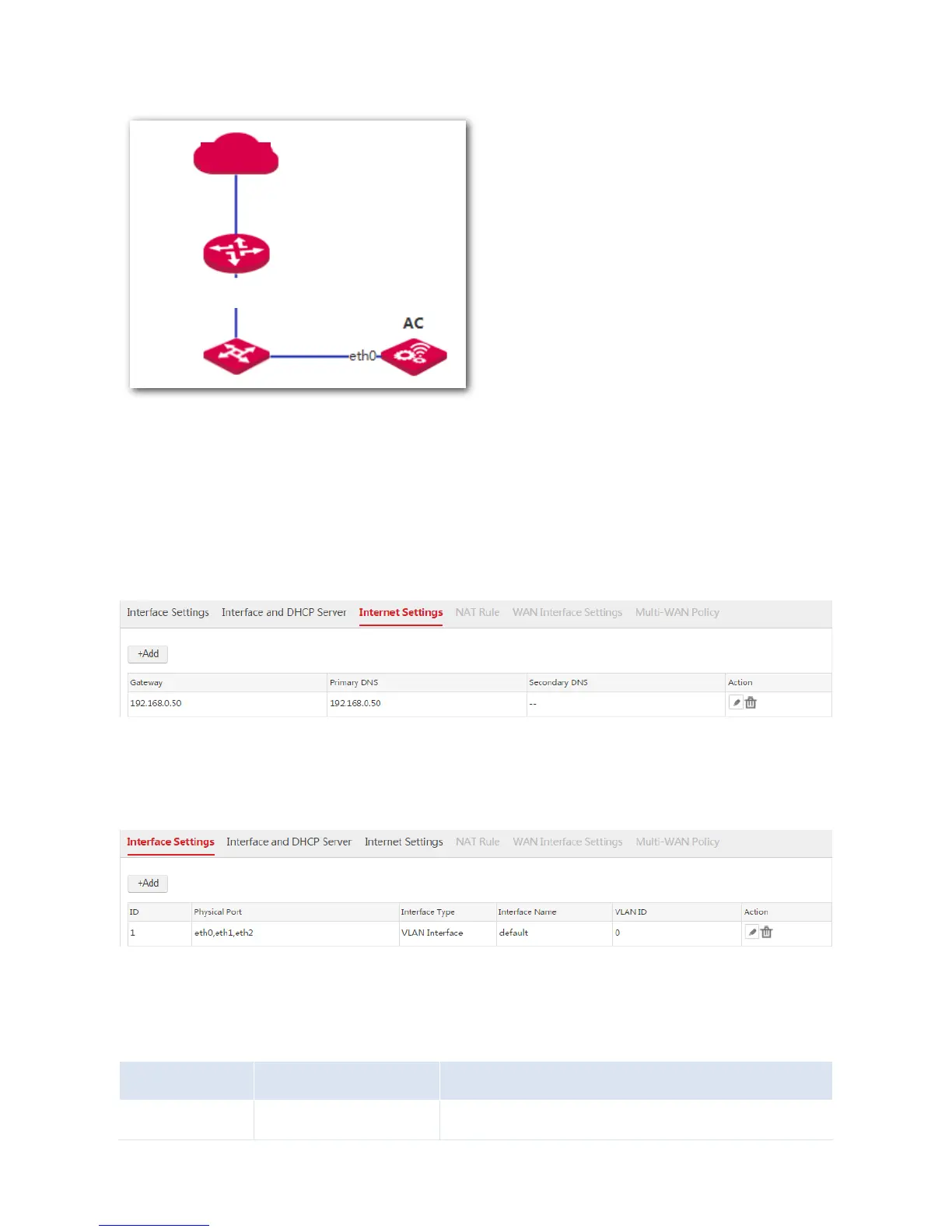
Network Topology
Procedure
To meet the requirements, configure the AC as follows.
1. Choose Network Setting > Network Setting > Internet Settings and configure the following
parameters.
2. Choose Network Setting > Network Setting > Interface Settings to ensure that "eth0" belongs to
VLAN 0.
3. Choose Network Setting > Network Setting > Interface and DHCP Server and create an interface
IP address belonging to the network segment of 192.168.0.50, which is used to communicate with
the gateway of the AC.



 To Next Page