32
Verification
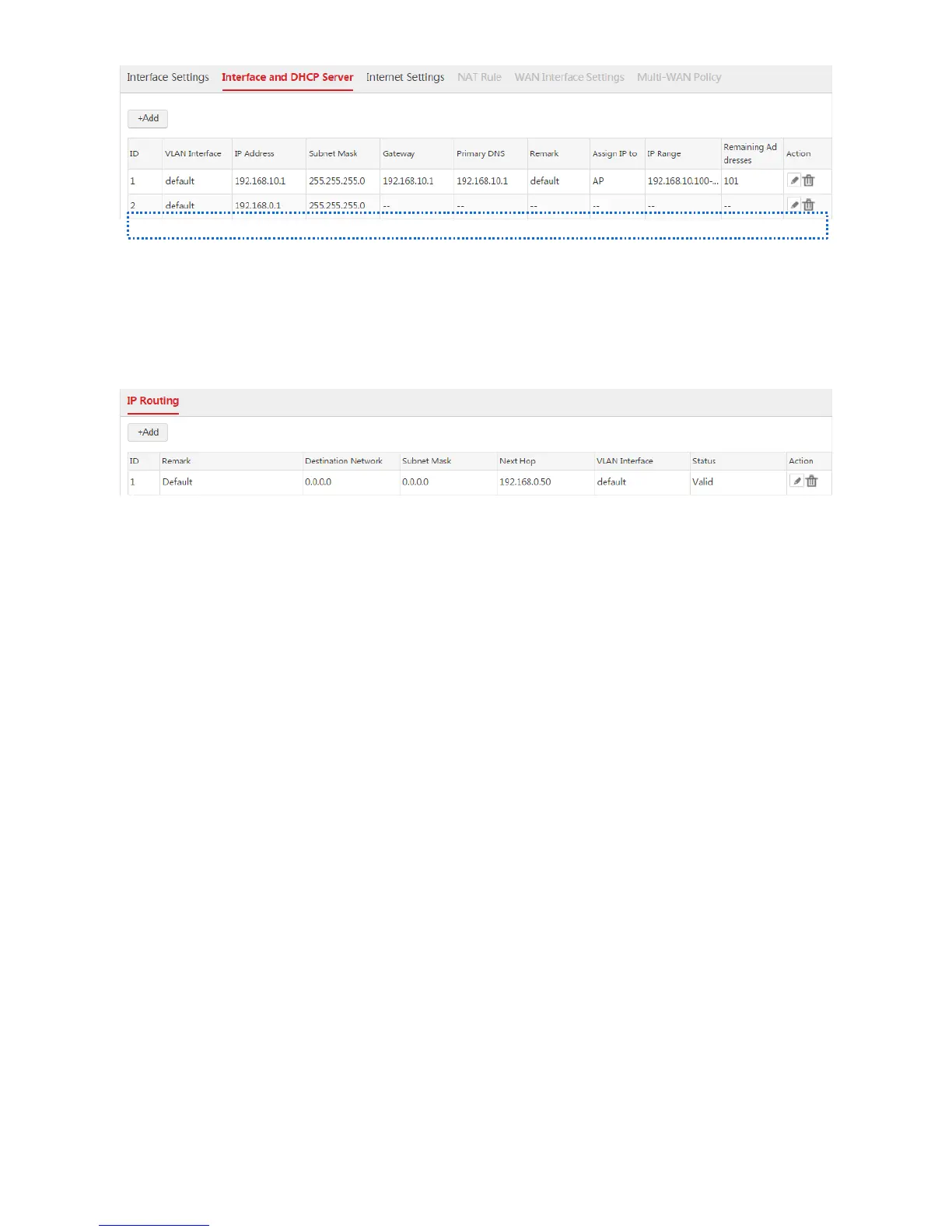
After the configuration is complete, the AC is connected to the internet and synchronizes its system time
with the internet time. The status of the default route is displayed as "Valid". You can choose Network
Setting > IP Routing to view the route.
WAN Interface Is Created
Networking Requirement
To locate network problems more correctly, the network administrator needs to make the AC connect to
the internet to ensure that the system time of the AC synchronizes with the internet time.
Assumption:
The bandwidth provided by the ISP is 50Mbps.
Both the PPPoE user name and password are "Nell".



 To Next Page